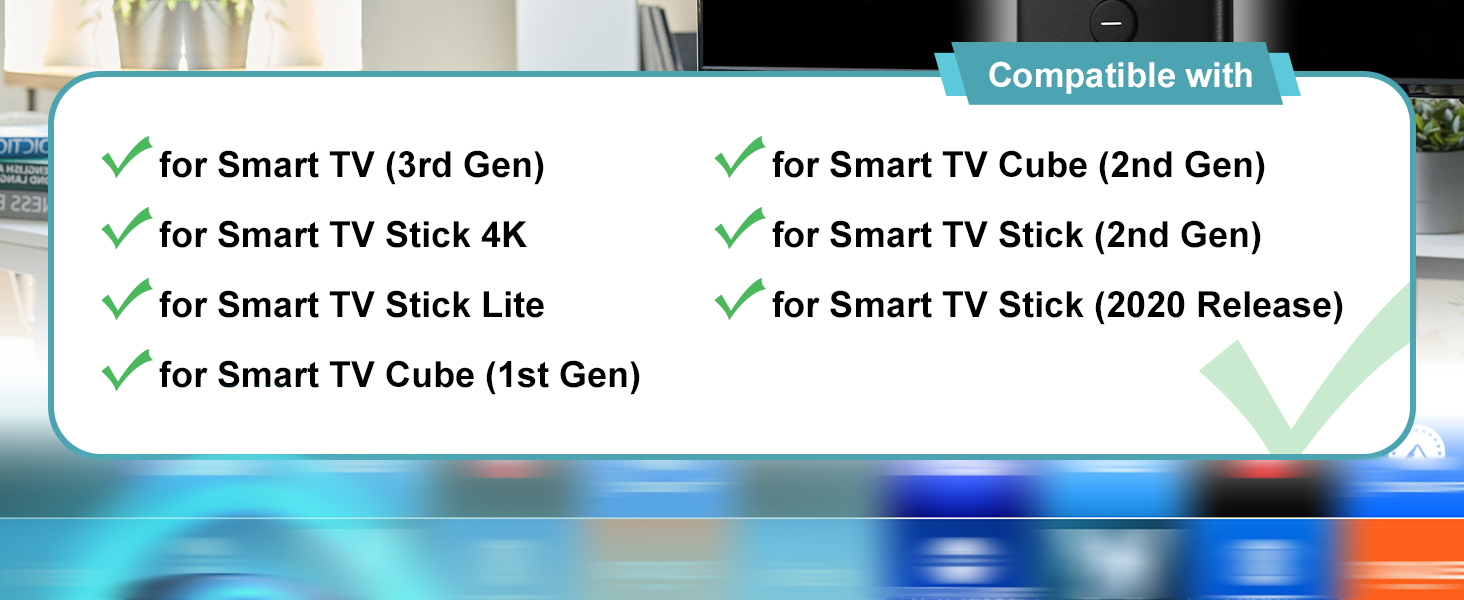
Compatible Models: This tv stick remote replacement compatible with TV cube (2nd Gen); TV stick (2nd Gen); TV stick 4K;TV cube (1st Gen); smart TV (3rd Gen); smart TV cube (EX69VW); smart TV stick lite; smart TV stick 2020 release & 4K
Not Compatible Models: This replacemenet voice remote control can not compatible with smart TV (1st and 2nd Gen); smart TV stick (1st Gen); smart TV Edition smart TVs; Before placing an order, please make sure your device model is fit our remote
How to Pair:First you need to remove tv stick from TV and power from stick.Then reattach power and stick back in TV.Then Press the Home button about 10-15 seconds until the LED indicator starts to rapidly flash amber for 10 seconds, then your remote will automatically pair with your device
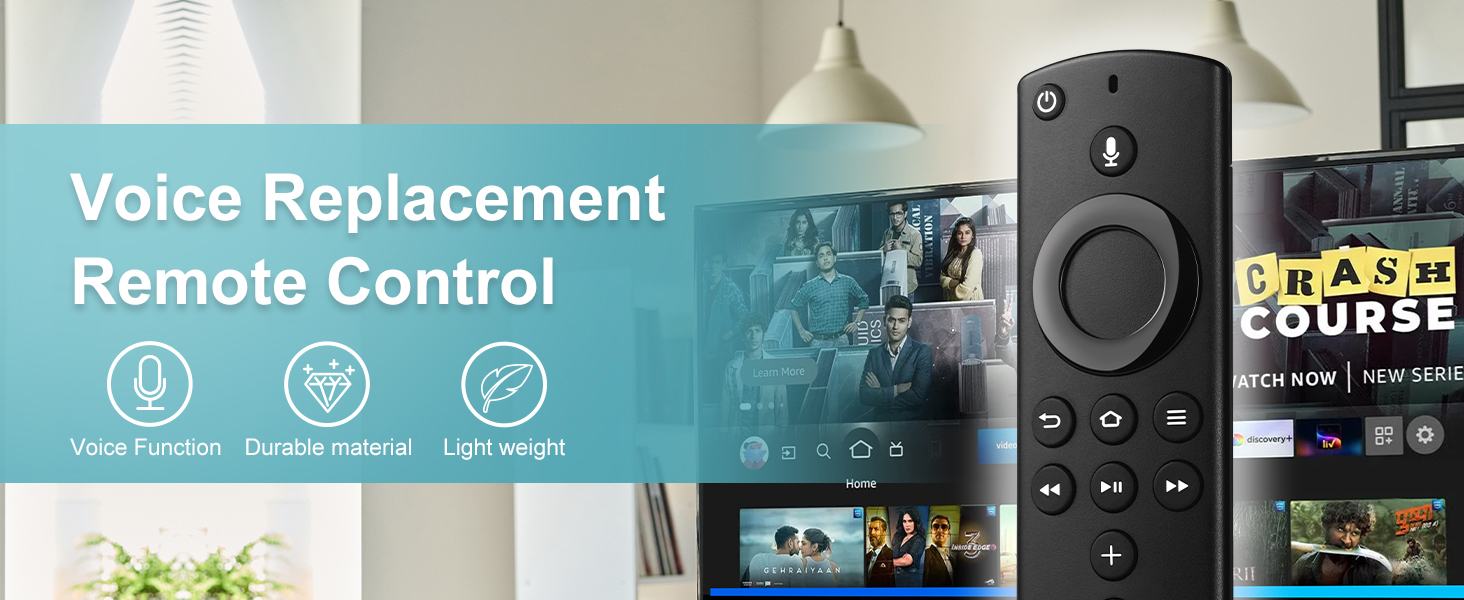
With Voice Function: You can use the voice function to find your favorite content, Quickly jump to your favorite scenes with standard navigation and playback controls
Note: 1:Make sure your old remote's batteries are removed before pair,if the old remote is still pairing,the new one can not be used, 2:Please confirm your remote whether connected more than 6 limits
 -50%
2 Pack Backlit Remote Control Only for Roku TV, Fit for TCL/Onn/Hisense/Element/Sharp/Philips/Westinghouse/Insignia/JVC/RCA/Hitachi/Sanyo Roku Series TVs (Not for Roku Stick and Box)-Silver
KWD 1.500
-50%
2 Pack Backlit Remote Control Only for Roku TV, Fit for TCL/Onn/Hisense/Element/Sharp/Philips/Westinghouse/Insignia/JVC/RCA/Hitachi/Sanyo Roku Series TVs (Not for Roku Stick and Box)-Silver
KWD 1.500
 L5B83H 2nd Gen Voice Replacement Remote Control Fit for Fire AMZ Smart TVs Stick 2nd Gen, Smart TVs Cube 2nd Gen, 1st Gen Smart TVs Cube, Smart TVs Stick 4K, Smart TVs Stick Lite, 3rd Gen Smart TVs
KWD 5.500
L5B83H 2nd Gen Voice Replacement Remote Control Fit for Fire AMZ Smart TVs Stick 2nd Gen, Smart TVs Cube 2nd Gen, 1st Gen Smart TVs Cube, Smart TVs Stick 4K, Smart TVs Stick Lite, 3rd Gen Smart TVs
KWD 5.500
 Replacement Firestick Remote for Insignia TV Remote, Replacement for Stick 4K Omni Fire Series Cube HD TV Stick (2nd/3rd Gen Lite 4K Max) Smart TV (3rd Gen) with Voice Controller
KWD 3.500
Replacement Firestick Remote for Insignia TV Remote, Replacement for Stick 4K Omni Fire Series Cube HD TV Stick (2nd/3rd Gen Lite 4K Max) Smart TV (3rd Gen) with Voice Controller
KWD 3.500
 Replacement Remote Control for AMZ Fire Smart TV Stick & TV Cube, Compatible with Insignia/Toshiba/Pioneer Smart Firestick(2nd Gen/3rd Gen/4K/Lite/4K Max
KWD 3.500
Replacement Remote Control for AMZ Fire Smart TV Stick & TV Cube, Compatible with Insignia/Toshiba/Pioneer Smart Firestick(2nd Gen/3rd Gen/4K/Lite/4K Max
KWD 3.500




