- Shopping, made easy.
- /
- Get the app!
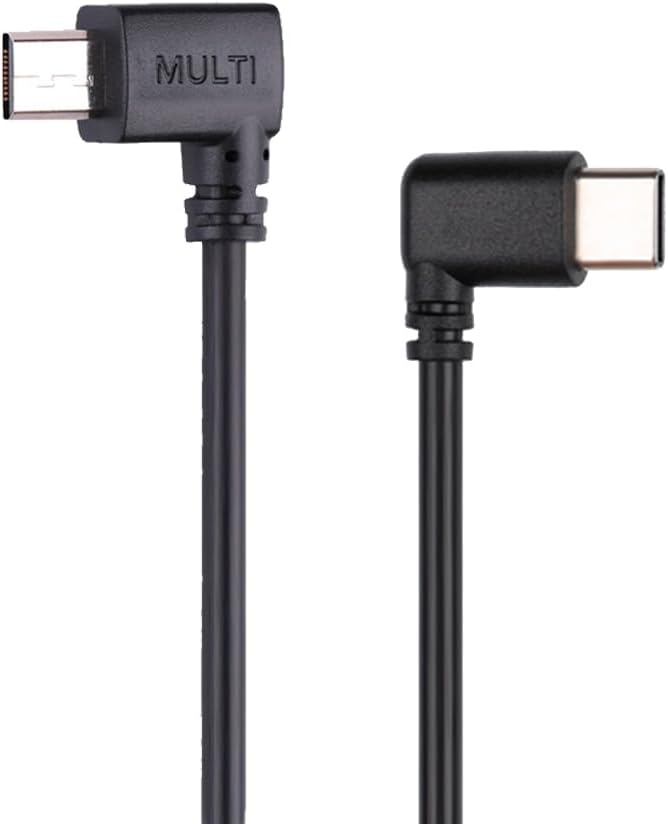
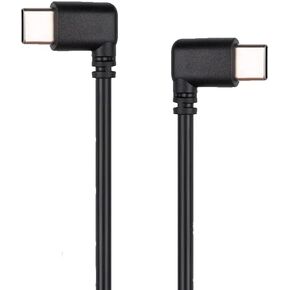
Multi to USB-C type-c control line Cable, connect your DJI Ronin RSC2 RS2 RS3 RS3 pro RS3 Mini RS 4 RS4 Pro stabilizer and compatible with Sony cameras.
Introduction:
It connects the camera control port of Ronin stabilizer to the Multi port on specified S0NY camera to control it.
It enables Ronin stabilizer to control cameras to Capture photo/ Start / Stop recording video / Trigger auto focus / Zoom control( Digital or Optical) / RavenEye / Ronin Image Transmitter
Note: the functions depends on the camera and stabilizer, not the cables. Please check Compatibility Result from the picture.
Description:
Compatible with DJI Stabilizer models:Ronin RSC2 / RS2 / RS3 / RS3 pro / RS3 Mini / RS4 / RS4 pro. (Not every stabilizer model is compatible with all listed cameras, please DO refer to the detailed compatibility result list pictures.)
Compatible with Sony camera: A1,A6000,A6100,A6300,A6400,A6500,A6600,A7M2,A7M3,A7M4,A7R2,A7R3,A7R4,A7R5,A7S,A7S2,A7S3,A9,ZV-1,A9 II,FX3,FDR-AX100E,PXW-Z90V,Rx100 VII (Not every camera model is compatible with all listed DJI stabilizer. Please DO refer to the detailed compatibility result list pictures.)
Color: Black
Material: PVC
Total Length: Approx: 13 inch (33cm)
Port: Multi to Type-C
Package Included:
1 X Control Cable (Note: The stabilizer not included)
TIPs:
This cable cannot adjust Aperture,shutter,ISO of camera. The original cable of Dji also can't adjust the functions.
If you need a cable which can control Aperture/Shutter/ISO, please choose another cable from us. It is USB C to USB C
Make sure to selecte the correct Camera Model in your stabilizer setting.
Attention:
1.Power on the gimbal frist, then the camera. This ensure the gimbal can detect the camera successfully
2.The optical zoom can be controlled if the lens used supports Power Zoom. Otherwise, only digital zoom can be controlled. Setup process: Select Menu, Settings, Zoom Settings, Digital Zoom.
3.Restart the gimbal before swapping this multi-camera control cable to another.
4.When using HDMI, only the monitor will show images during a playback; the camera screen will not show any images.
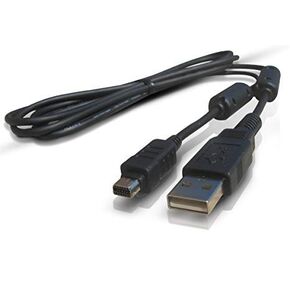 Olympus Compatible Replacement CB-USB5 / CB-USB6 USB Data Transfer & Charging Cable – 1m Cord for Olympus Camedia, Pen, Stylus, Tough & Traveller Series Digital Cameras (Select Models)
KWD 4.500
Olympus Compatible Replacement CB-USB5 / CB-USB6 USB Data Transfer & Charging Cable – 1m Cord for Olympus Camedia, Pen, Stylus, Tough & Traveller Series Digital Cameras (Select Models)
KWD 4.500
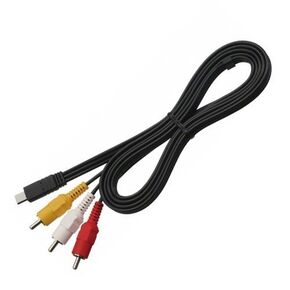 VMC-15MR2 Audio Video Cable, Multi Male to AV RCA Male
KWD 4
VMC-15MR2 Audio Video Cable, Multi Male to AV RCA Male
KWD 4
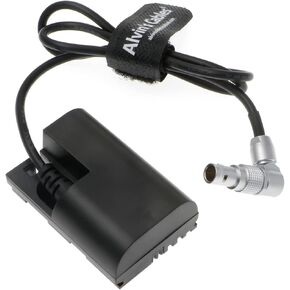 E6-Dummy-Battery Power-Cable for Arri-Alexa-XT Rotatable Right-Angle 2-Pin-Male to Lanparte LP E6 Dummy Battery for Canon 5D Mark II 7D 60D Alvin's Cables
KWD 20
E6-Dummy-Battery Power-Cable for Arri-Alexa-XT Rotatable Right-Angle 2-Pin-Male to Lanparte LP E6 Dummy Battery for Canon 5D Mark II 7D 60D Alvin's Cables
KWD 20
 RS USB-C Camera Control Cable, for DJI RS5 RS4 RS3 Pro Mini RSC2 RS2 Gimbal
KWD 7
RS USB-C Camera Control Cable, for DJI RS5 RS4 RS3 Pro Mini RSC2 RS2 Gimbal
KWD 7

 Kuwait