- Shopping, made easy.
- /
- Get the app!
usb receiver replacement
 Keyboard Cover for 17" LG Gram 17Z90SP 17Z90R 17Z90RU 17Z90S 17Z90SPA Series Laptop, LG Gram 17 Pro Keyboard Skin Protector - TPU
KWD 3.500
Keyboard Cover for 17" LG Gram 17Z90SP 17Z90R 17Z90RU 17Z90S 17Z90SPA Series Laptop, LG Gram 17 Pro Keyboard Skin Protector - TPU
KWD 3.500
 -15%
Wireless Keyboard and Mouse, Vssoplor 2.4GHz Rechargeable Compact Quiet Full-Size Keyboard and Mouse Combo with Nano USB Receiver for Windows, Laptop, PC, Notebook-Black and Rose Gold
KWD 14
-15%
Wireless Keyboard and Mouse, Vssoplor 2.4GHz Rechargeable Compact Quiet Full-Size Keyboard and Mouse Combo with Nano USB Receiver for Windows, Laptop, PC, Notebook-Black and Rose Gold
KWD 14
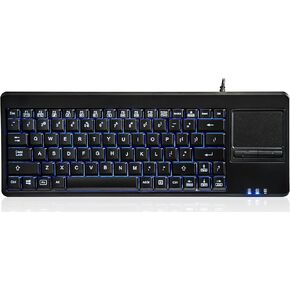 Perixx PERIBOARD-315H, Wired USB Backlit Keyboard with Touchpad and 2 USB Ports, Black (10917)
KWD 24.500
Perixx PERIBOARD-315H, Wired USB Backlit Keyboard with Touchpad and 2 USB Ports, Black (10917)
KWD 24.500
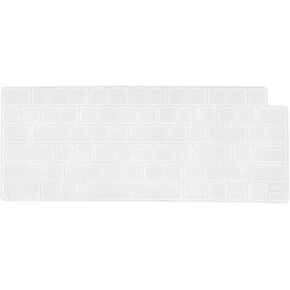 MOSISO 2PCS Keyboard Cover Compatible with MacBook Air 15/Air 13.6 M3 A3113 M2 A2681/Pro 14/16 M4 M3 M2 M1,Sparkly Glitter Protective Silicone Skin, Pink
KWD 2.500
MOSISO 2PCS Keyboard Cover Compatible with MacBook Air 15/Air 13.6 M3 A3113 M2 A2681/Pro 14/16 M4 M3 M2 M1,Sparkly Glitter Protective Silicone Skin, Pink
KWD 2.500




