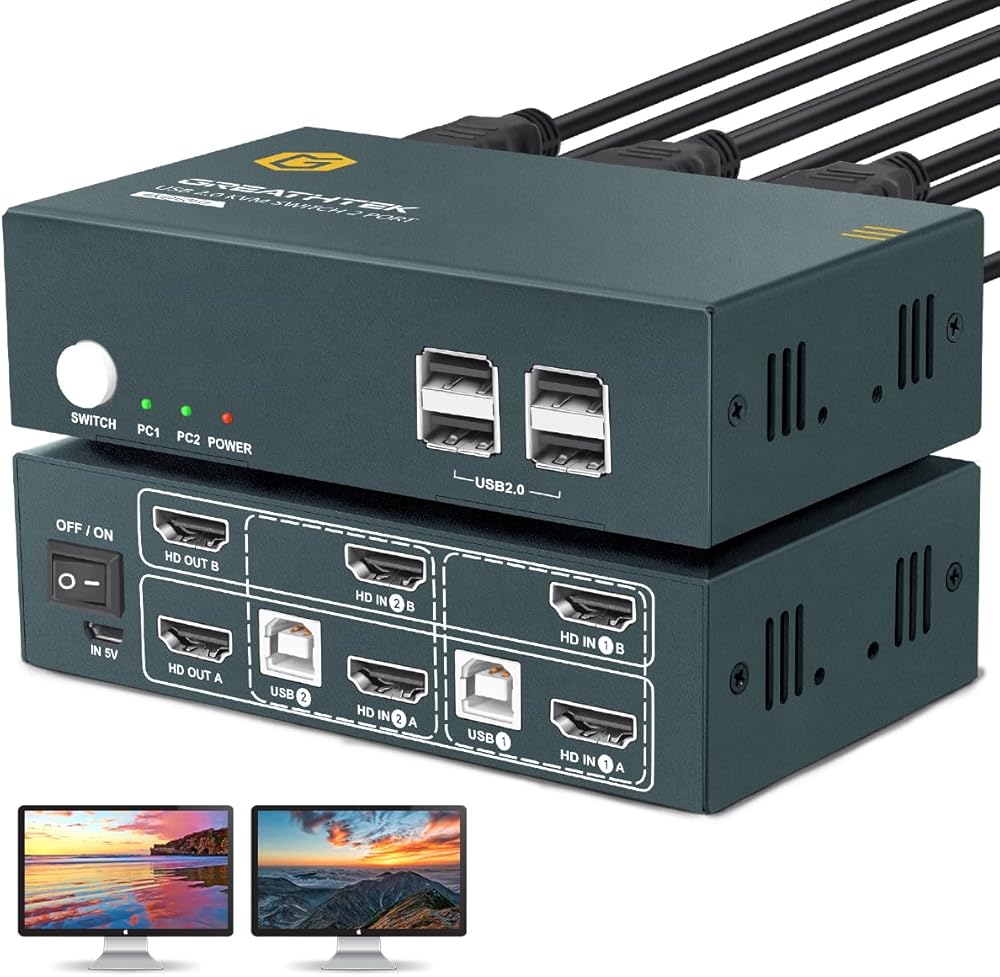
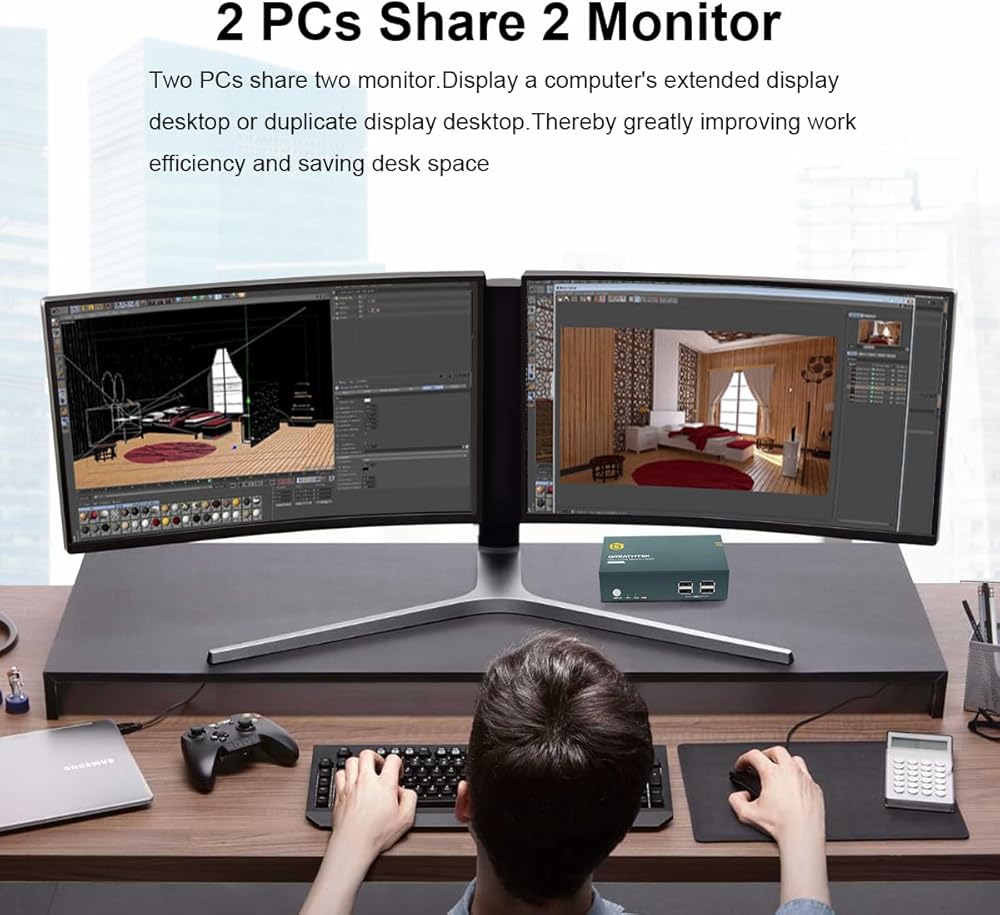
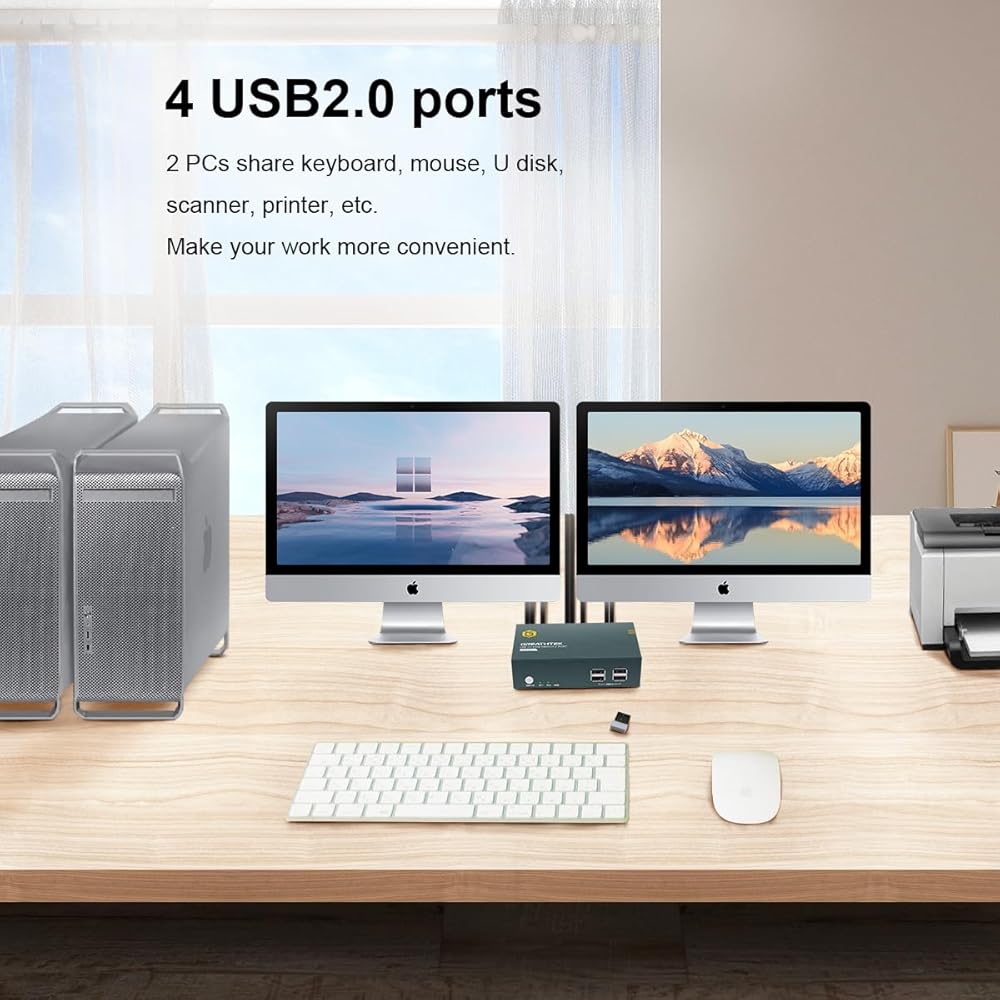
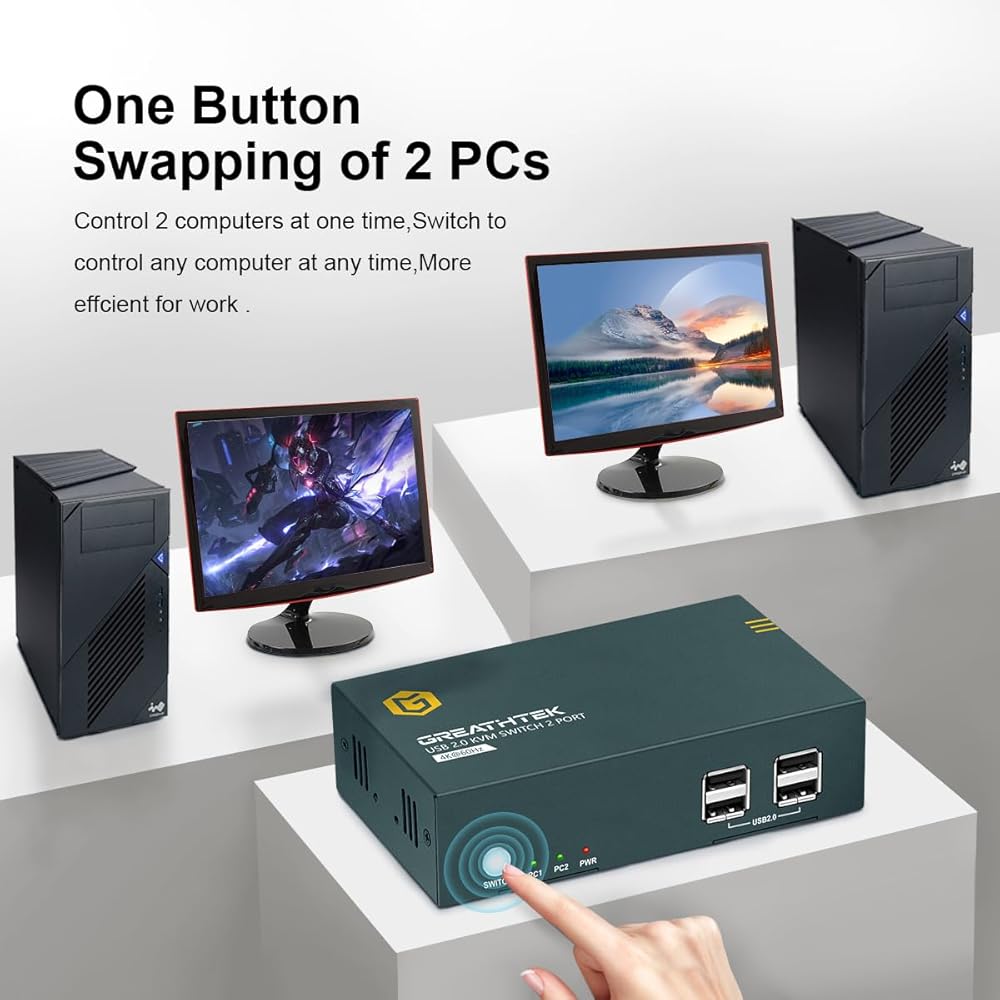
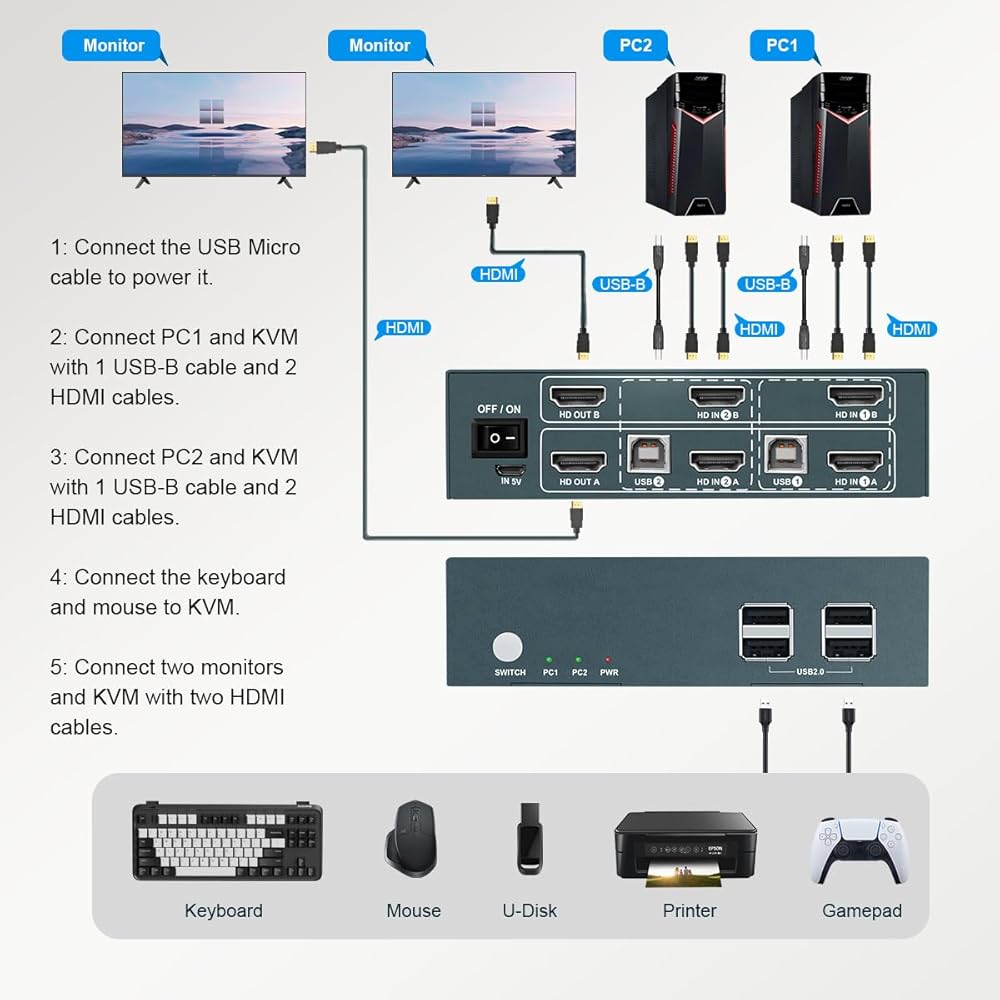
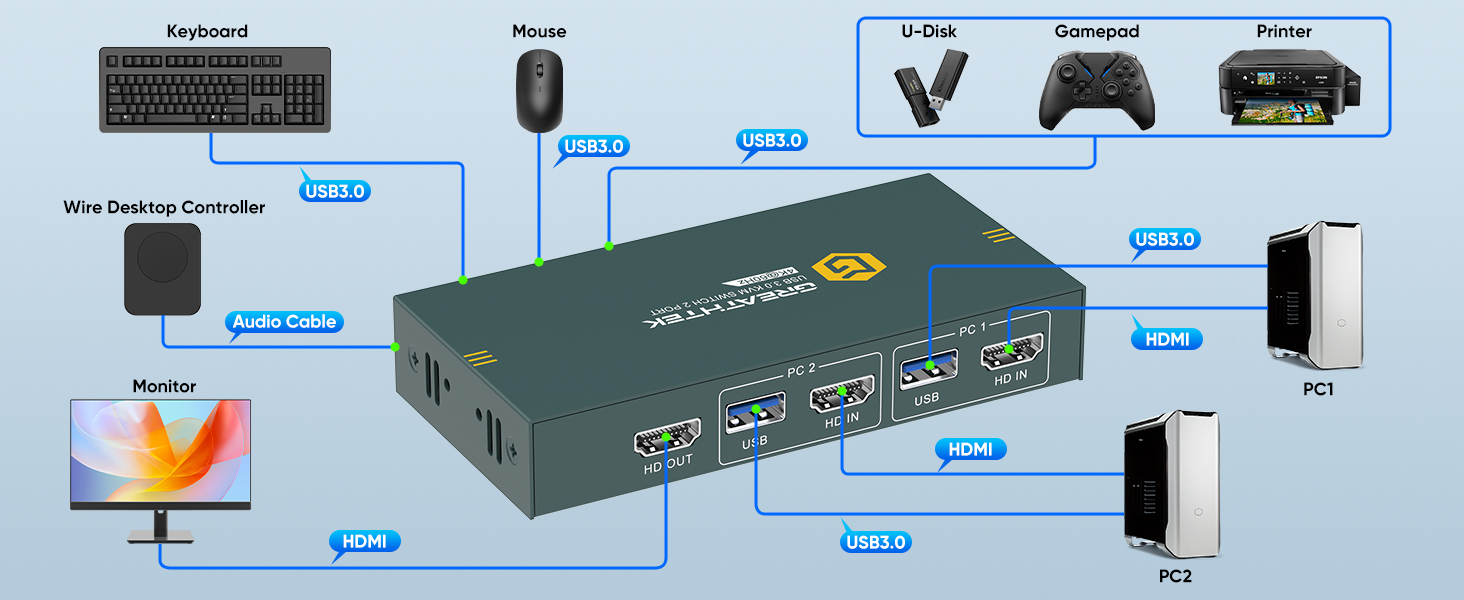
[𝐊𝐕𝐌 𝐒𝐰𝐢𝐭𝐜𝐡 𝟐 𝐏𝐂 𝟏 𝐌𝐨𝐧𝐢𝐭𝐨𝐫]This HDMI KVM switcher offers seamless control over two computers using just one set of keyboard and mouse, all displayed on a single monitor,reducing the hassle of plugging and unplugging cables, Whether you're working or in the office, this switcher will me streamlines your workflow, providing unparalleled convenience and efficiency.
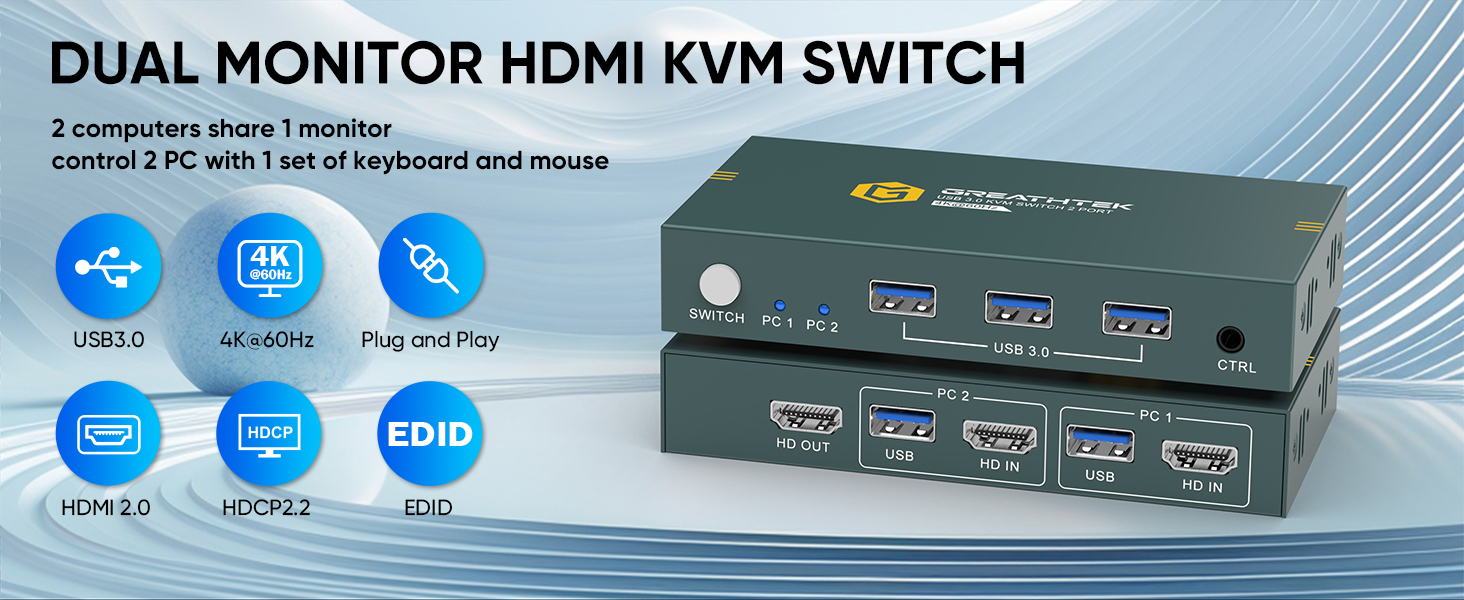
[𝐔𝐒𝐁𝟑.𝟎 𝐏𝐫𝐨𝐭𝐨𝐜𝐨𝐥]This KVM switch is equipped with 3 USB3.0 ports that can reach a maximum data transfer rate of 5Gbps, which allows for faster read speeds when sharing devices such as printers, cameras, scanners, or USB drives between 2 computers and improves your working efficiency.
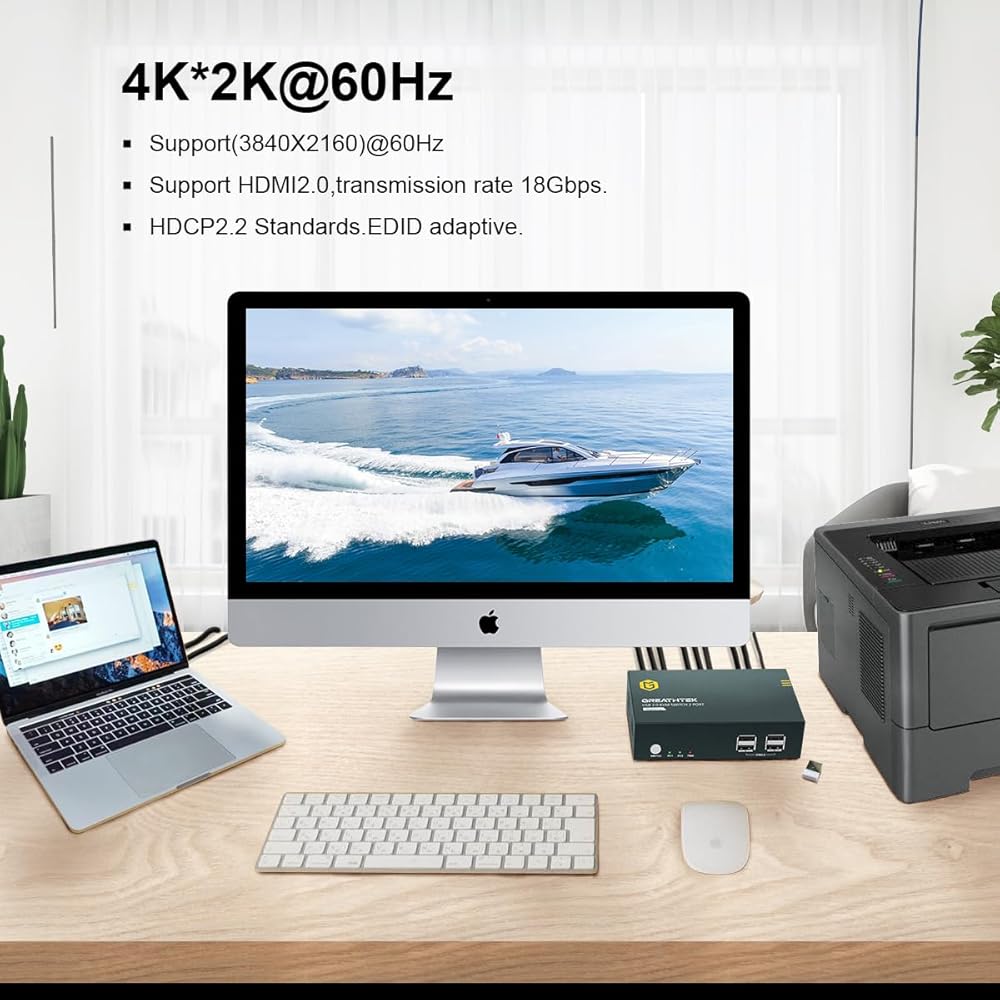
[𝟒𝐊@𝟔𝟎𝐇𝐙 𝐑𝐞𝐬𝐨𝐥𝐮𝐭𝐢𝐧]Our HDMI KVM switch supports resolution up to 4K@60Hz,it is backwards compatible with 1080P, 720P, 480P, etc.,which making the image display more detailed and realistic, clear and stable. It delivers a superior visual experience.
[𝐁𝐮𝐭𝐭𝐨𝐧 𝐚𝐧𝐝 𝐑𝐞𝐦𝐨𝐭𝐨 𝐂𝐨𝐧𝐭𝐫𝐨𝐥 𝐒𝐰𝐢𝐭𝐜𝐡𝐢𝐧𝐠] You can switch between 2 computers by pressing the button on the panel or through the remote control. Just wait 3-5s,you can compete the the switch(PS:When switching, the signal source will be re recognized and the screen will go black, which is a normal phenomenon)
[𝐀𝐝𝐚𝐩𝐭𝐢𝐯𝐞 𝐄𝐃𝐈𝐃,𝐏𝐥𝐮𝐠 𝐚𝐧𝐝 𝐏𝐥𝐚𝐲]Adaptive EDID, plug and play, no need to install other drivers.
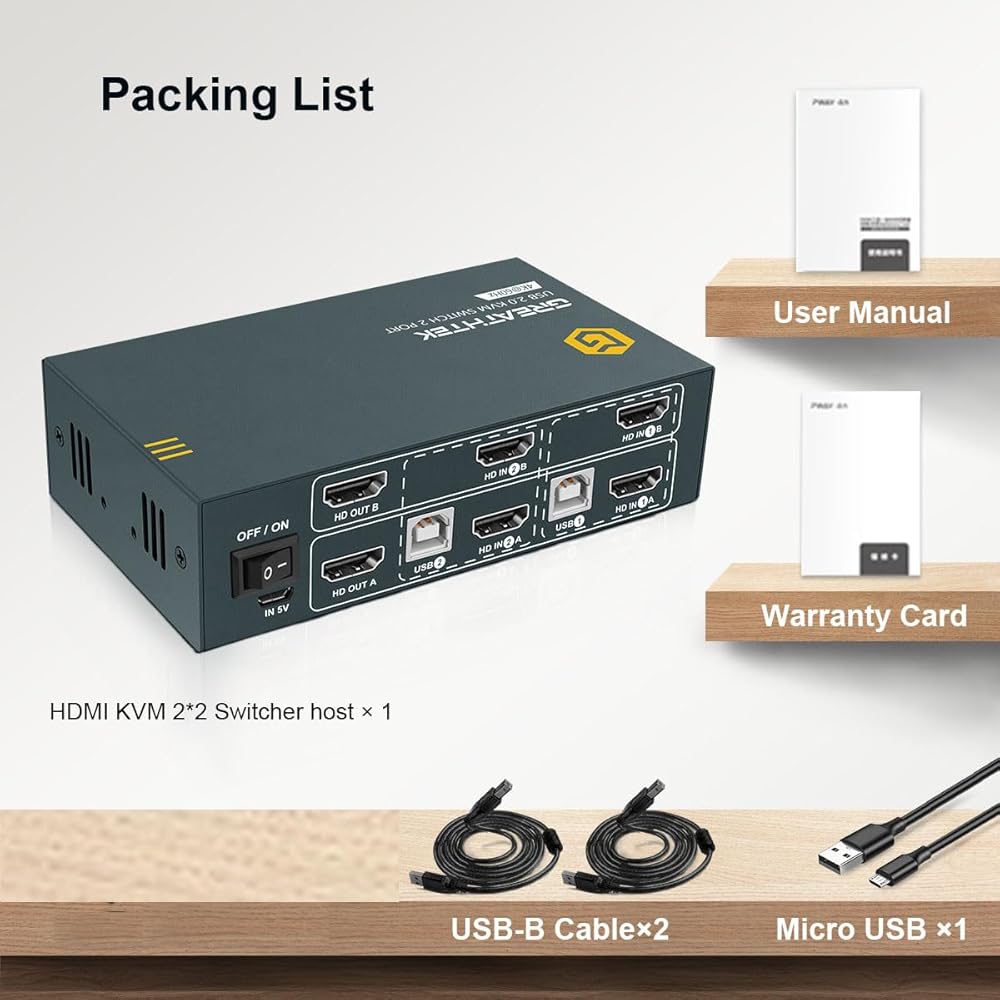
[𝐏𝐚𝐜𝐤𝐚𝐠𝐞 𝐋𝐢𝐬𝐭]1x HDMI KVM switch+1x audio cable+2x USB cable
 HDMI KVM Switch Dual Monitor 4K@60Hz, KVM Switch 2 Monitors 2 Computers Share USB Ports, Dual Monitor KVM Switches 2 Port 2 PCs Share 2 Monitors, Hotkey Switch, with 4 HDMI Cables and 2 USB Cables
KWD 22
HDMI KVM Switch Dual Monitor 4K@60Hz, KVM Switch 2 Monitors 2 Computers Share USB Ports, Dual Monitor KVM Switches 2 Port 2 PCs Share 2 Monitors, Hotkey Switch, with 4 HDMI Cables and 2 USB Cables
KWD 22
 -32%
USB 3.0 4 Port KVM Switch HDMI 4K@60Hz for 4 Computers Share 1 Monitor, KVM Switches 4 Port with 3 USB 3.0 Ports Share Keyboard Mouse, Button Switch, Plug and Play, EDID
KWD 22.500
-32%
USB 3.0 4 Port KVM Switch HDMI 4K@60Hz for 4 Computers Share 1 Monitor, KVM Switches 4 Port with 3 USB 3.0 Ports Share Keyboard Mouse, Button Switch, Plug and Play, EDID
KWD 22.500
 GREATHTEK KVM Switch HDMI Dual Monitor Extended Display 4 Port,USB2.0, Hotkey Switch, UHD 4K@60Hz Resolution YUV4:4:4 Downward Compatible, 4 in 2 Out, with All Needed Cables
KWD 56
GREATHTEK KVM Switch HDMI Dual Monitor Extended Display 4 Port,USB2.0, Hotkey Switch, UHD 4K@60Hz Resolution YUV4:4:4 Downward Compatible, 4 in 2 Out, with All Needed Cables
KWD 56
 HDMI KVM Switch Dual Monitor 2 Port ,4K@30Hz, USB 2.0,KVM Switch 2 Monitors Compatible USB2.0,HDMI 2.0,HDCP2.2,2 Monitor kvm Switch,KVM Switches with 4 HDMI and 2 USB Cable,Button Switch
KWD 29
HDMI KVM Switch Dual Monitor 2 Port ,4K@30Hz, USB 2.0,KVM Switch 2 Monitors Compatible USB2.0,HDMI 2.0,HDCP2.2,2 Monitor kvm Switch,KVM Switches with 4 HDMI and 2 USB Cable,Button Switch
KWD 29