- Shopping, made easy.
- /
- Get the app!
QuickGuide—How to Set up The Wifi Extender?
Tips: Please make sure that the router is turned on and able to access the Internet before setting!
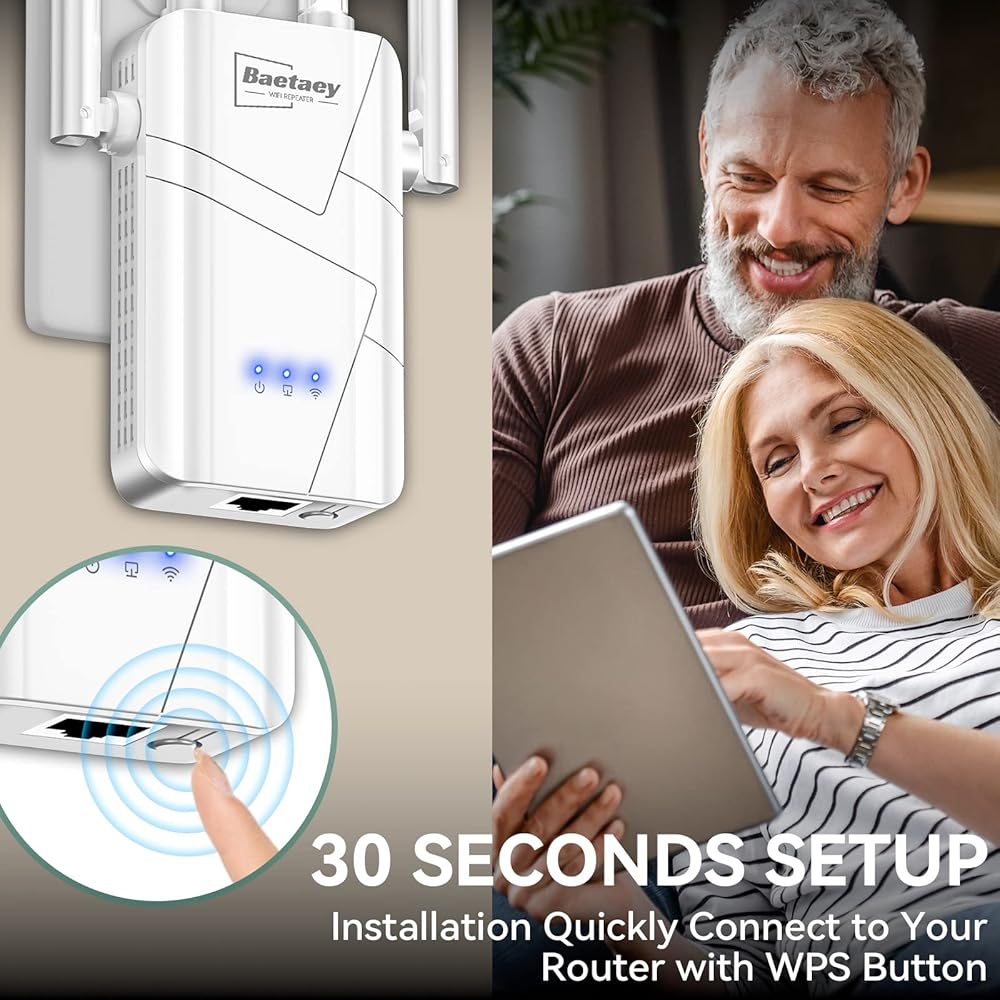
1)Please turn o? cellular data at the beginning of the installation. Plug the Extender into a power outlet near your Router.(Recommended within 20 feet)
2)Go to your phone settings, open WiFi list, searching for the WiFi Extender's network "XXX_ 0040" and connect it.
3) Wait for the management page to pop up automatically. If not, please open a web browser and input:
4) Once the page loads, click the "Login" button to continue.(lf access failed, please check if the correct WiFi "XXX_ 0040" is connected.)
5) Enter the software management interface and click“ Repeater Mode” Scan and select which is the router that you want to extend,
6) Click on the WiFi network you want to extend (e.g.:My WiFi), enter the password of the main router. And click "save”
7) Click again and confirm the wireless information and wait 25 seconds
8) Complete the setting and reconnect new extended network which is appeared with "Your Router_Ext" at the end. Enter the same password as the main router to connect and access the network.
When the steps are complete, your Extender automatically reboots. Place it in the best location for better service(halfway between your router and the Poor signal area.)
Congratulations! The WiFi Extender has been set up and you can go online.
 2024 Wireless Extender Amplifier w/Ethernet Port
KWD 8.500
2024 Wireless Extender Amplifier w/Ethernet Port
KWD 8.500
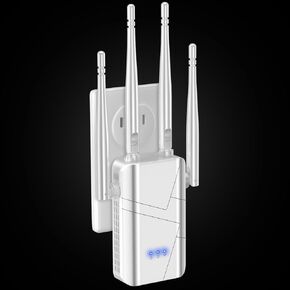 2024 WiFi Extender, WiFi Booster for Home
KWD 25
2024 WiFi Extender, WiFi Booster for Home
KWD 25
 -24%
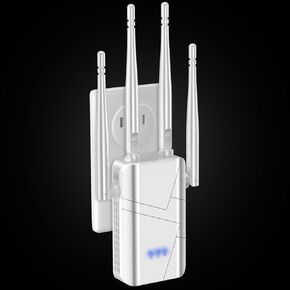
Repeater WiFi Extender
KWD 6.500
-24%
Repeater WiFi Extender
KWD 6.500
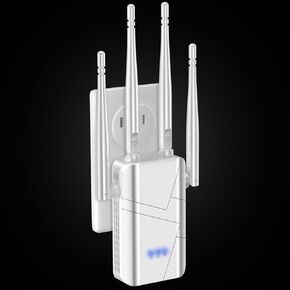 Wi-Fi Range Booster, Wireless Extender - WiFi Amplifier for Home
KWD 25
Wi-Fi Range Booster, Wireless Extender - WiFi Amplifier for Home
KWD 25