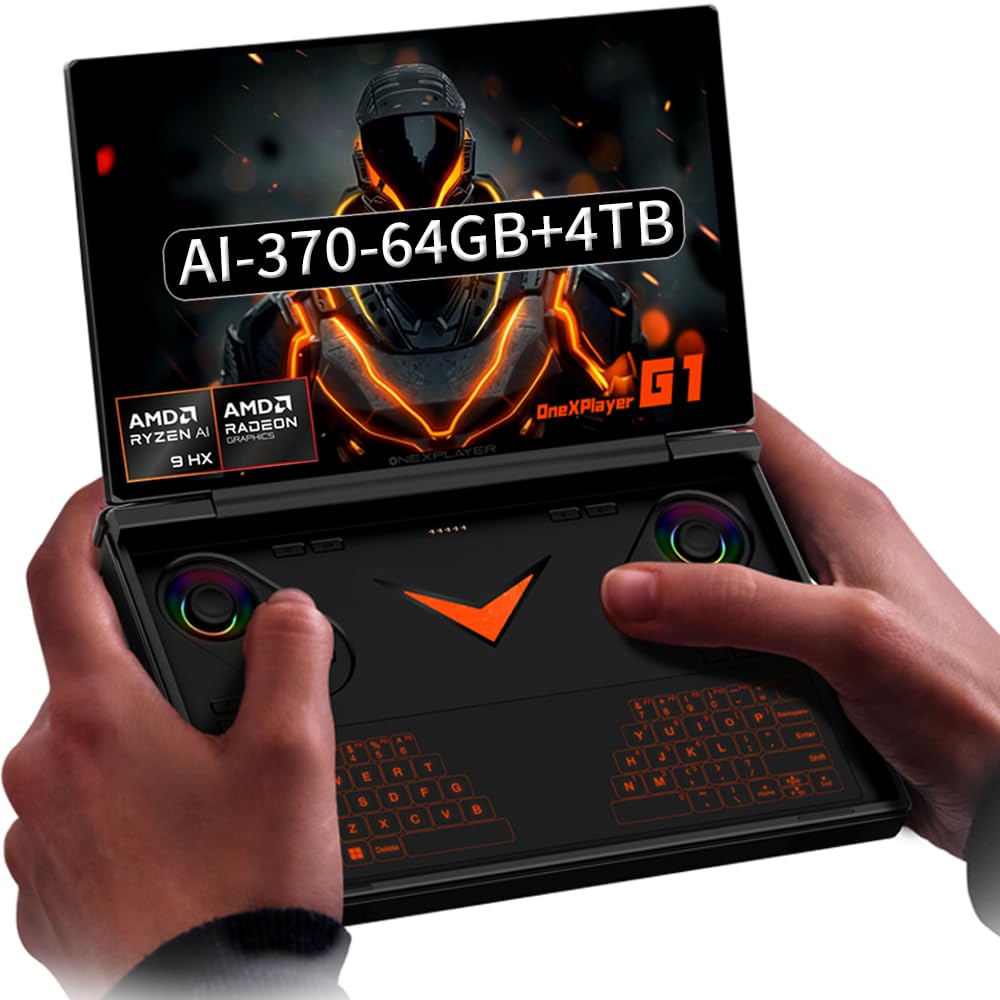
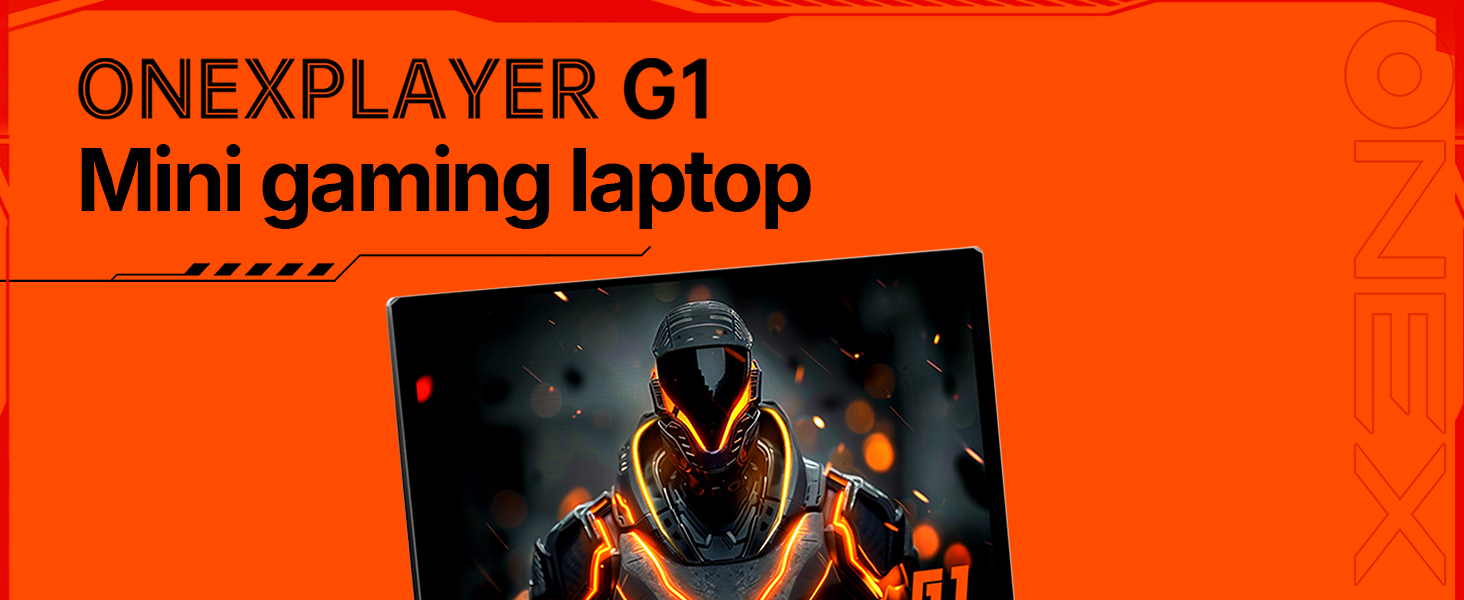
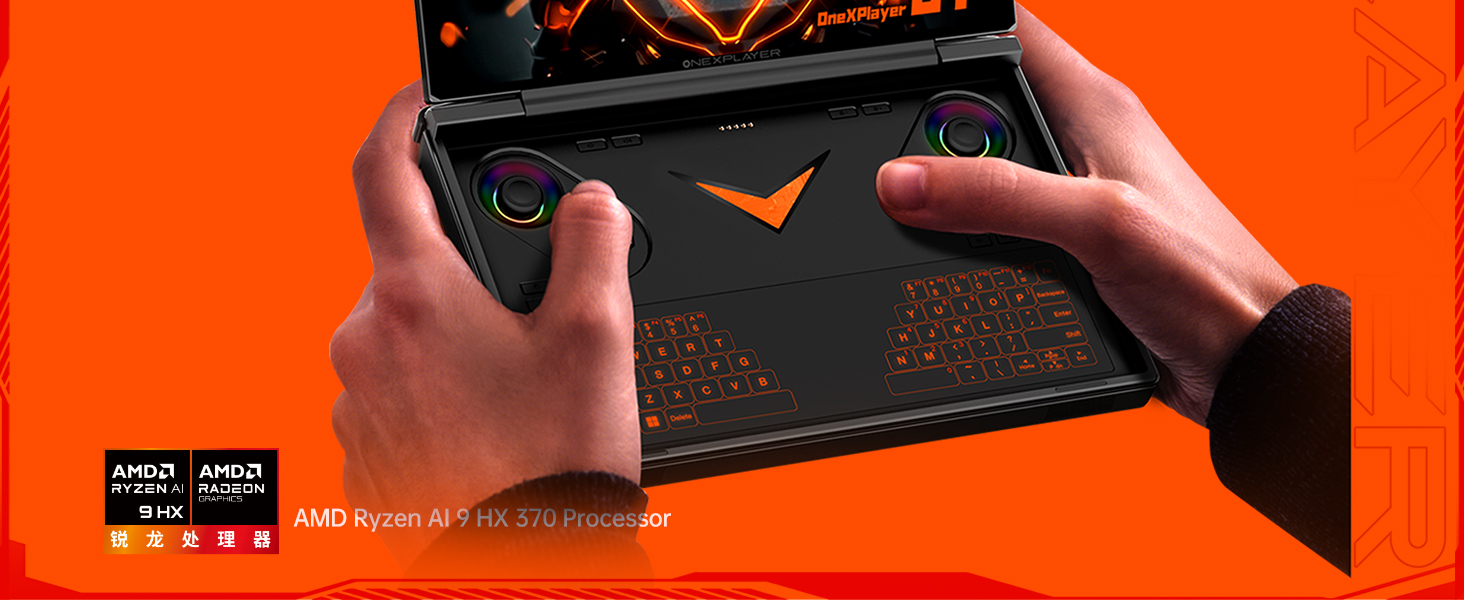
2-in-1 Powerhouse: Game & Create Anywhere: Seamlessly switch between a powerful handheld gaming PC and a full Windows 11 laptop. Choose the AMD Ryzen AI 9 HX 370 for elite gaming for efficient performance, both paired with 64GB RAM and a 4TB SSD.
Stunning 8.8” 2.5K 144Hz Touchscreen: The vibrant, high-refresh-rate touchscreen is perfect for both immersive gaming and laptop-mode productivity. Enjoy buttery-smooth visuals, sharp details, and intuitive touch controls.
Dual-Mode Design with Detachable RGB Keyboard: The magnetic, detachable RGB backlit keyboard instantly transforms your device. Clip it on for work or creativity, detach it for pure handheld gaming—all with customizable RGB lighting.
All-Day Hybrid Use with 8-Hour Battery: The 51.9Wh battery supports up to 8 hours of mixed use. Game for hours, then switch to laptop mode for work or streaming without worrying about finding an outlet.
Complete Portable Workstation: More than a gaming device, it's a full PC with WiFi 6E, Bluetooth 5.2, Hall Effect joysticks for precision control, and a gyro sensor, ready for gaming, remote work, and content creation on the go.
ONEXPLAYER G1's Factory reset: Here's the instruction of a simply re- installation to resolve software/driver issues: 1, Long press power button for 2-3 seconds to boot your laptop. Press Home+ (volume+ ) when you see power led on.Then you can enter the BIOS pages. 2, Choose the "UEFI OS" Firmware on the boot Override of page "Save & Exit". 3, Touch the "recovery" Icon on the screen when you log in the WIN PE system and then wait for the automatic reinstallation process,all problem resolved
 Apple iPad Air 2 16GB WiFi 2GB iOS 10 9.7in Tablet - Space Gray (Renewed)
KWD 33
Apple iPad Air 2 16GB WiFi 2GB iOS 10 9.7in Tablet - Space Gray (Renewed)
KWD 33
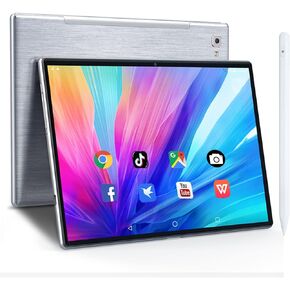 2023 New Android Tablet 10 Inch WiFi HD Display Andorid 10.0GMS Tablets RAM 2+32GB, ROM 800 x 1280, Camera 500w, Type-c Charging Port -Silver Grey N10
KWD 27
2023 New Android Tablet 10 Inch WiFi HD Display Andorid 10.0GMS Tablets RAM 2+32GB, ROM 800 x 1280, Camera 500w, Type-c Charging Port -Silver Grey N10
KWD 27
 Azeyou 11 Inch Android Tablet FHD 1920×1200 Display 6+128GB 8000mAh
KWD 60
Azeyou 11 Inch Android Tablet FHD 1920×1200 Display 6+128GB 8000mAh
KWD 60
 DigiLand 10.1" Android 14 Tablet | 10GB RAM (4GB+6GB Expansion) | 64GB ROM | MTK Helio G80 Octa-Core | Dual Camera & Speakers | 12H Battery | WiFi/BT5.0 | Includes Case, Adapter, USB
KWD 39.500
DigiLand 10.1" Android 14 Tablet | 10GB RAM (4GB+6GB Expansion) | 64GB ROM | MTK Helio G80 Octa-Core | Dual Camera & Speakers | 12H Battery | WiFi/BT5.0 | Includes Case, Adapter, USB
KWD 39.500

 Kuwait