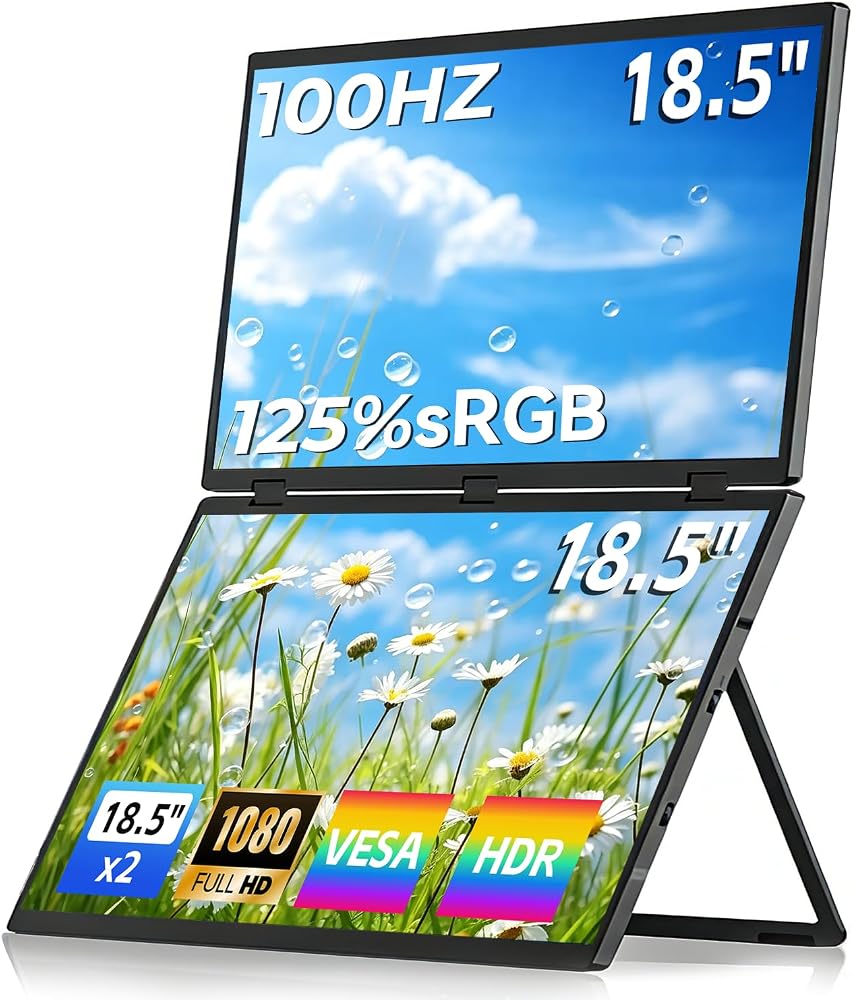
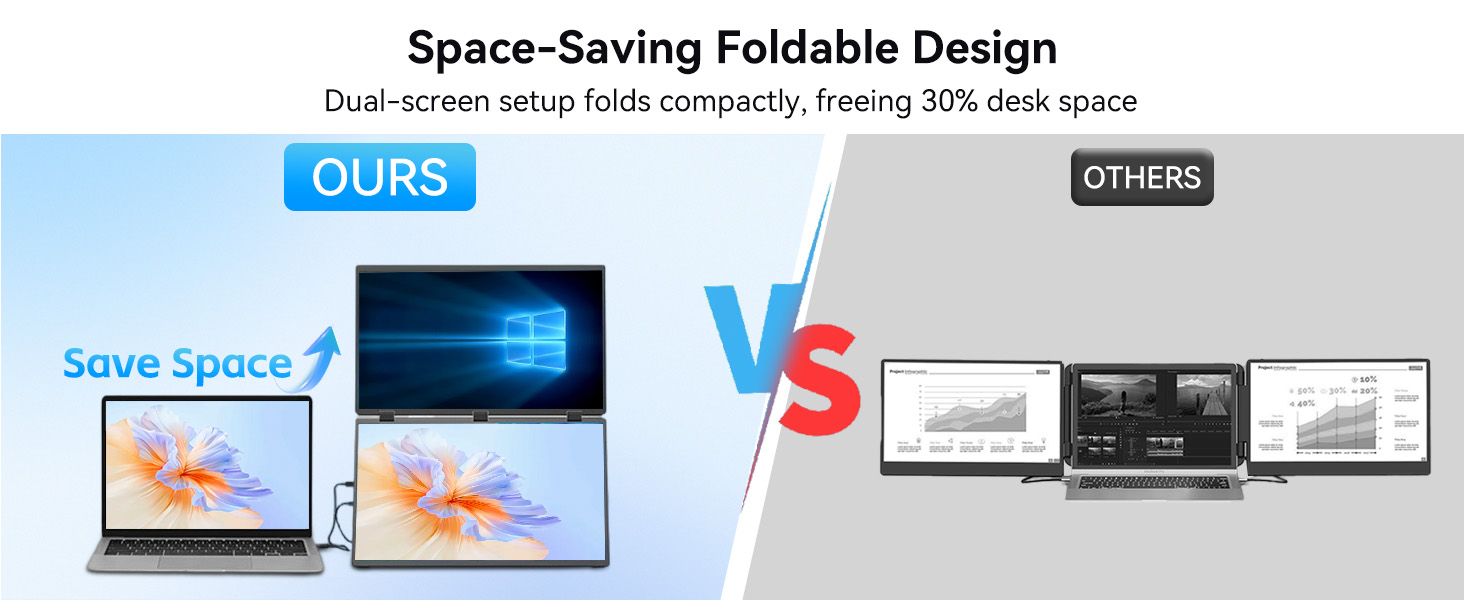
18.5" Portable Dual Monitor, CNC Metal Frame,Portable Dual Monitor for Laptop,It’s the Perfect Solution to Meet Your Needs for Work, Stock Trading, Entertainment, Gaming, and More. 18.5"
All electronics ship with US style plugs.You may need a voltage converter or a plug adapter.
Special Features
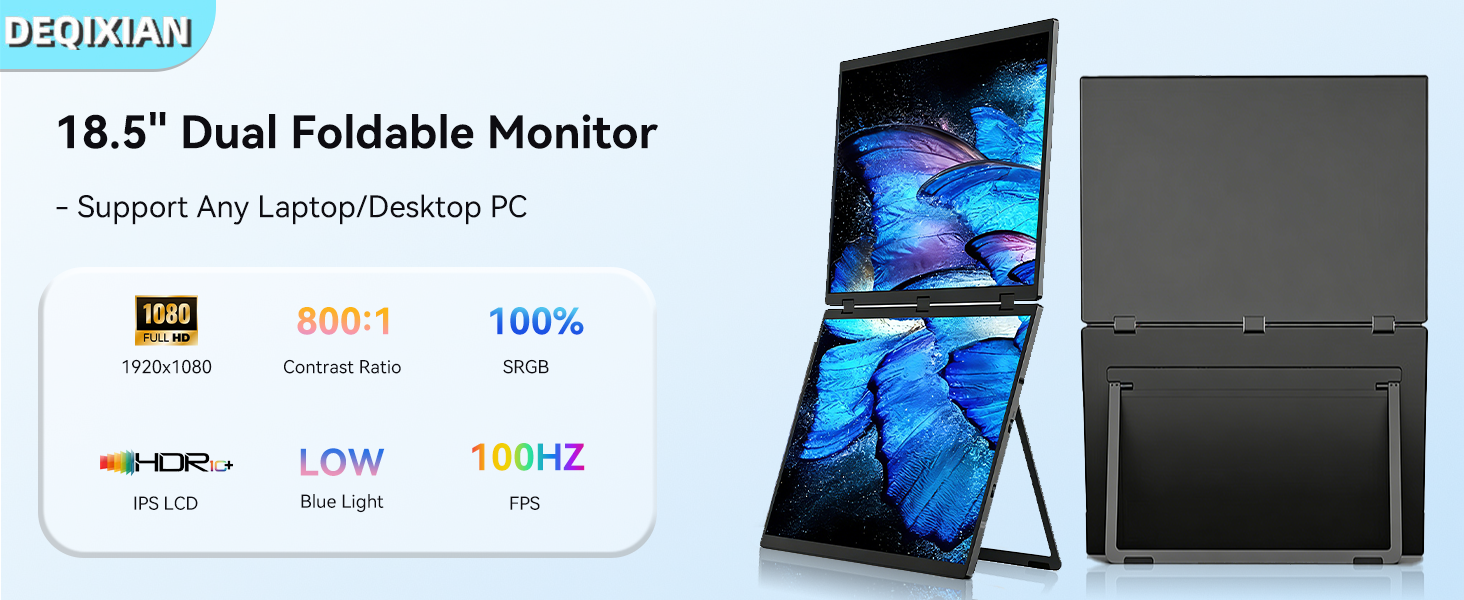
【Dual 18.5 Inch 100Hz Portable Monitor】This 18.5-inch portable monitor features a 100Hz refresh rate, delivering ultra-smooth motion and eliminating motion blur and ghosting—perfect for fast-paced FPS, racing, and action games. It ensures precise visual feedback, This 18.5-inch dual-screen portable monitor is the ideal choice for any use—whether it's for entertainment and movie-watching, stock trading, office work, or professional design and creative projects.
【Stunning Visuals with FHD 1080P, HDR & 125% sRGB】Boasting a 1920×1080 Full HD resolution and HDR technology, it enhances contrast to reveal deep blacks and bright highlights, making every scene pop. The 125% sRGB wide color gamut delivers vivid, true-to-life colors, ideal for photo/video editing, movie watching, and immersive gaming.
【Versatile 16:9 Aspect Ratio & Wide Compatibility】The classic 16:9 widescreen ratio is optimized for movies, games, and productivity. Equipped with USB-C and HDMI ports, it easily connects to laptops,smartphones,PS5,Xbox Series X/S,and PCs—plug-and-play for instant dual-screen setup.
【User-Friendly Features for Enhanced Experience】It includes an adjustable stand for flexible viewing angles, a blue light filter to reduce eye strain during extended use, and built-in dual speakers for crisp, immersive audio—no extra speakers needed for movies or gaming.
【Friendly Reminder】To connect a portable monitor to a laptop, you can use an HDMI cable and power it via the Type-C port. If your laptop has the latest Type-C port, you can also connect it directly using a Type-C cable. To connect it to a smartphone,Then plug in the power adapter we've provided to the port to power the monitor.as long as the Smartphone has a Type-C port, you can connect it directly.Should you encounter any issues, please contact us immediately!
【Instructions for Use】If you want to connect “one” portable display, having a single USB-C port on your computer that supports video output is usually sufficient. If you want to connect “two” portable displays to achieve a three-screen setup, this places certain demands on your computer's ports and performance. On Windows, you can connect two displays with a single full-featured USB-C cable. However, on macOS, the same setup may require two USB-C cables for both screens to function properly. Almost all modern laptops' USB-C ports support this, but you may need to check older or lower-end models.
 Sceptre 27" Curved 75Hz LED Monitor C278W-1920R Full HD 1080P HDMI DisplayPort VGA Speakers, Ultra Thin Metal Black, 1800R immersive curvature, 2018,Metallic Black
KWD 40.500
Sceptre 27" Curved 75Hz LED Monitor C278W-1920R Full HD 1080P HDMI DisplayPort VGA Speakers, Ultra Thin Metal Black, 1800R immersive curvature, 2018,Metallic Black
KWD 40.500
 10.1 Inch Touchscreen Monitor - 1920x1200 HDMI Touch Screen Monitor, 10-Point IPS 16:10 Rpi Screen Display for Pi 5/4/3/2/Zero/B/B+ Win11/10/8/7 W/VESA,Speaker,Fan,Stand Driver-Free
KWD 53.500
10.1 Inch Touchscreen Monitor - 1920x1200 HDMI Touch Screen Monitor, 10-Point IPS 16:10 Rpi Screen Display for Pi 5/4/3/2/Zero/B/B+ Win11/10/8/7 W/VESA,Speaker,Fan,Stand Driver-Free
KWD 53.500
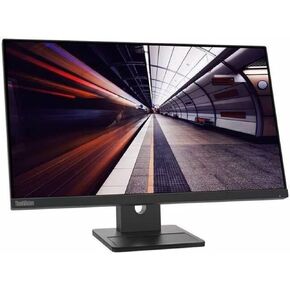 Lenovo ThinkVision E24-30 24" Class Full HD LED Monitor - 16:9 - Raven Black
KWD 66
Lenovo ThinkVision E24-30 24" Class Full HD LED Monitor - 16:9 - Raven Black
KWD 66
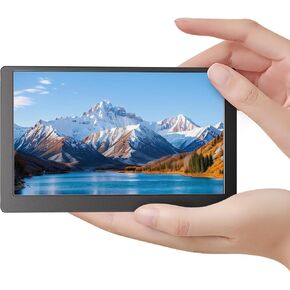 5 Inch Monitor Screen Display, IPS Small Hdmi Monitor, 800x480 Mini LCD Screen Portable Display Monitor, HDMI-Compatible Module for Raspberry pi 3/3B/3B+/4/4B Orange pi Banana pi Mini PC
KWD 17
5 Inch Monitor Screen Display, IPS Small Hdmi Monitor, 800x480 Mini LCD Screen Portable Display Monitor, HDMI-Compatible Module for Raspberry pi 3/3B/3B+/4/4B Orange pi Banana pi Mini PC
KWD 17