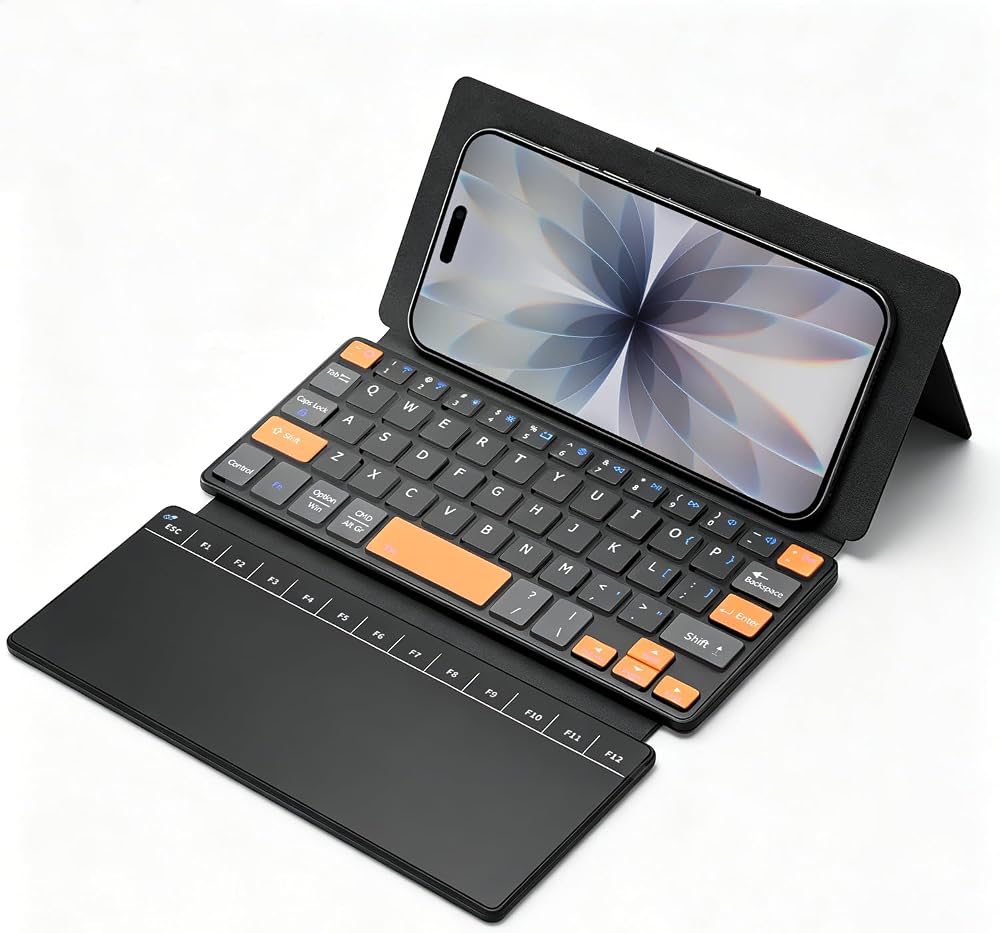
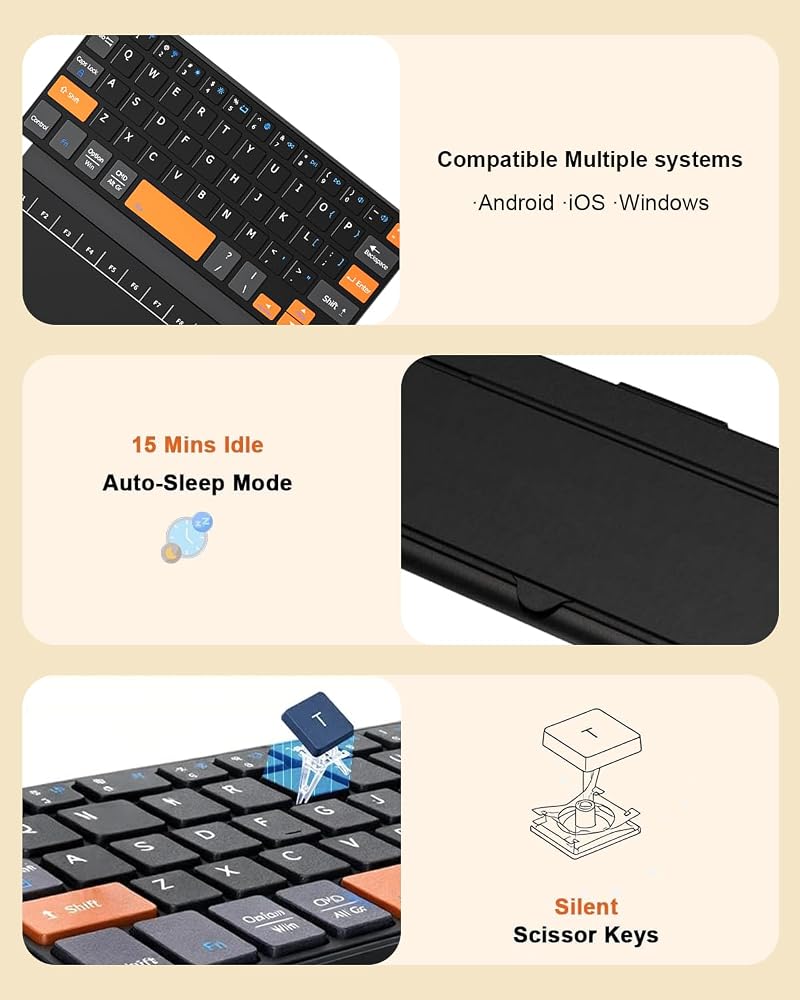
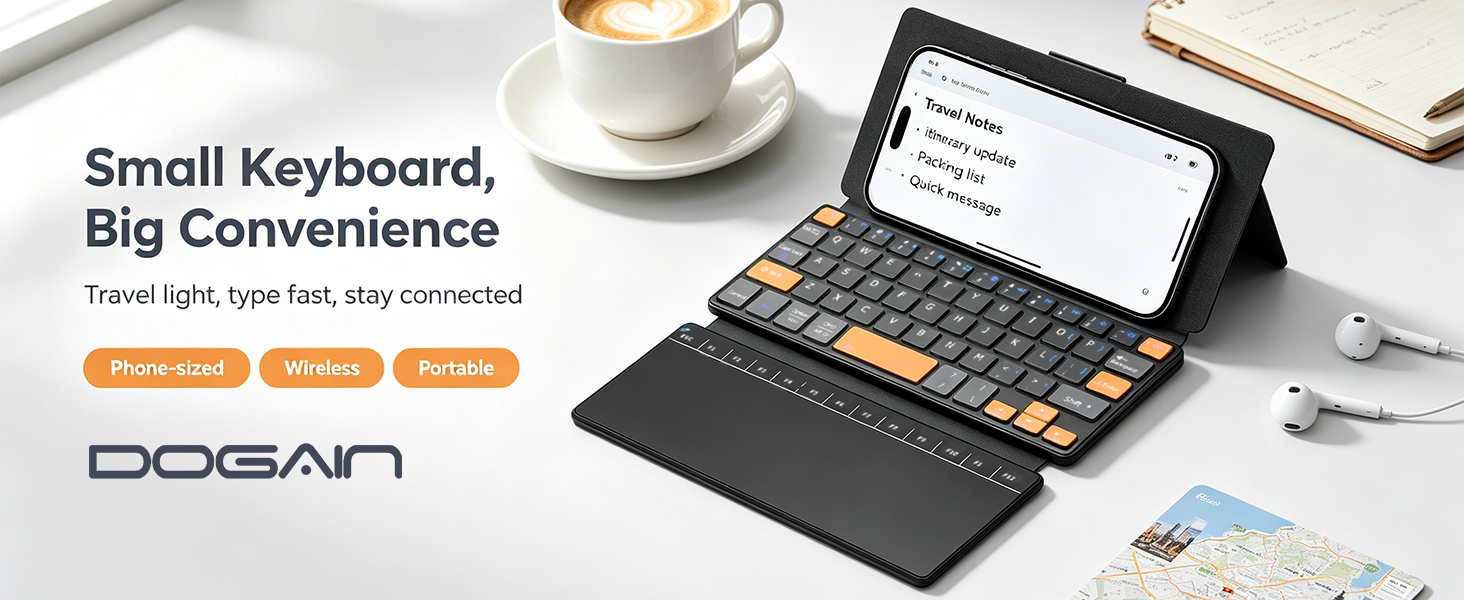
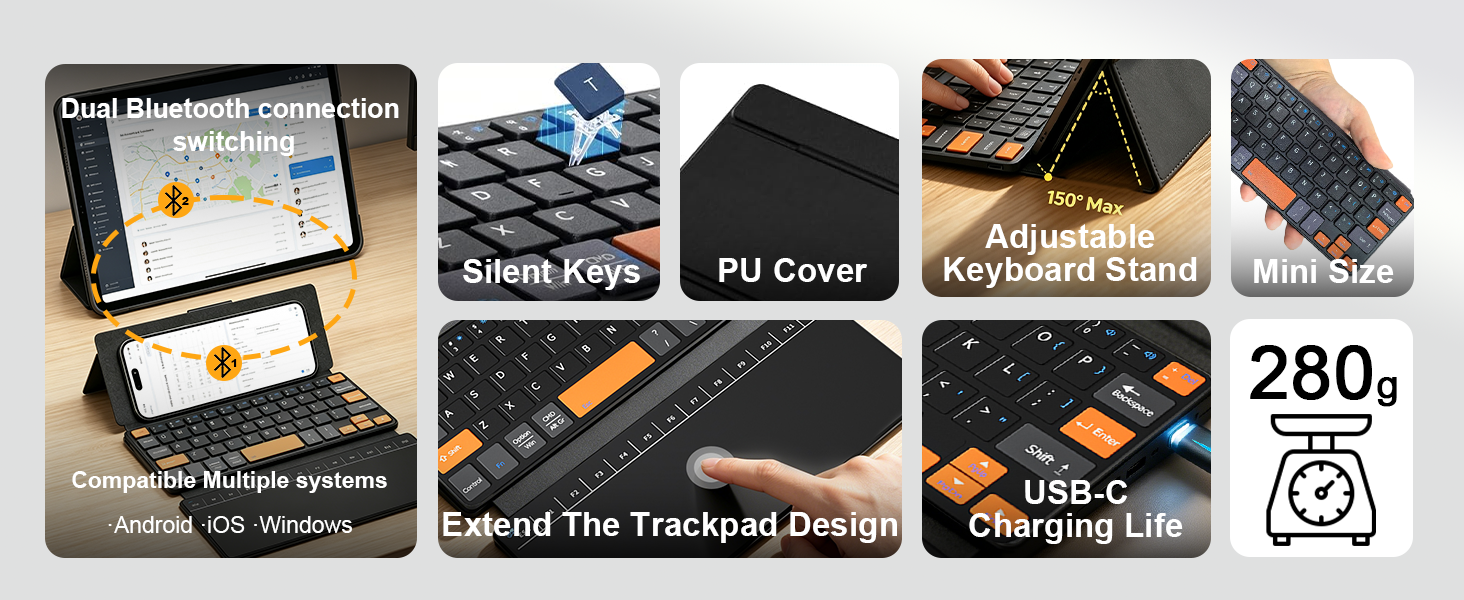
✅【All‑in‑One Pocket Mobile Office】This wireless keyboard with trackpad features a built‑in large touchpad that replaces a separate mouse entirely, turning any phone, tablet, or laptop into a full workstation on the go. It is compatible with iPhone, iPad, Galaxy Z Fold 8 Ultra/Fold 8 Wide/7/6/5/4/3 Series, and smartphones or laptops running Windows, iOS, or Android. Pair once via Bluetooth and type, browse, and work anywhere without extra accessories. (Not compatible with TVs or game consoles.)
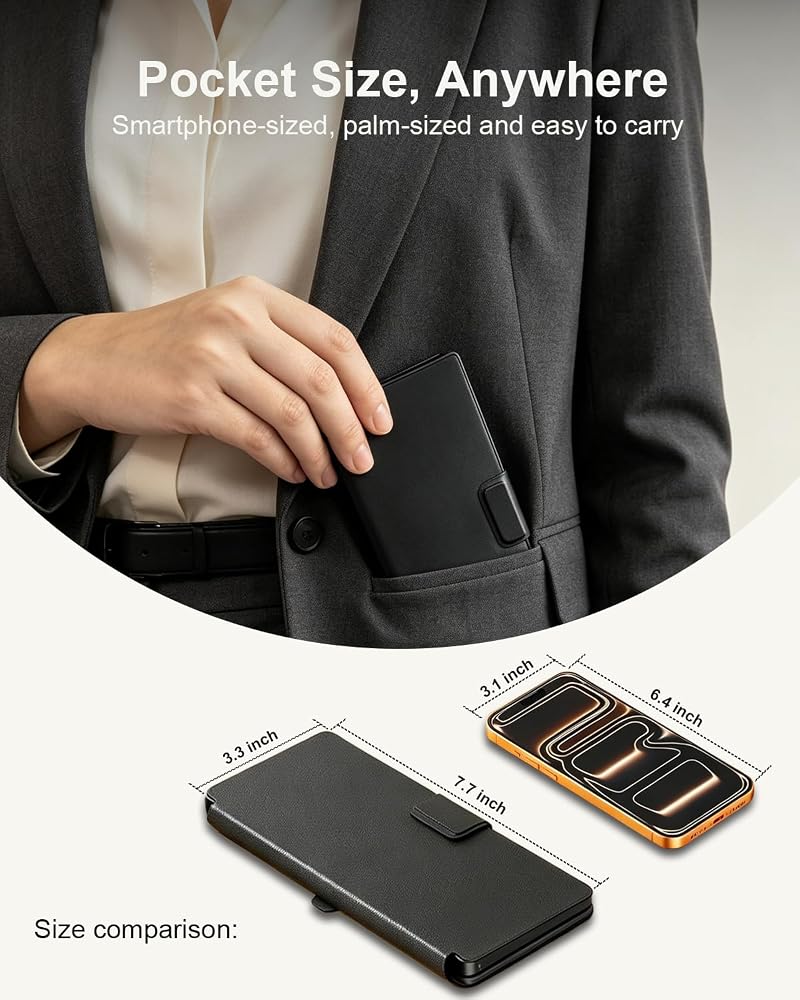
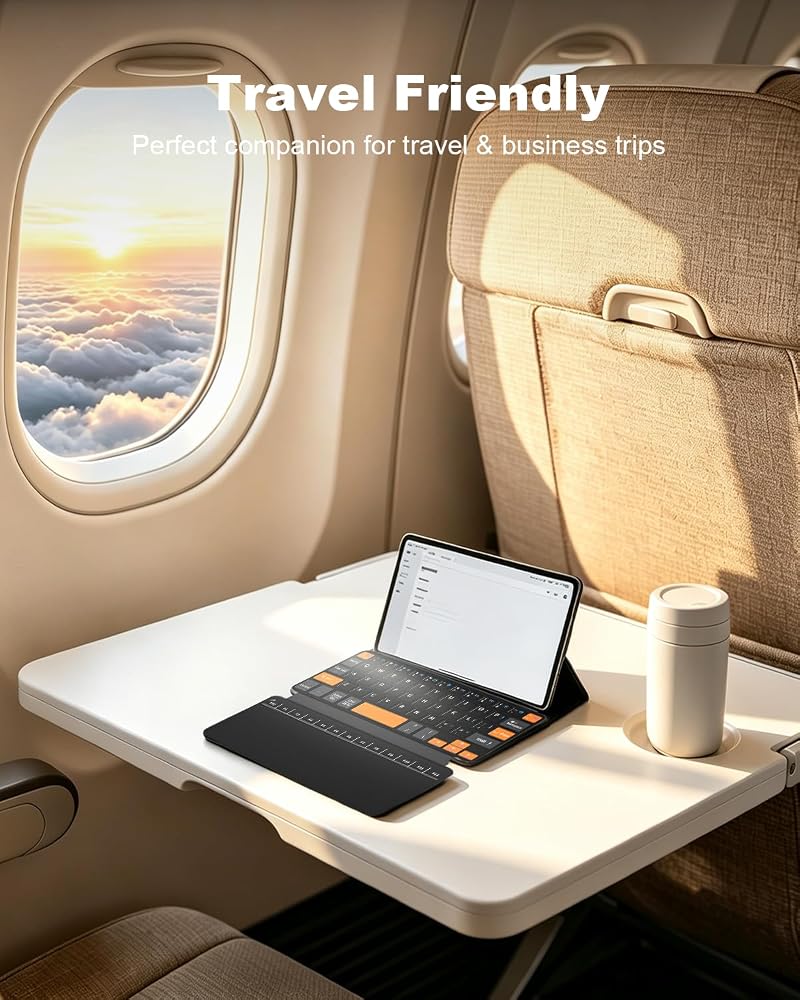
✅【Ultra‑Compact with High‑Visibility Keys】This compact wireless keyboard measures 7.6×3.3×0.8 inches and weighs 9.9 oz, and it folds to pocket size for easy storage in your bag or pocket. It adopts well‑spaced independent keys with orange‑accented navigation and function clusters allow quick recognition, reducing typing errors and boosting efficiency for travel and daily office use
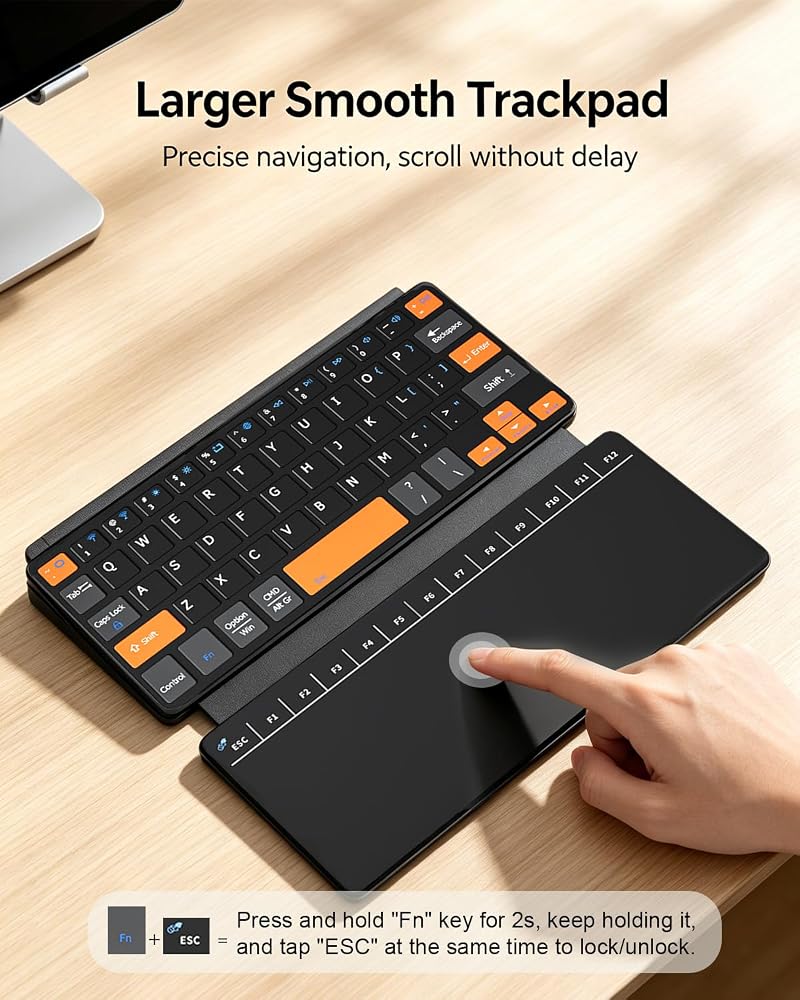
✅ 【Precision Touchpad & Operation Guide】This mini keyboard is equipped with a high‑precision large touchpad and a full F1–F12 function row to fully replace a separate mouse. 1️⃣ Hold Fn for 2 seconds and tap ESC to lock or unlock the touchpad. 2️⃣ How to use touchpad pointer to "enter "? Press down the bottom zones of the touchpad to click; Single tap or double-tap does not work will not work.Press down the bottom-left area= Left Click (Confirm / Enter) / Press down the bottom-right area= Right Click (Context Menu) 3️⃣Tap the top‑row keys directly to access F1‑F12 functions with no need to hold the Fn key
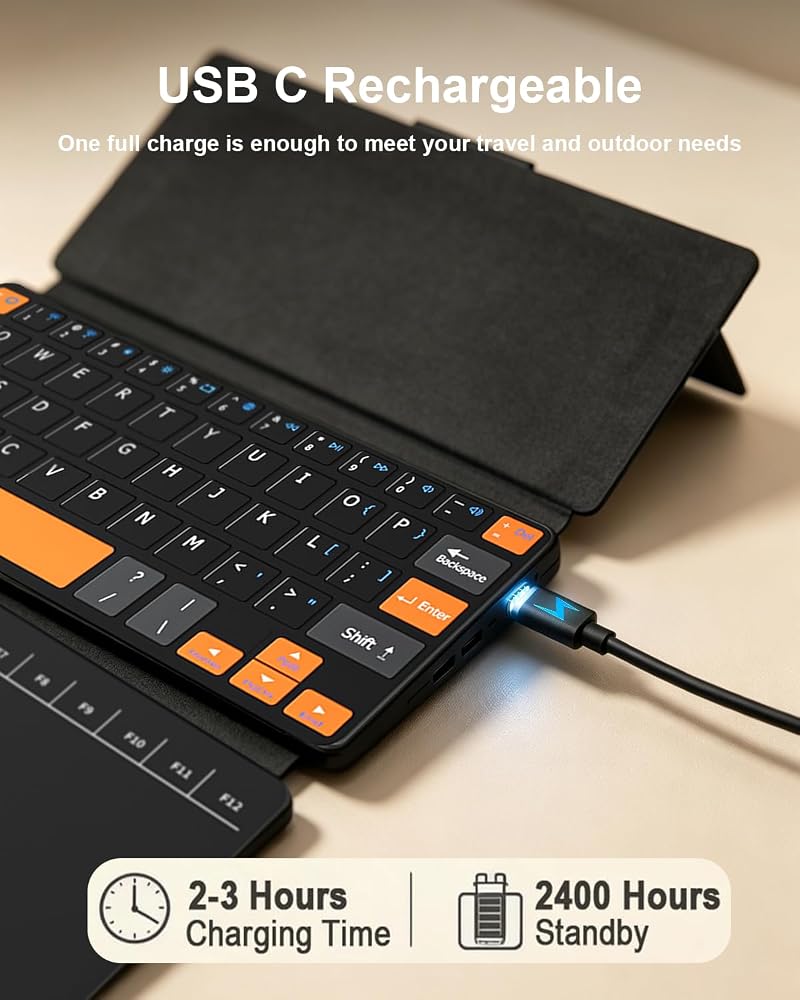
✅【Extended Battery Life with USB‑C Fast Charging】This orange iphone keyboard delivers over 80 hours of use on a single charge, thanks to its high‑capacity battery and smart power‑saving technology. Recharging is simple using the included Type‑C cable, reaching a full charge within 2‑3 hours. Built for true portability, this rechargeable USB‑C keyboard provides reliable long‑lasting endurance for your on‑the‑go typing needs
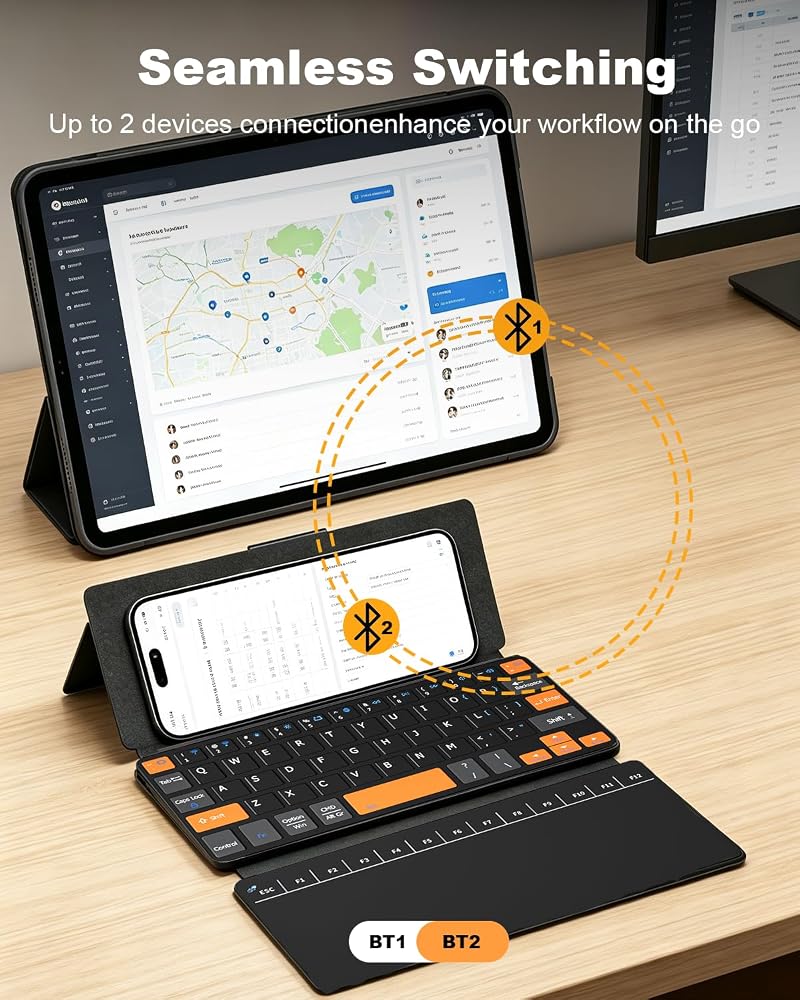
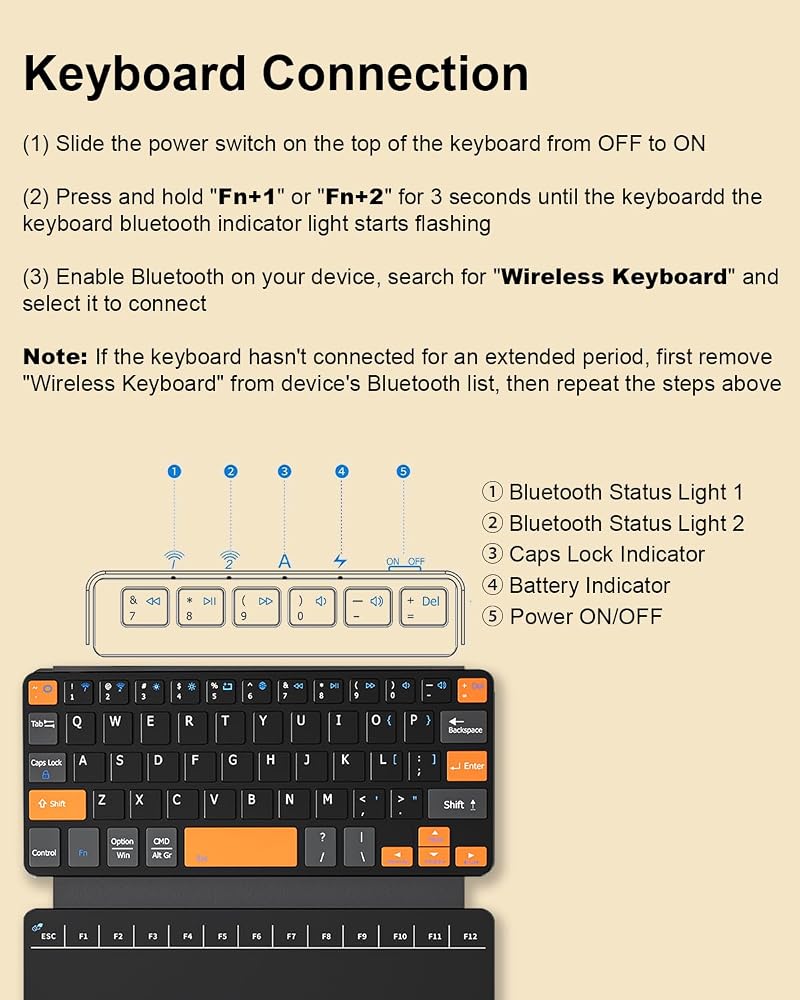
✅【Dual‑Device Bluetooth Switching】This small keyboard supports pairing two Bluetooth‑enabled devices simultaneously. You can quickly toggle between two connected gadgets via shortcut FN+1 / FN+2 with corresponding indicator feedback, delivering stable wireless typing workflow for mixed phone‑tablet usage.
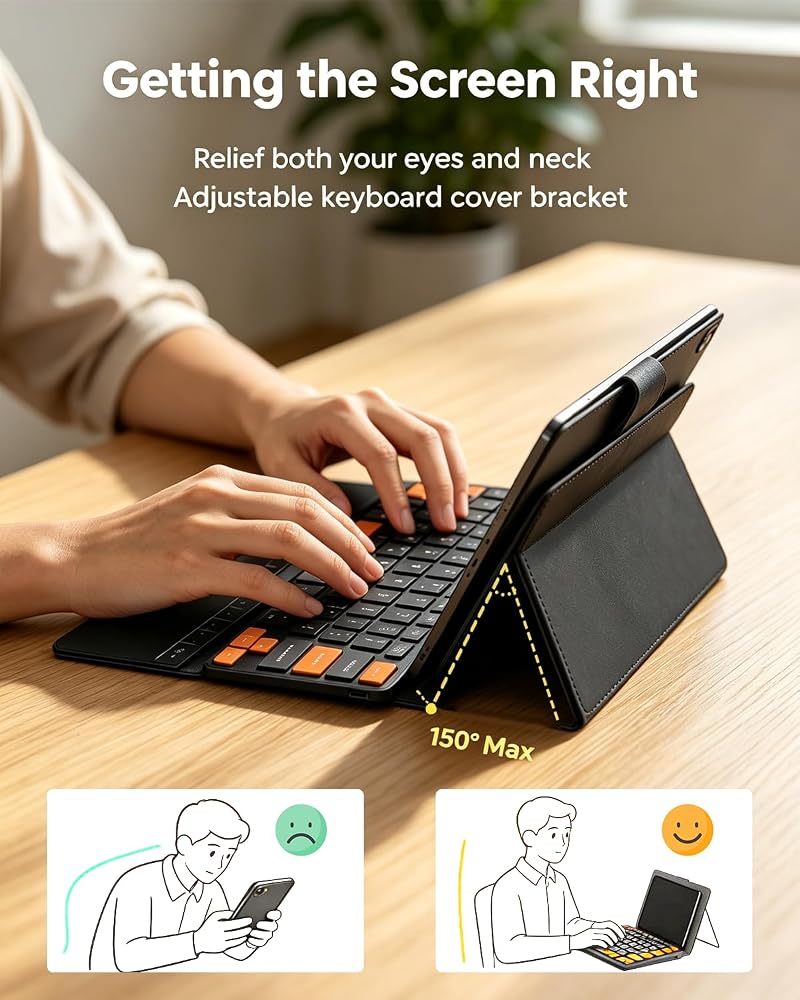
✅【Leather Cover & Adjustable Kickstand】This tiny keyboard comes with an integrated premium leather cover that shields against drops, scratches, and dust, combining ergonomic keyboard and protective shell into one compact unit. Its built‑in adjustable keyboard stand holds your device at comfortable viewing and typing angles, transforming your phone or tablet into a handy mini laptop for work, study and streaming. Perfect travel‑ready office accessory for everyday commutes.
✅【Easy Setup & Reset Guide】This silent keyboard is simple to pair: 1️⃣ Press the mechanical switch on the top of the quiet wireless keyboard from 【OFF→ON】2️⃣ Press Fn+1 or Fn+2 to enter pairing mode (indicator flashes), 3️⃣ Turn on the Bluetooth function of the device you want to connect, search for and find "Wireless Keyboard", then click to connect. If the connection fails or becomes unstable, reset by removing the keyboard from your Bluetooth list, power‑cycle the bluetooth keyboard, then hold the first and last keys on the top row until all indicators flash to re‑enter pairing mode
 RGB Gaming Mouse Pad with 11 RGB Light up Modes,LED Gaming Pad,Non-Slip Rubber Based Computer Mice mat Medium Size(13.7" x 10.3")
KWD 5.500
RGB Gaming Mouse Pad with 11 RGB Light up Modes,LED Gaming Pad,Non-Slip Rubber Based Computer Mice mat Medium Size(13.7" x 10.3")
KWD 5.500
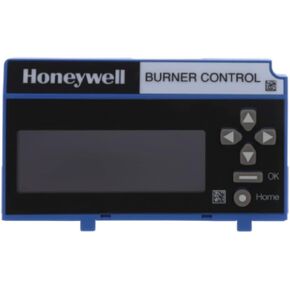 Honeywell S7800A2142 Four line LCD Keyboard Display for RM7800 Series - Replaces S7800A1001
KWD 230
Honeywell S7800A2142 Four line LCD Keyboard Display for RM7800 Series - Replaces S7800A1001
KWD 230
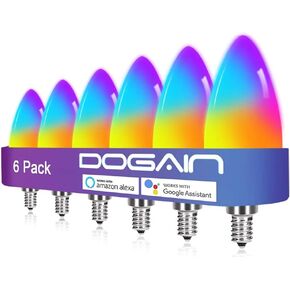 DOGAIN Smart Light Bulbs E12 Base LED Light Bulb Color Changing WiFi-Bluetooth Lights Compatible with Alexa Google Home Tunable White Candelabra Bulbs 360 lm 35w Equivalent 6 Pack
KWD 19
DOGAIN Smart Light Bulbs E12 Base LED Light Bulb Color Changing WiFi-Bluetooth Lights Compatible with Alexa Google Home Tunable White Candelabra Bulbs 360 lm 35w Equivalent 6 Pack
KWD 19
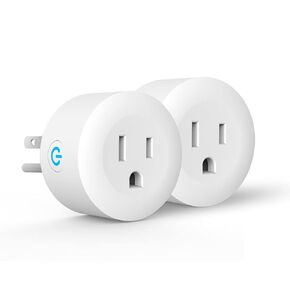 Smart Plug,DOGAIN Zigbee Smart Plugs Outlet Works with ST and Echo Plus Hub Voice Control Compatible with Alexa and The Google Assistant (Hub Required)(2 Pack)
KWD 10
Smart Plug,DOGAIN Zigbee Smart Plugs Outlet Works with ST and Echo Plus Hub Voice Control Compatible with Alexa and The Google Assistant (Hub Required)(2 Pack)
KWD 10

 Kuwait