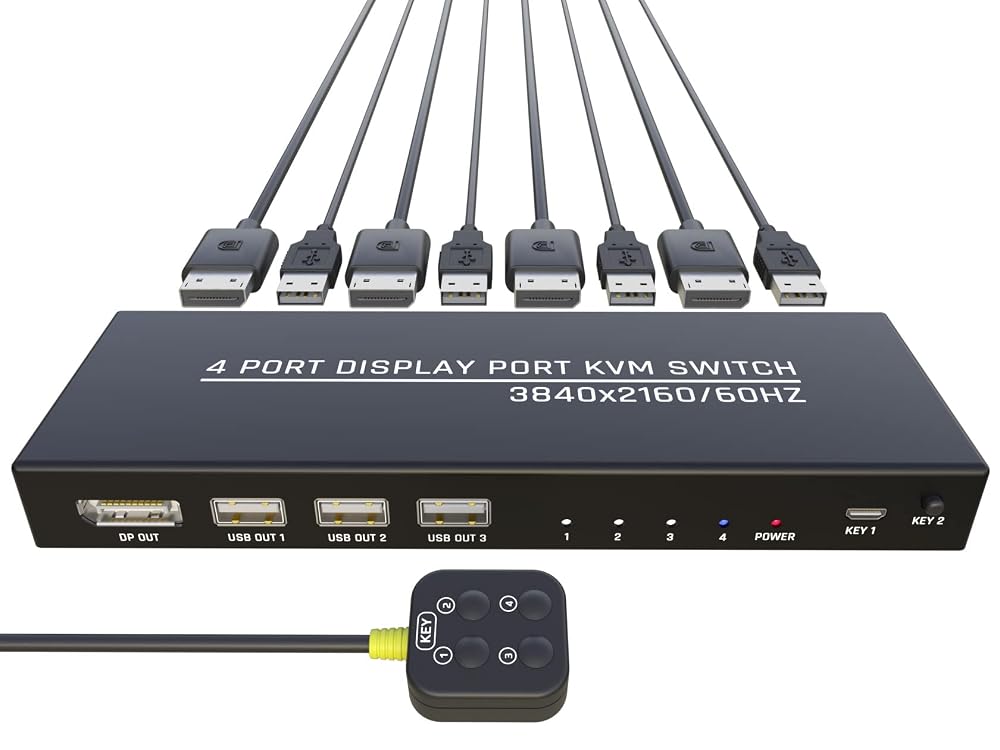
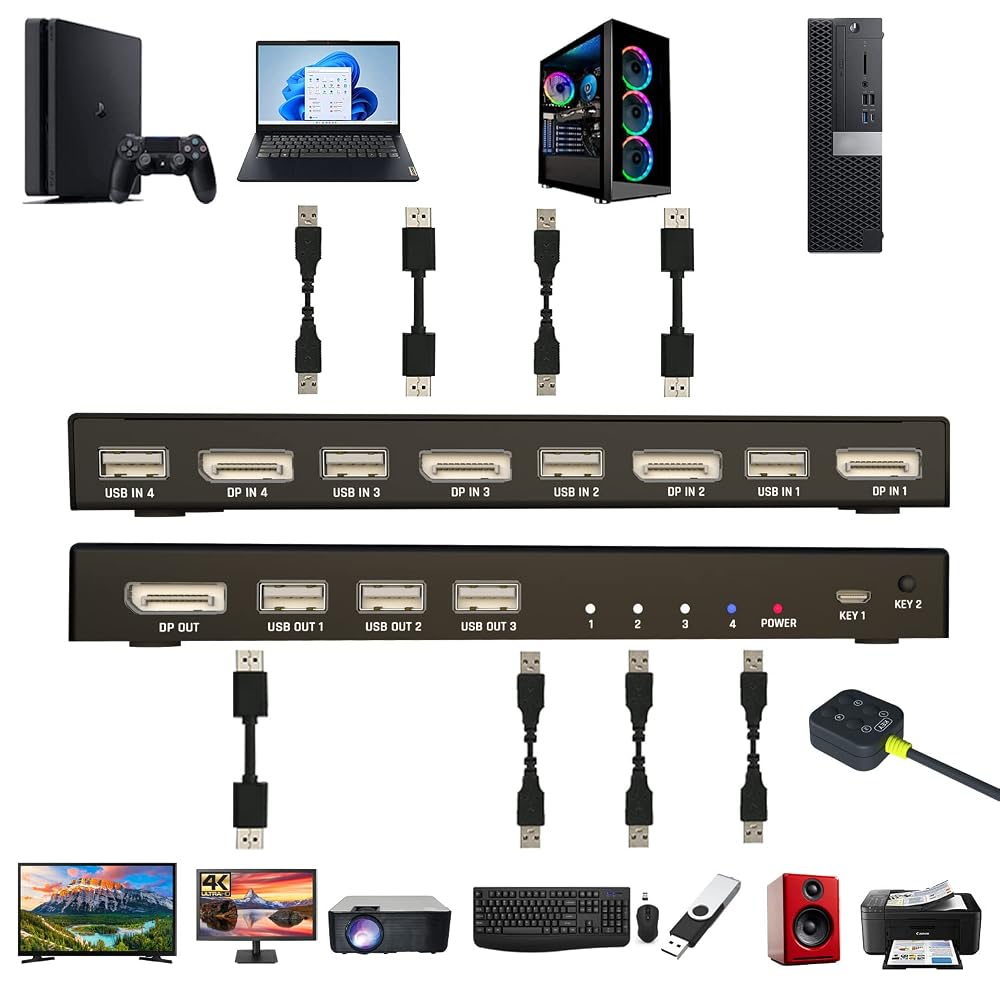
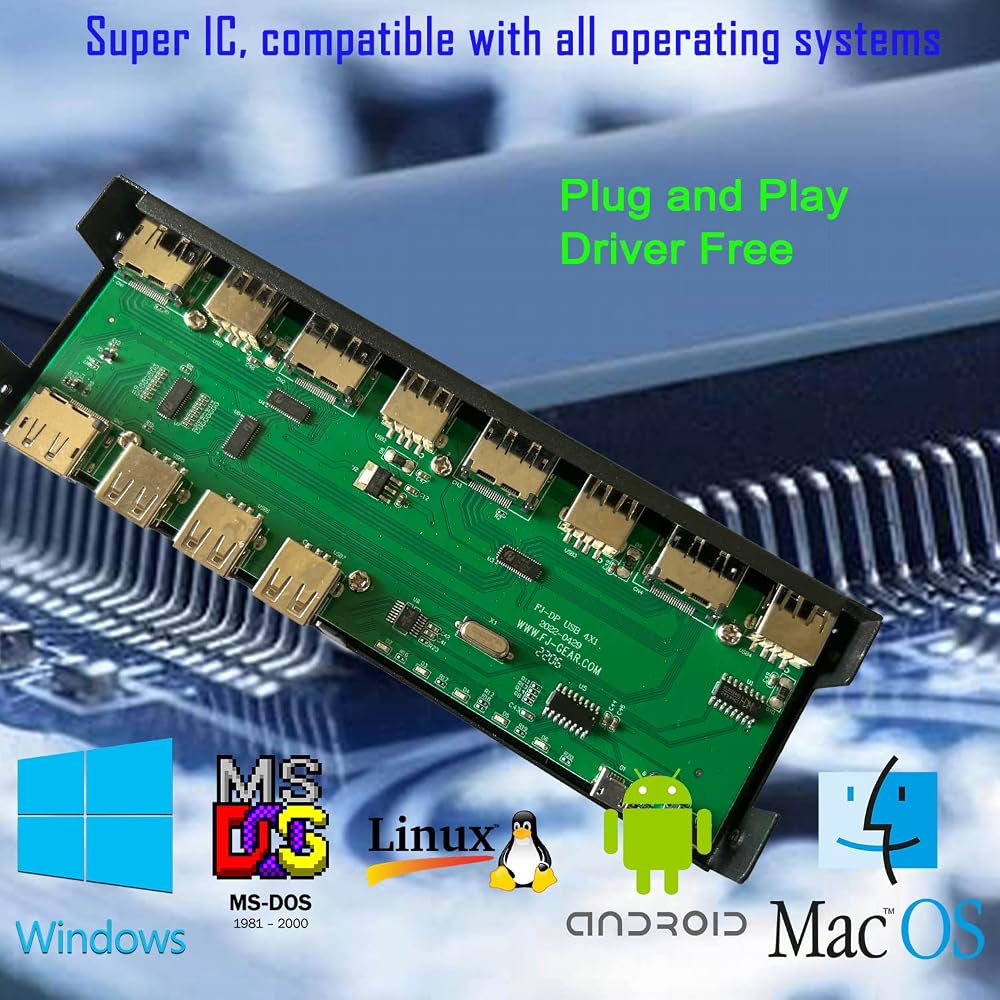
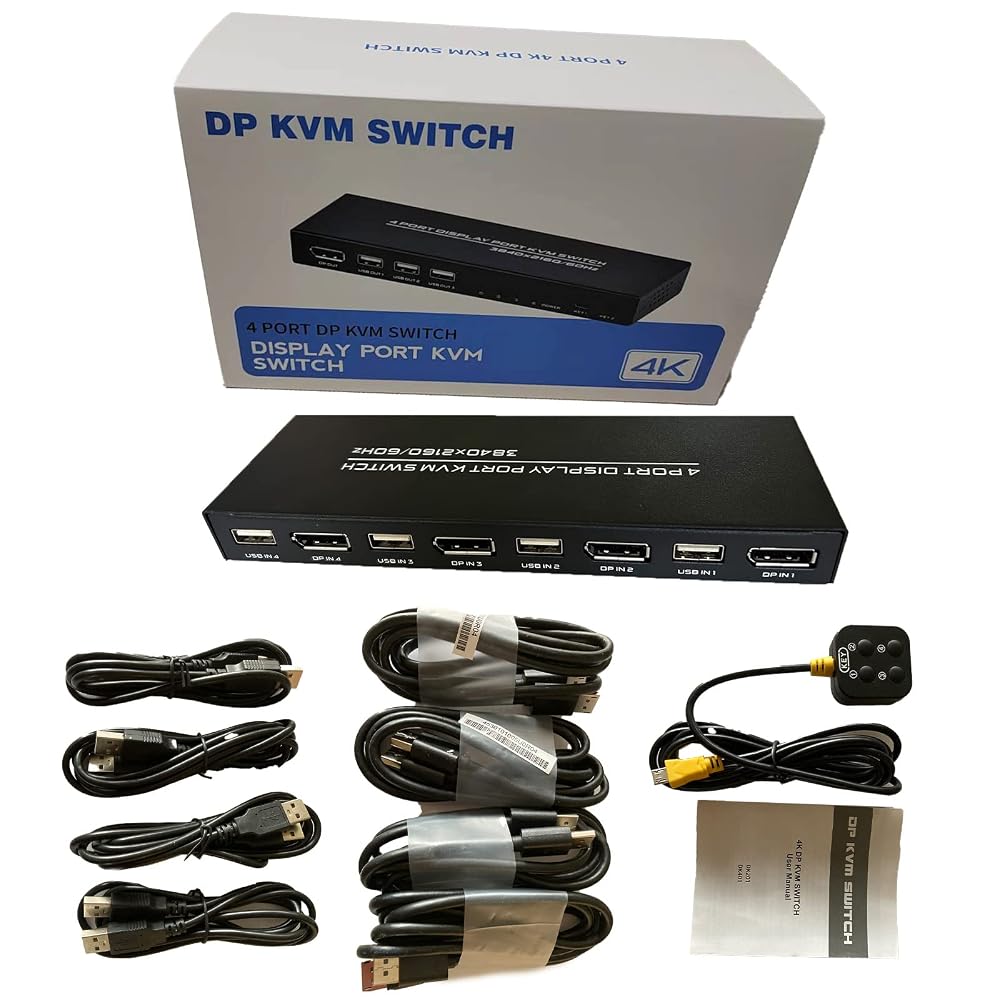
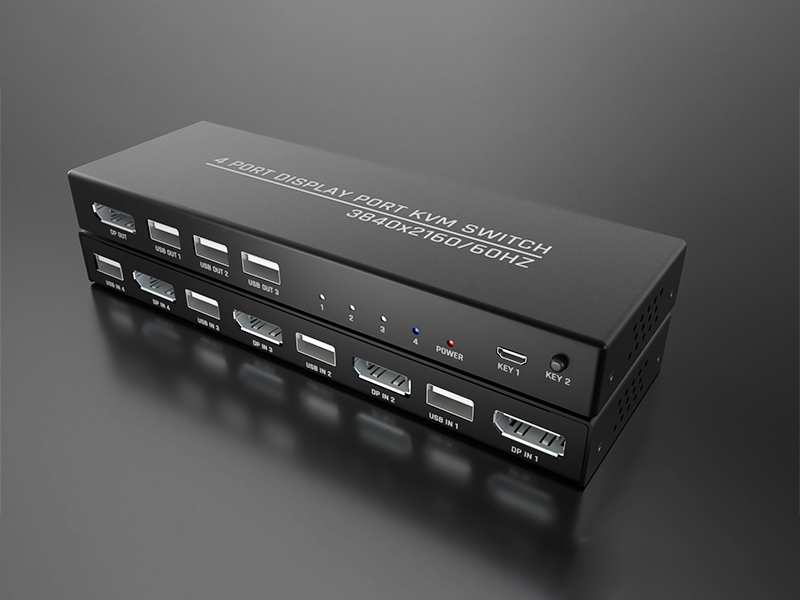
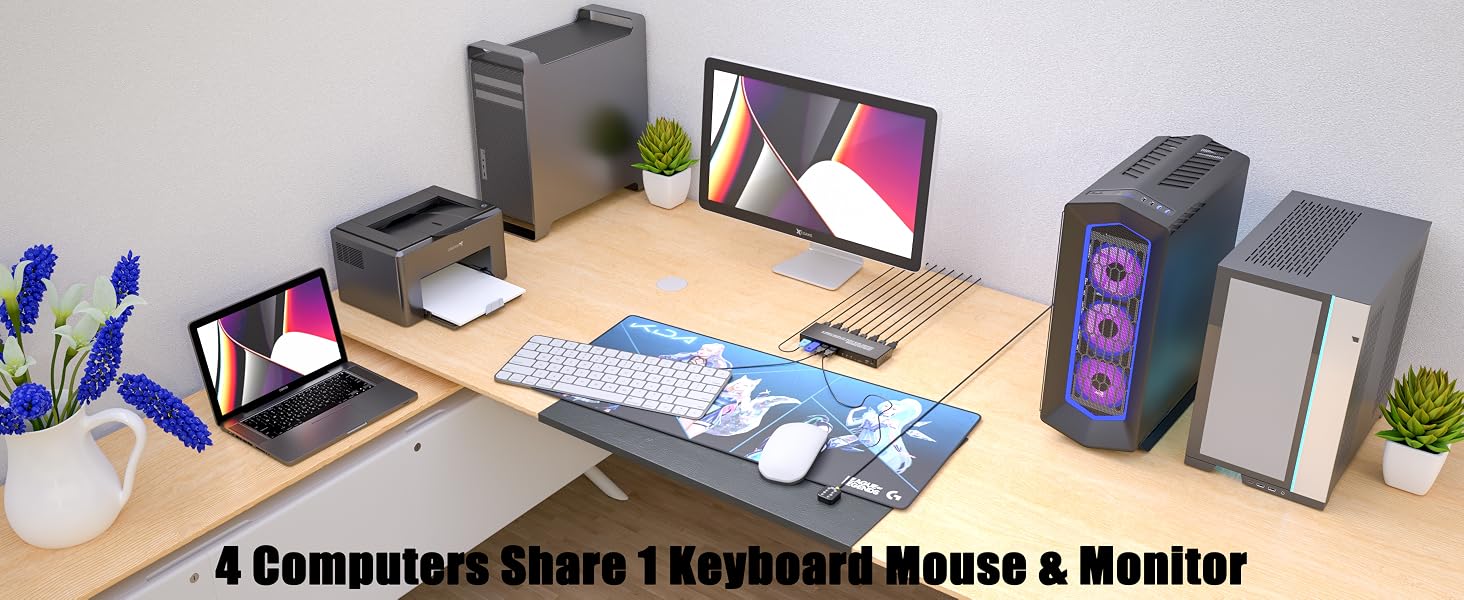
【4-Port DP KVM Switch Efficiency】 Seamlessly control up to 4 DisplayPort-equipped computers or laptops using just 1 monitor, 1 keyboard, and 1 mouse. Features 3 integrated USB 2.0 ports to share peripherals like printers, scanners, or flash drives among all connected devices, instantly eliminating desktop clutter.
【Stunning 4K@60Hz & High Refresh Rates】 Supports crisp Ultra HD resolutions up to 3840 x 2160 @ 60Hz with backward compatibility. It also accommodates smoother gaming and high-performance workflows with refresh rates like 1080P@144Hz/120Hz and 1440P@120Hz (requires high-quality DP 1.2/1.4 cables).
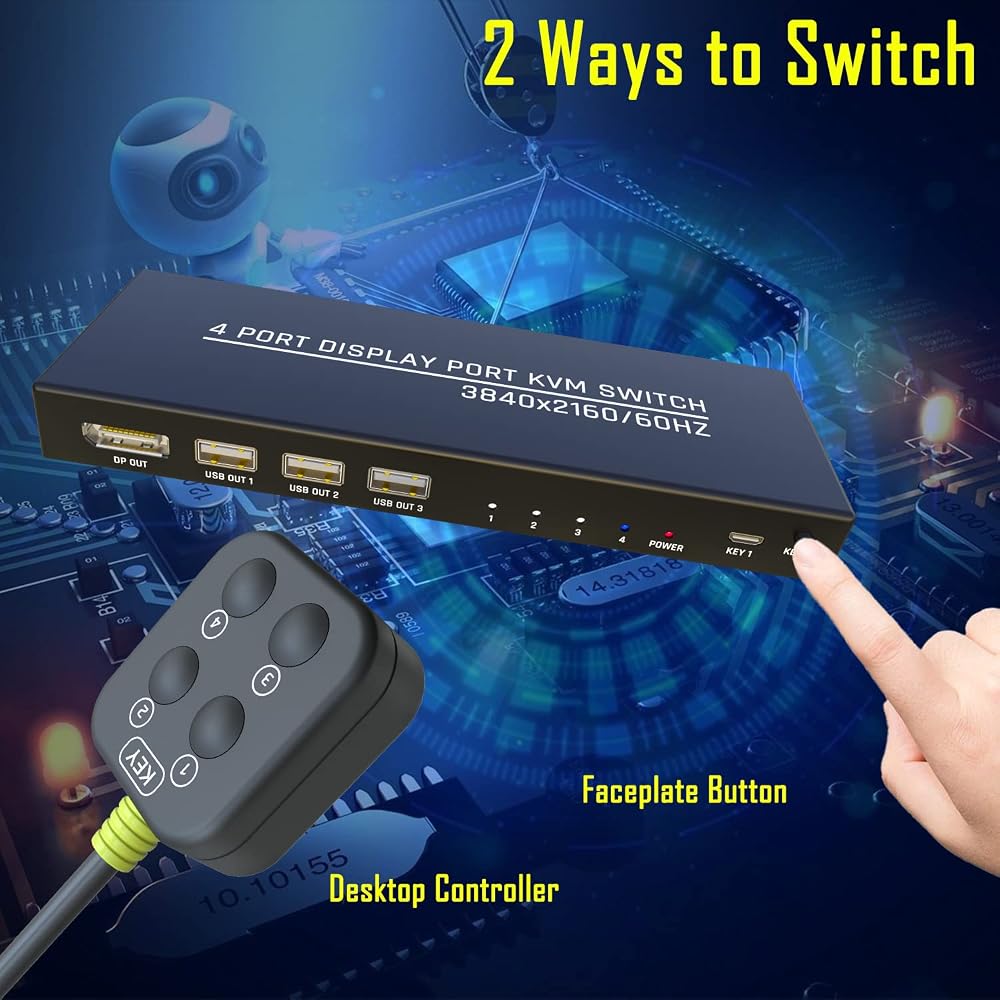
【Two Flexible Switching Modes】 Easily toggle between your 4 PCs via the front-panel button or the convenient wired desktop remote (1.5m cable included). Keep the KVM switch body hidden out of sight for a neat setup while maintaining easy access. (Note: Keyboard hotkey switching is not supported).
【True Plug & Play with All Cables Included】 Get started right out of the box with 4x DisplayPort cables and 4x USB 2.0 cables included—no extra purchases necessary. Fully compatible with major operating systems including Windows, macOS, Linux, Unix, and ChromeOS with no drivers required.
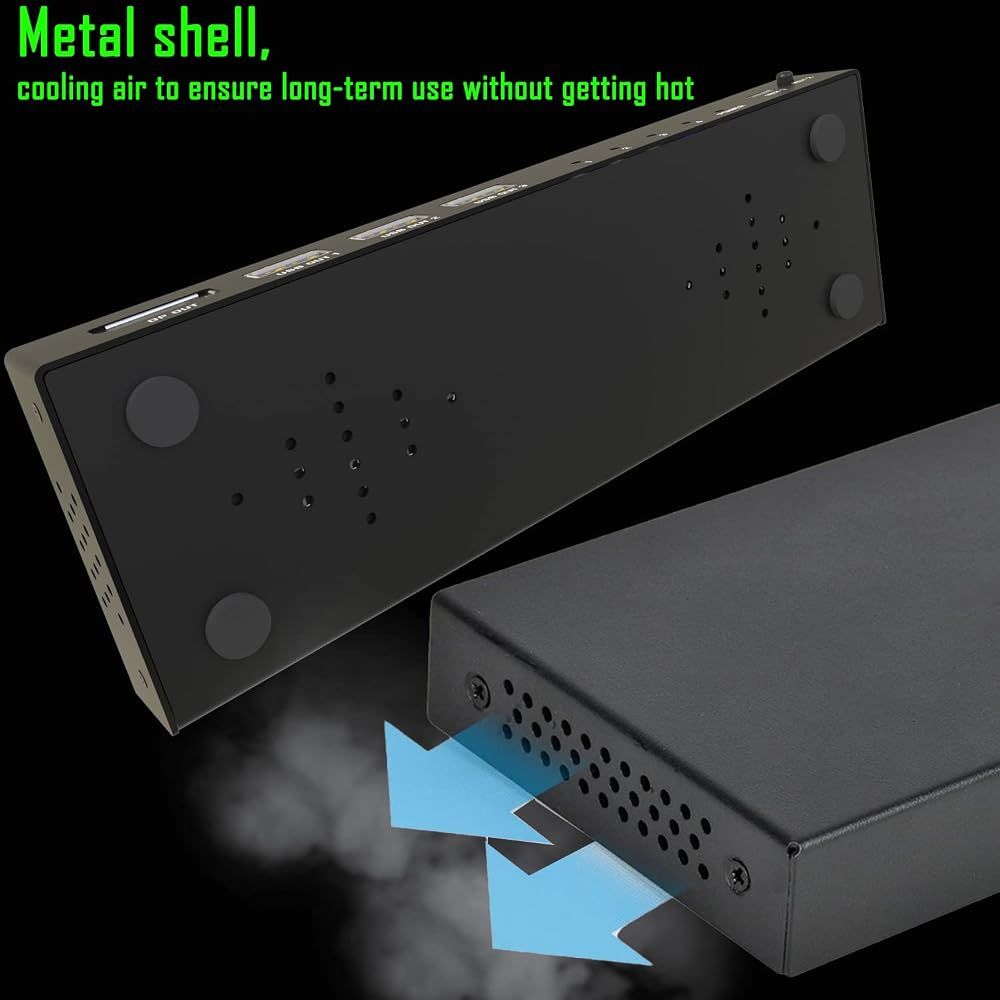
【Stable Connection & Driver Reset】 Encased in a rugged metal housing for optimal heat dissipation and anti-interference. Pro Tip: If your peripherals experience occasional latency, simply swap the USB inputs between ports or restart your PC while connected to force an OS driver refresh. Supports external DC 5V power (cable/adapter not included) for high-power USB devices.
NOTE: In case of facing the keyboard and mouse disconnection issue. Mostly it is because the keyboard and mouse driver need to be updated to use the KVM Switch. Simply switch both cables between PC1 and PC2 (PC1 DP IN to PC2 DP IN and PC1 USB IN to PC2 USB IN), or restart the computer while KVM is connected to force a driver update. This should fix 90% of the problem. If you still have issues, please contact technical support through Amazon to answer any questions during use.
 HDMI Switch 5 Ports with Remote, 4K@60Hz HDMI Switcher - 5 in 1 Out HDMI Selector Box Hub - Support HDMI 2.0, Auto Switching, HDCP2.2 Compatible with PS5/4/3 Xbox Nintendo, Roku TV, Fire Stick, PC
KWD 11
HDMI Switch 5 Ports with Remote, 4K@60Hz HDMI Switcher - 5 in 1 Out HDMI Selector Box Hub - Support HDMI 2.0, Auto Switching, HDCP2.2 Compatible with PS5/4/3 Xbox Nintendo, Roku TV, Fire Stick, PC
KWD 11
 CERRXIAN USB3.0 Switch Selector,USB KVM Switcher Adapter,Bi-Directional USB Sharing Switch 2 in 1 Out/ 1 in 2 Out,USB Switcher 2 Computers Share Keyboard Mouse Scanner Printer
KWD 4.500
CERRXIAN USB3.0 Switch Selector,USB KVM Switcher Adapter,Bi-Directional USB Sharing Switch 2 in 1 Out/ 1 in 2 Out,USB Switcher 2 Computers Share Keyboard Mouse Scanner Printer
KWD 4.500
 Printer Sharing Switch, Manual Switcher Adapter, 2 Computer Share 1 Printer Scanner USB Device Hub with 2 Pack Male Cables
KWD 6
Printer Sharing Switch, Manual Switcher Adapter, 2 Computer Share 1 Printer Scanner USB Device Hub with 2 Pack Male Cables
KWD 6
 SunFounder Transparent Acrylic Case Compatible with Arduino UNO R4 WiFi (Original Bottom Case NOT Included)
KWD 4
SunFounder Transparent Acrylic Case Compatible with Arduino UNO R4 WiFi (Original Bottom Case NOT Included)
KWD 4

 Kuwait