- Shopping, made easy.
- /
- Get the app!
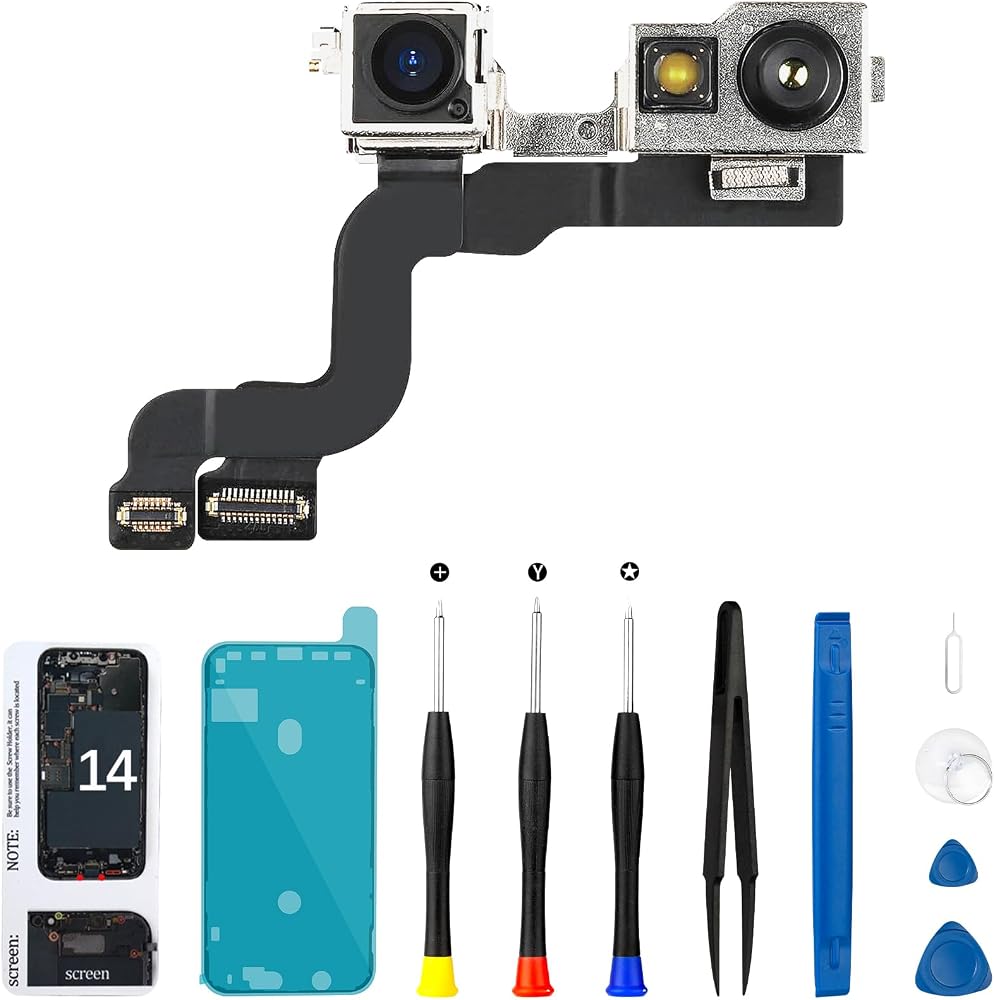
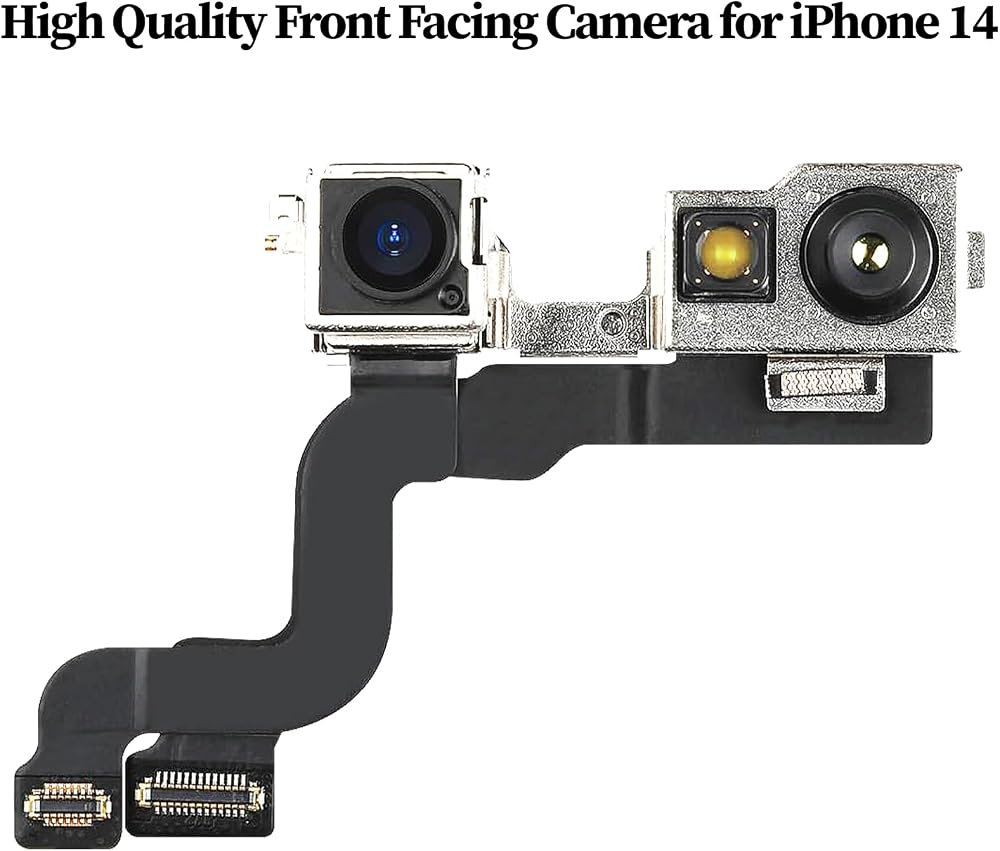
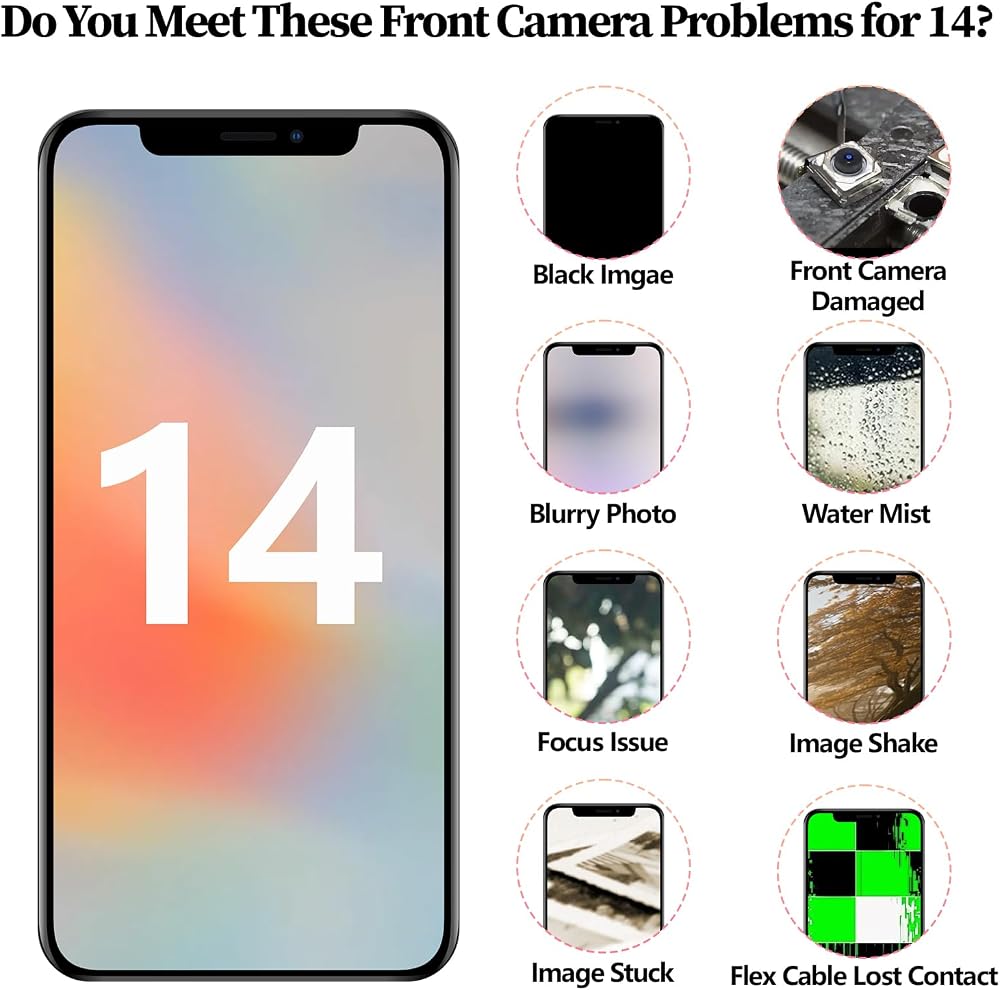
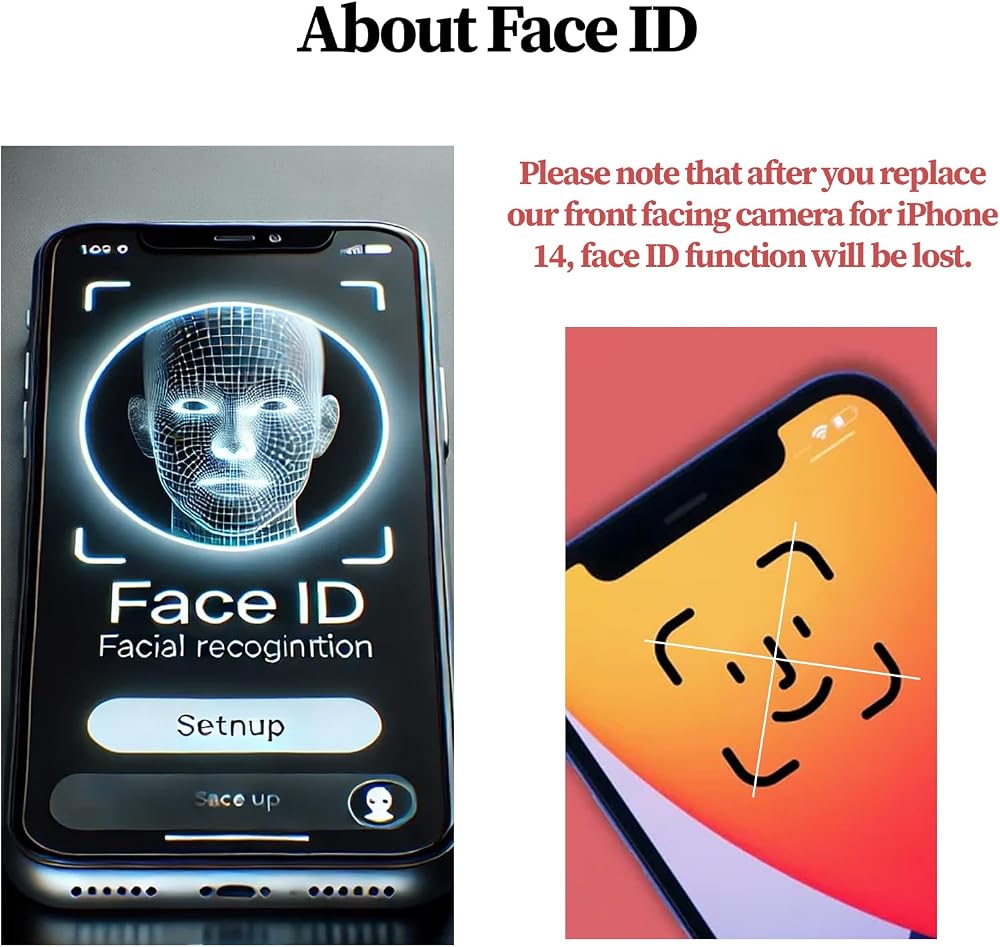
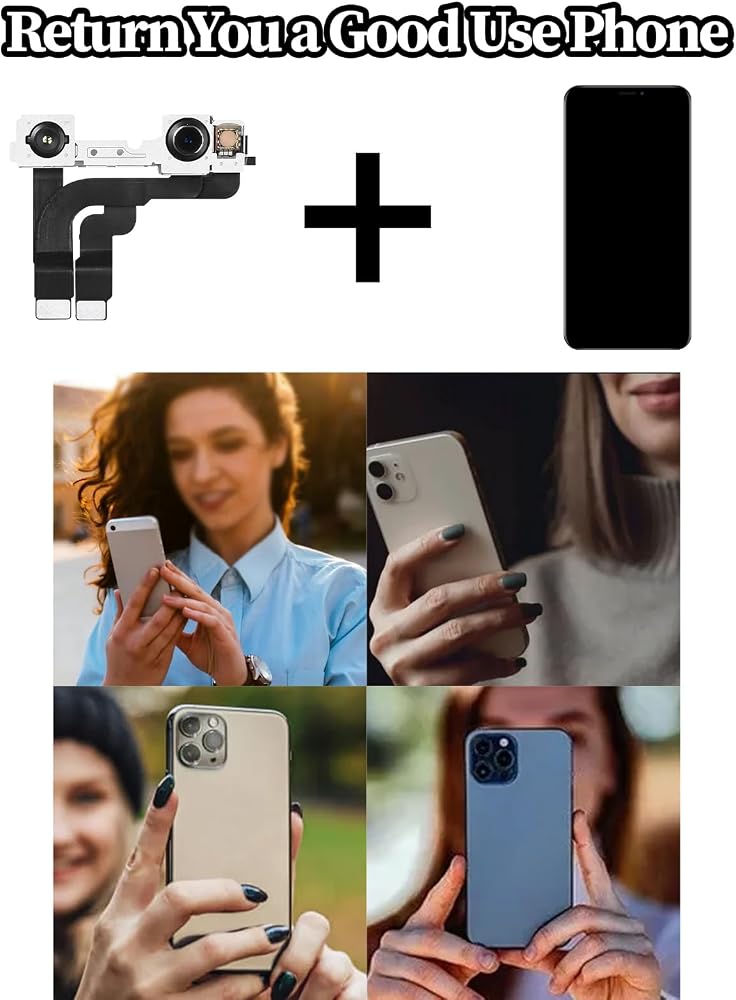
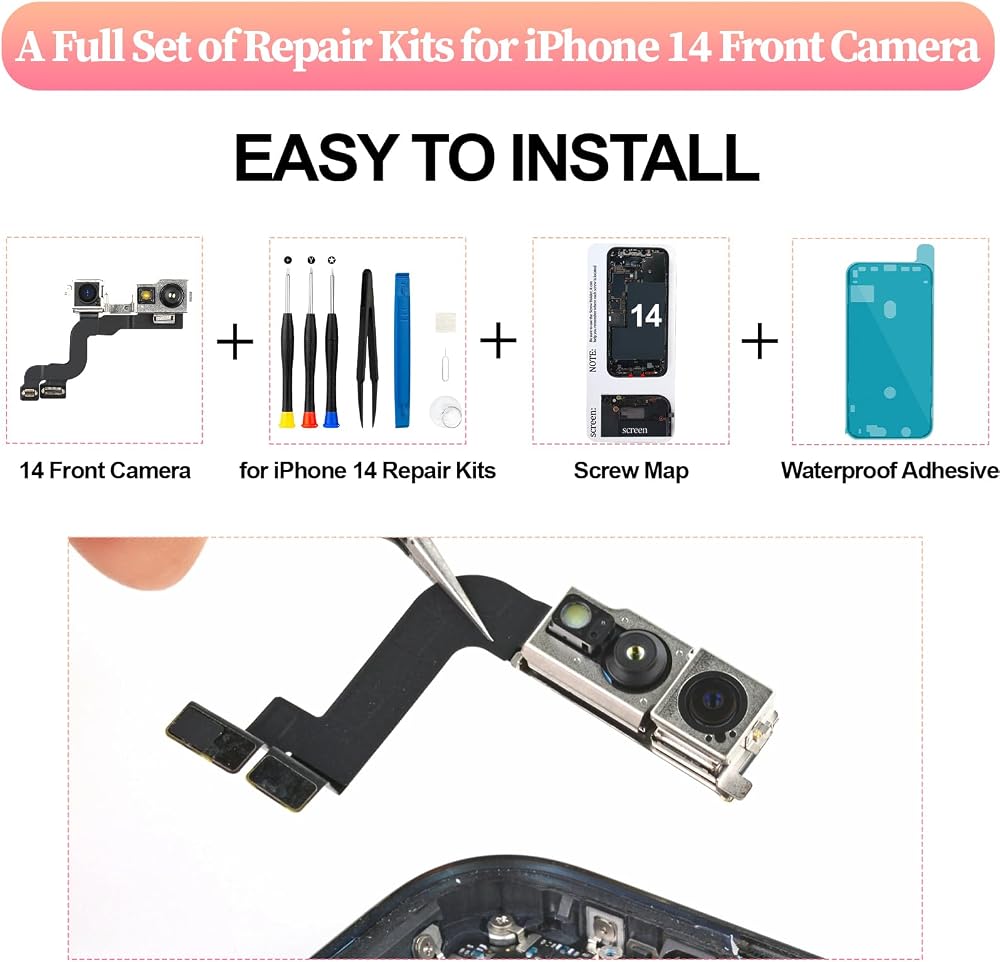
It is crucial to fully turn off the device before replacing the front camera for iPhone 14 to ensure safety and prevent potential damage to internal components. When ready to remove the screen, use a hair dryer to evenly heat its edges. The heat softens the adhesive, making disassembly easier and reducing the risk of screen breakage. This method ensures a smoother repair. Next, handle the flexible battery plug carefully. Check and eliminate any abnormal issues to maintain stable connections and avoid electrical problems.
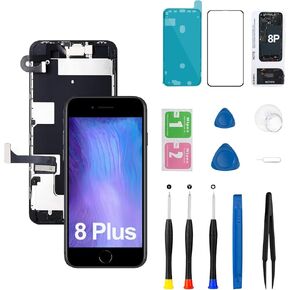 for iPhone 8 Plus Screen Replacement Kit A1864 A1897 A1898 with Ear Speaker Proximity Sensor Home Button Front Camera 3D Touch LCD Display Digitizer Black 5.5 inch
KWD 11
for iPhone 8 Plus Screen Replacement Kit A1864 A1897 A1898 with Ear Speaker Proximity Sensor Home Button Front Camera 3D Touch LCD Display Digitizer Black 5.5 inch
KWD 11
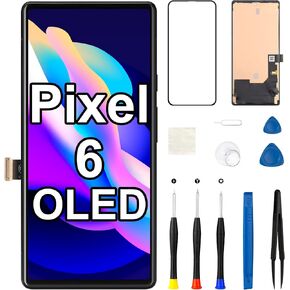 OLED for Google Pixel 6 Screen Replacement Kit
KWD 33
OLED for Google Pixel 6 Screen Replacement Kit
KWD 33
 for iPhone SE 2022/3rd Generation Screen Replacement
KWD 8.500
for iPhone SE 2022/3rd Generation Screen Replacement
KWD 8.500
 for Samsung A16 5G LCD Screen Replacement with Frame
KWD 9.500
for Samsung A16 5G LCD Screen Replacement with Frame
KWD 9.500