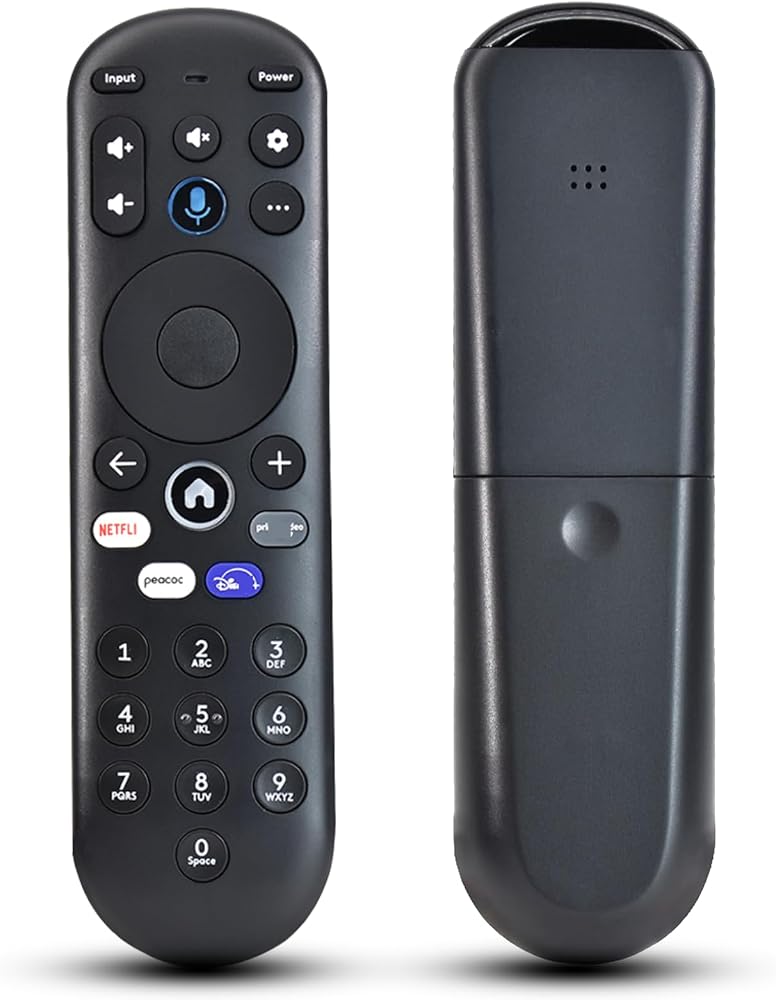
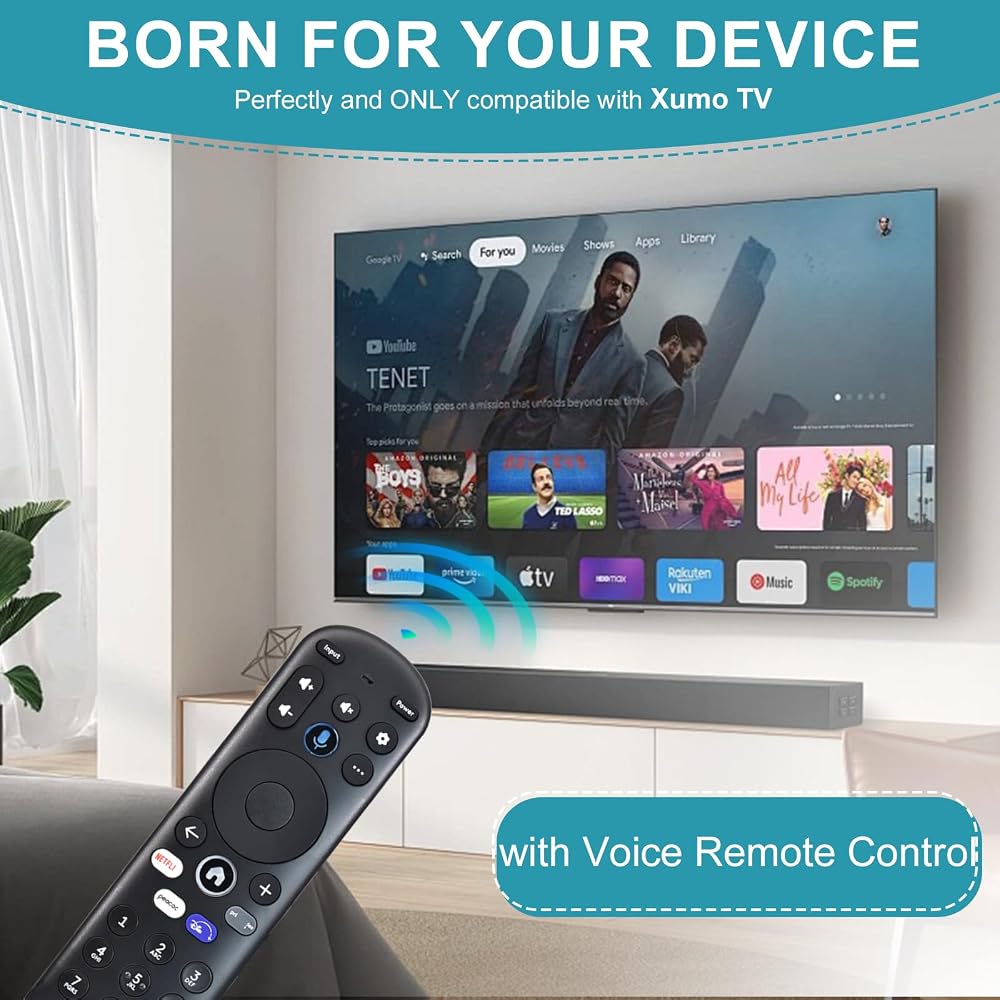
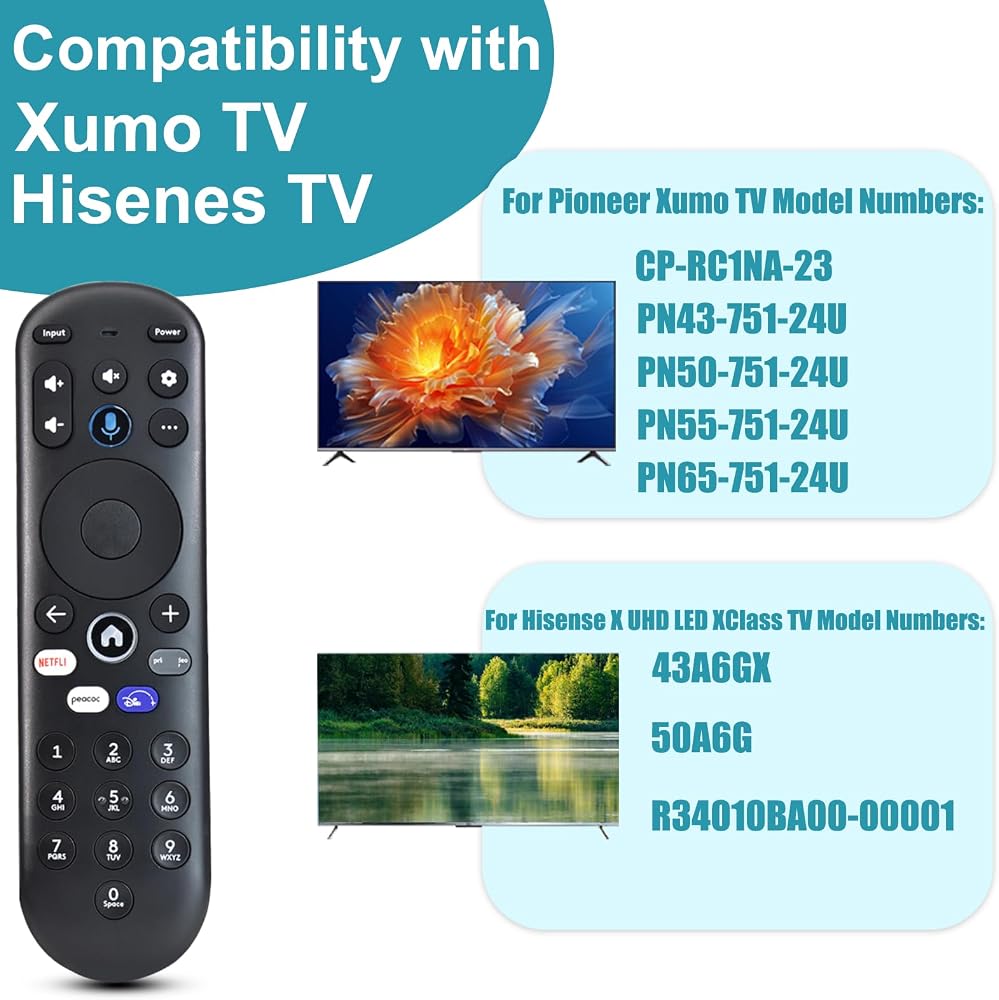
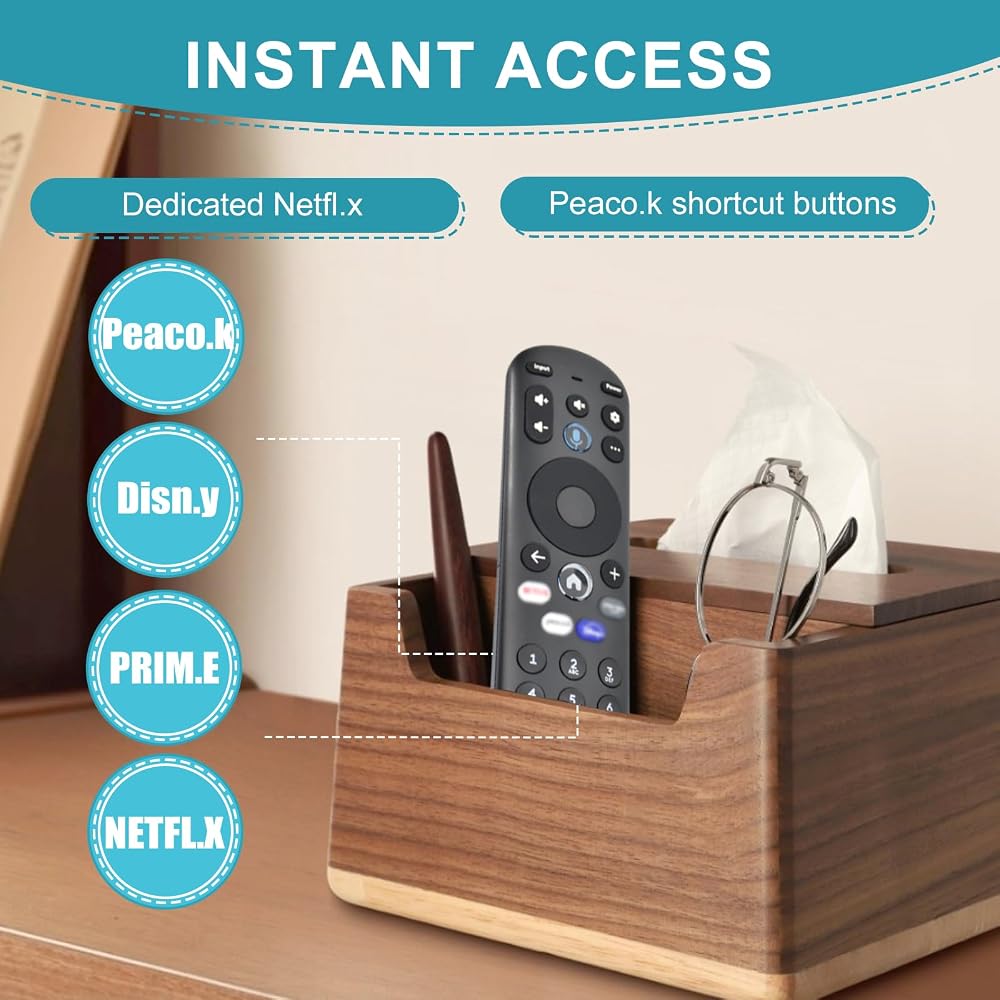
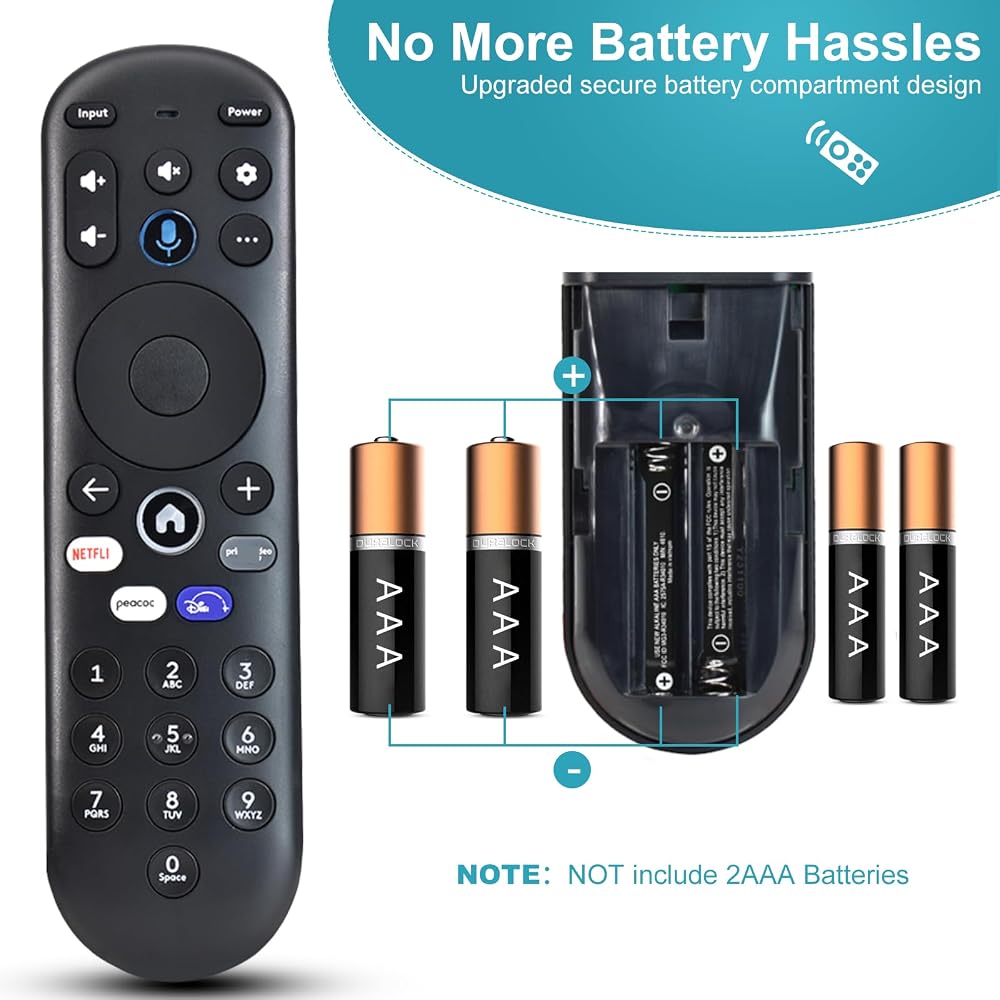
【Compatible with Element Xumo TVs】This replacement voice remote is designed for Element Xumo TV Stream Box and works seamlessly with the following Element 4K UHD HDR Xumo TV models: E500AC65C (65"), E500AC43C (43"), E500AC55C (55"), E500AC50C (50").
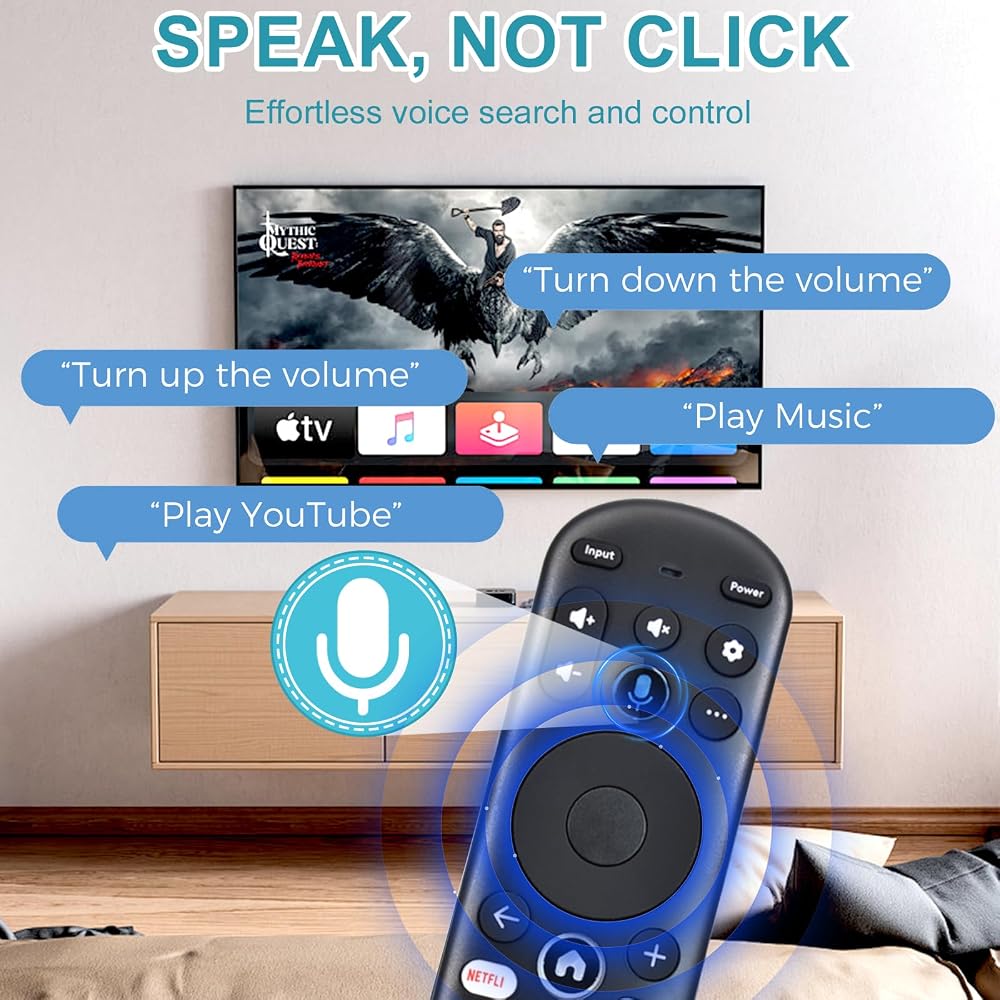
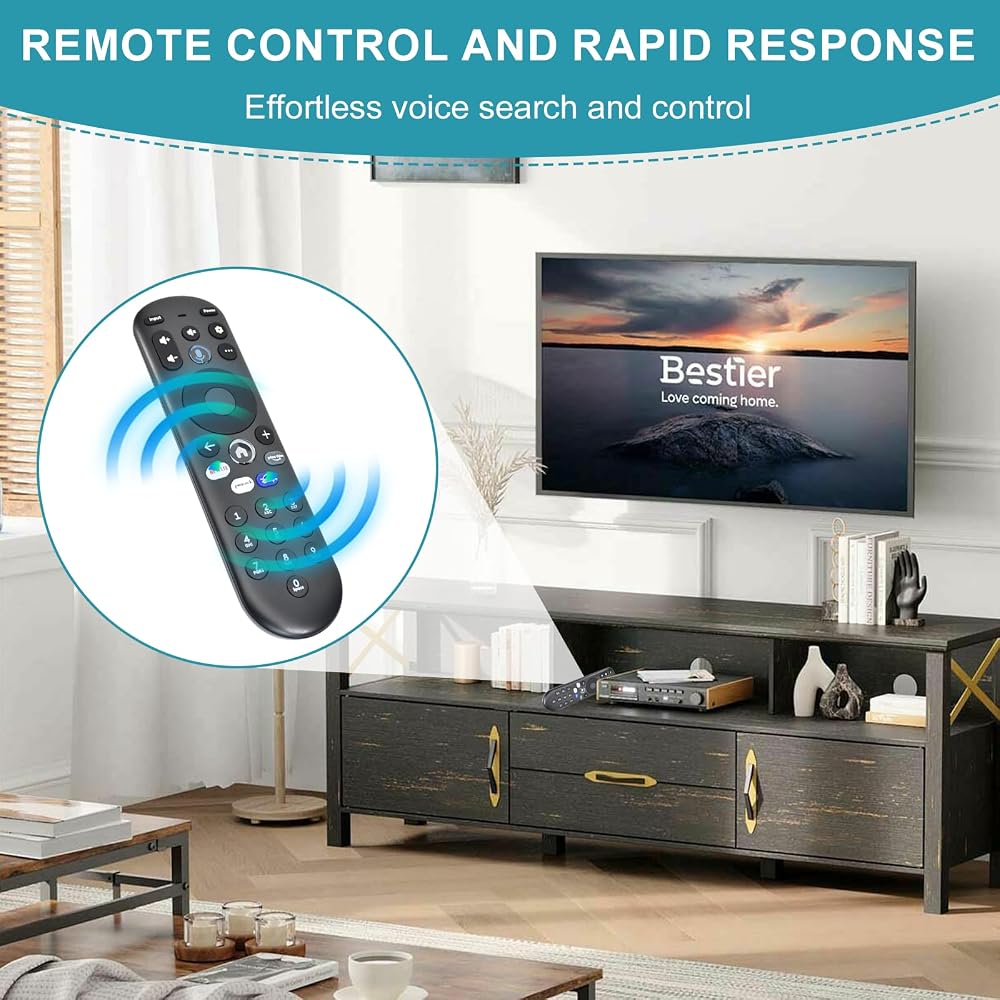
【Voice Control for Effortless Streaming】 Search across apps, switch between platforms, discover new shows, and adjust volume—all with your voice. No more typing or hunting through different streaming services to find that show your friend recommended. More watching, less waiting.
【Quality Service】provide up to 2 years after-sales service for Voice Remote. Product quality and your good experience is always our basic principle, you have any dissatisfaction in the use of the remote control can be at any time to let us know
【Important – Voice Requires Pairing & Internet】Voice control will not work until you pair the remote to your TV. Also, voice commands only function when your TV is connected to the internet. Once paired, you're ready to stream hands-free.
【Easy TV Pairing (2 Methods)】Automatic: If you put batteries in within 15 minutes of first plugging in your TV, pairing happens automatically. Manual: Go to Settings → Remote → Pair your remote to your TV, then follow on-screen instructions. Tip: If pairing fails, unplug your TV from power, plug it back in, power on, and retry.
【Pair with Your Sound System Too】 Go to Settings → Remote → Pair your remote and sound system, then follow on-screen instructions. Control both your TV and audio devices with one remote.
【Remote Reset Instructions (If Needed)】Step 1:Hold ← and + for 3 seconds until the top light turns solid green. Step 2:Press 9, then 8, then 4 – the light will blink red a few times. Step 3:Hold ← and + for 3 seconds again. Step 4:Press 9, then 8, then 1. Step 5:Wait for the top light to flash red again. Step 6:Point remote at TV, press HOME, then test other keys to ensure it's working properly.
Description
Lost or broken your Element Xumo TV remote? This replacement voice remote works perfectly with Element 4K UHD HDR Xumo models E500AC65C, E500AC43C, E500AC55C, and E500AC50C. Use voice search to find shows across apps instantly—no more endless scrolling. Note: Voice requires pairing and an active internet connection. Pairing is easy: go to Settings > Remote > Pair your remote to your TV. You can also pair it with your sound system for unified control. If you run into issues, follow the included reset steps. Made from durable ABS with responsive buttons. Get back to binge-watching in minutes.
 -12%
Upgrade Voice Remote Replacement for Google TV Streamer 4K Voice Remote (NOT for Chromecast TV)
KWD 7.500
-12%
Upgrade Voice Remote Replacement for Google TV Streamer 4K Voice Remote (NOT for Chromecast TV)
KWD 7.500
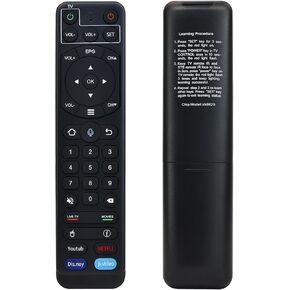 V2 Pro Voice Remote Compatible with vSeeBox V1 / V2 / Elite/Max
KWD 8.500
V2 Pro Voice Remote Compatible with vSeeBox V1 / V2 / Elite/Max
KWD 8.500
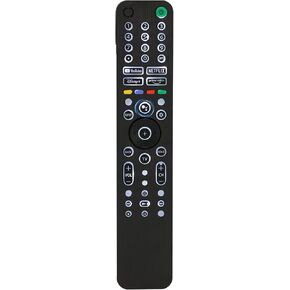 Backlit Voice Remote Control for Sony TV. Universal Remote Control Compatible with 99% 2019-2025 of Sony Bravia Smart TV and for Bravia XR/XBR/KD/K Series Google、 Android TVs,2 Year Warranty
KWD 7.500
Backlit Voice Remote Control for Sony TV. Universal Remote Control Compatible with 99% 2019-2025 of Sony Bravia Smart TV and for Bravia XR/XBR/KD/K Series Google、 Android TVs,2 Year Warranty
KWD 7.500
 Upgraded Universal Backlit V3 Pro Remote Replacement Voice Remote Compatible with vSeeBox V1 Pro/V1 Max/Elite/Max/ V2 Pro / V3 Pro / V3 Plus / V5 Pro,with Stable Connector,2 Year Warranty
KWD 7.500
Upgraded Universal Backlit V3 Pro Remote Replacement Voice Remote Compatible with vSeeBox V1 Pro/V1 Max/Elite/Max/ V2 Pro / V3 Pro / V3 Plus / V5 Pro,with Stable Connector,2 Year Warranty
KWD 7.500