- Shopping, made easy.
- /
- Get the app!
"
Thank you for choosing us. Please take note of the following key points to ensure a smooth screen replacement process:
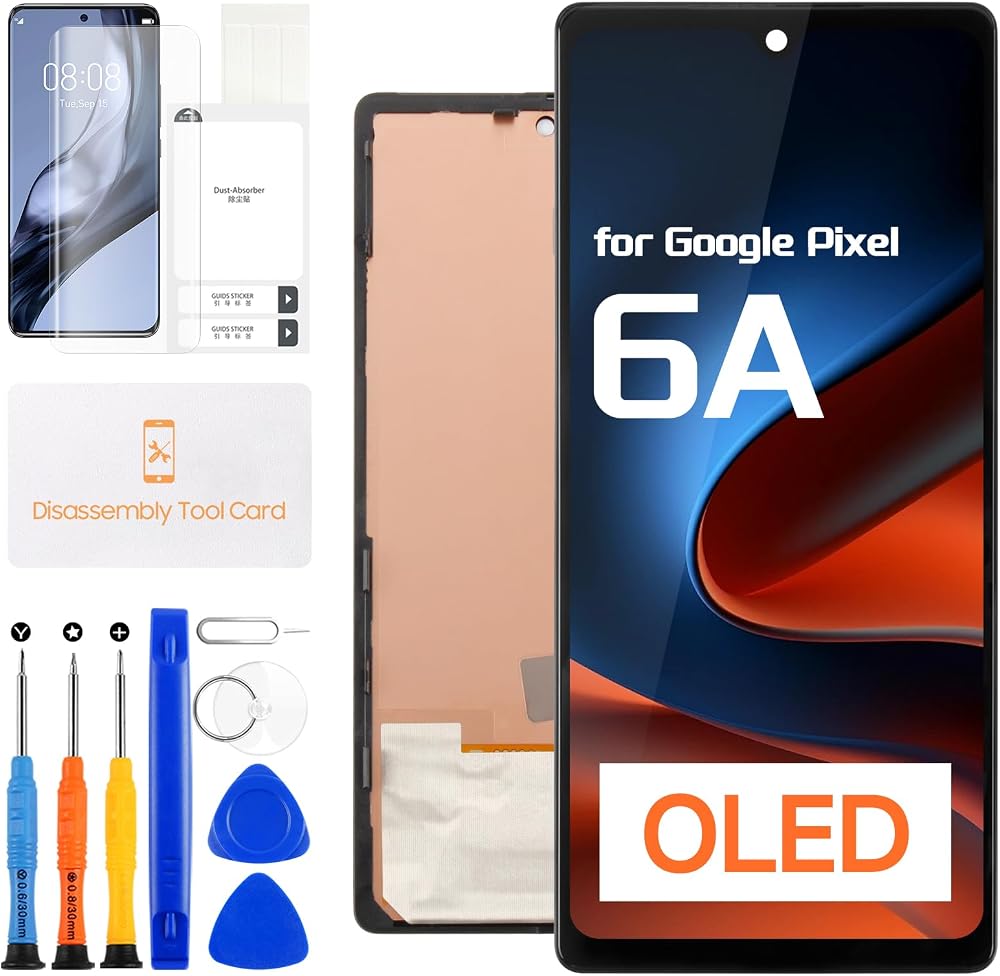
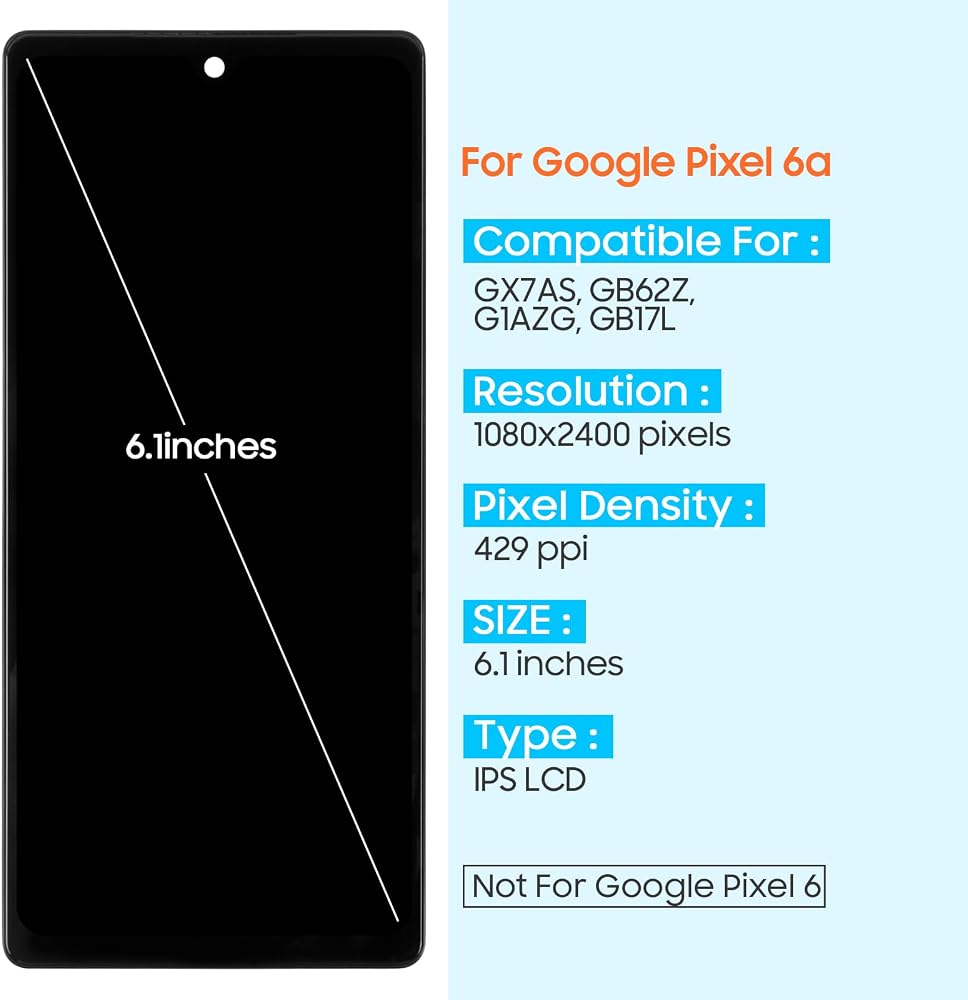
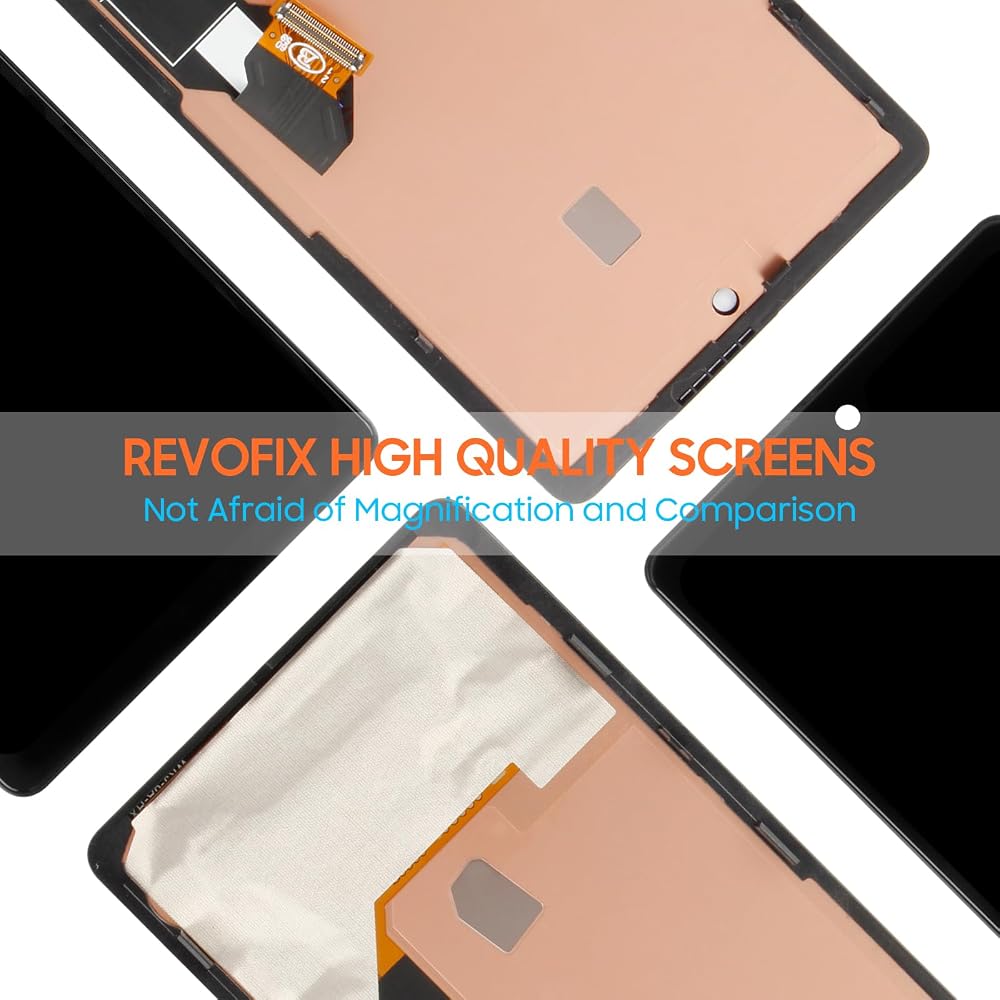
1. Confirm Compatibility: Before purchasing, verify the exact model of your device. This product is specifically designed for Google Pixel 6A screen replacement (model numbers : GX7AS GB62Z G1AZG) and is not compatible with other models. If you have any doubts, please consult official channels or check the model number in your phone settings.
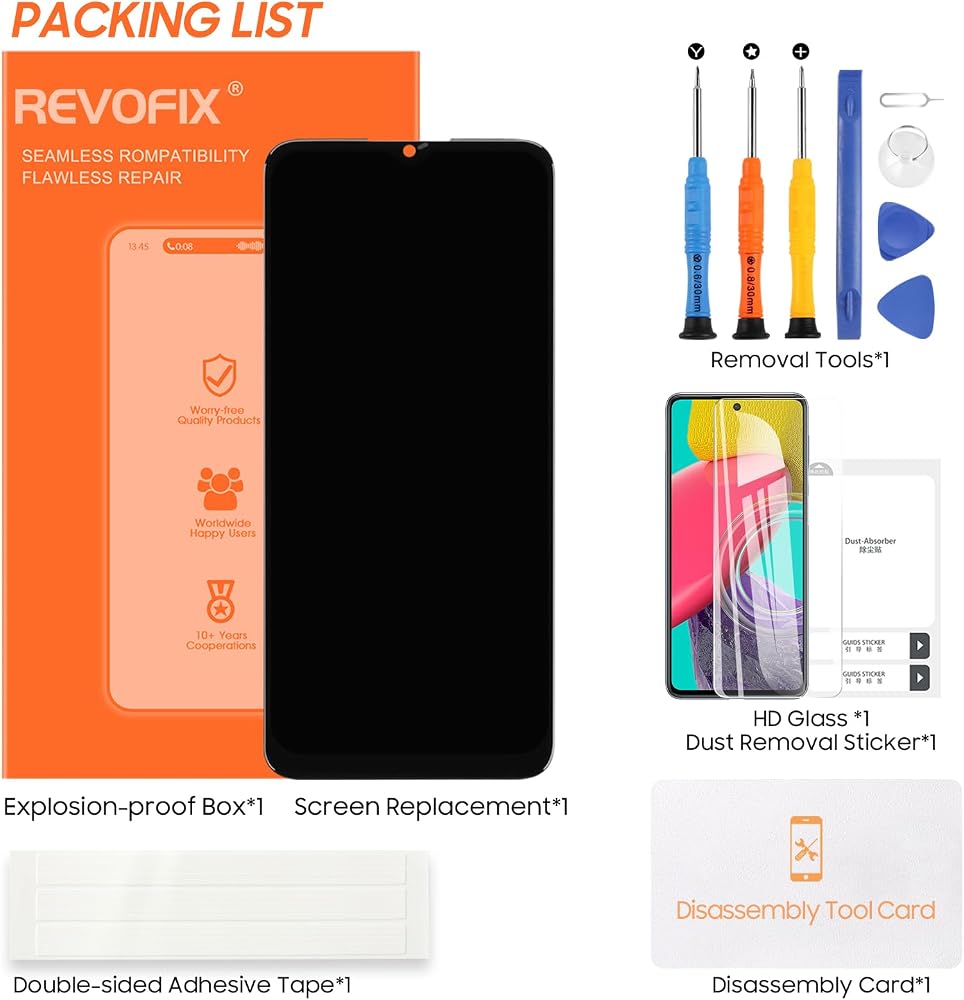
2. Prepare Necessary Tools: Ensure you have specialized disassembly tools, such as precision screwdrivers, suction cups, and spudgers, to safely and efficiently replace the Google Pixel 6A LCD display.
3. Power Off Completely: Before starting disassembly, fully shut down your phone and, if possible, remove the battery or disconnect the power to prevent electrostatic damage to internal components.
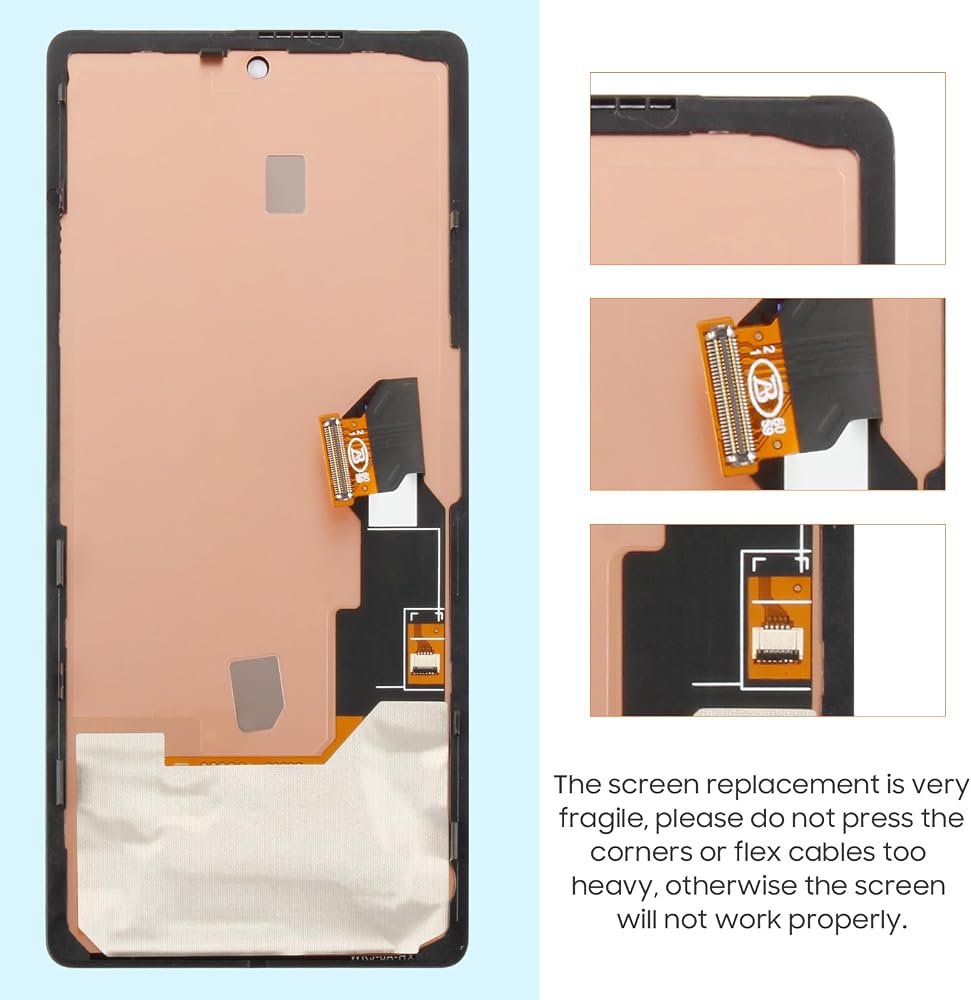
4. Handle with Care: When removing the old screen, proceed gently and avoid applying excessive force to prevent damage to the screen connectors or the phone body.
5. Test Functionality First: Before fully reassembling, connect the new screen assembly and power on your phone to test all functions—including touch sensitivity, display quality, front and rear cameras, sensors, etc.—to ensure everything is working properly.
6. Consider Professional Installation: If you are not confident in performing the replacement yourself, it is recommended to seek professional repair services to avoid more serious device damage or safety hazards due to improper handling.
Following these guidelines will help minimize potential issues during the screen replacement process, leaving your phone refreshed and fully functional.
"
 for Samsung Galaxy Xcover Pro 2020 Screen Replacement for Galaxy Xcover Pro LCD Display SM-G715F SM-G715W SM-G715U Touch Screen Digitizer Glass Assembly with Repair Kits
KWD 10
for Samsung Galaxy Xcover Pro 2020 Screen Replacement for Galaxy Xcover Pro LCD Display SM-G715F SM-G715W SM-G715U Touch Screen Digitizer Glass Assembly with Repair Kits
KWD 10
 INCELL Screen Replacement for Samsung Galaxy S21 5G LCD Display for Galaxy S21 5G Touch Screen Digitizer Assembly with Frame G990 SM-G991 SM-G991B SM-G991U SM-G991W
KWD 14.500
INCELL Screen Replacement for Samsung Galaxy S21 5G LCD Display for Galaxy S21 5G Touch Screen Digitizer Assembly with Frame G990 SM-G991 SM-G991B SM-G991U SM-G991W
KWD 14.500
 Incell Screen Replacement for Samsung Galaxy A16 4G LCD Display for Galaxy A16 4G LCD Touchscreen Digitizer Assembly with Repair Tools Kit SM-A165B SM-A165P (Black with Frame,Not for A16 5G)
KWD 11
Incell Screen Replacement for Samsung Galaxy A16 4G LCD Display for Galaxy A16 4G LCD Touchscreen Digitizer Assembly with Repair Tools Kit SM-A165B SM-A165P (Black with Frame,Not for A16 5G)
KWD 11
 for Motorola Moto G Stylus 5G 2021 Screen Replacement kit for Motorola G Stylus 5G LCD Display Touchscreen Digitizer XT2131-1 XT2131-4 XT2131-2 XT2131-3 XT2131DL Full Assembly with Tools with Frame
KWD 11
for Motorola Moto G Stylus 5G 2021 Screen Replacement kit for Motorola G Stylus 5G LCD Display Touchscreen Digitizer XT2131-1 XT2131-4 XT2131-2 XT2131-3 XT2131DL Full Assembly with Tools with Frame
KWD 11