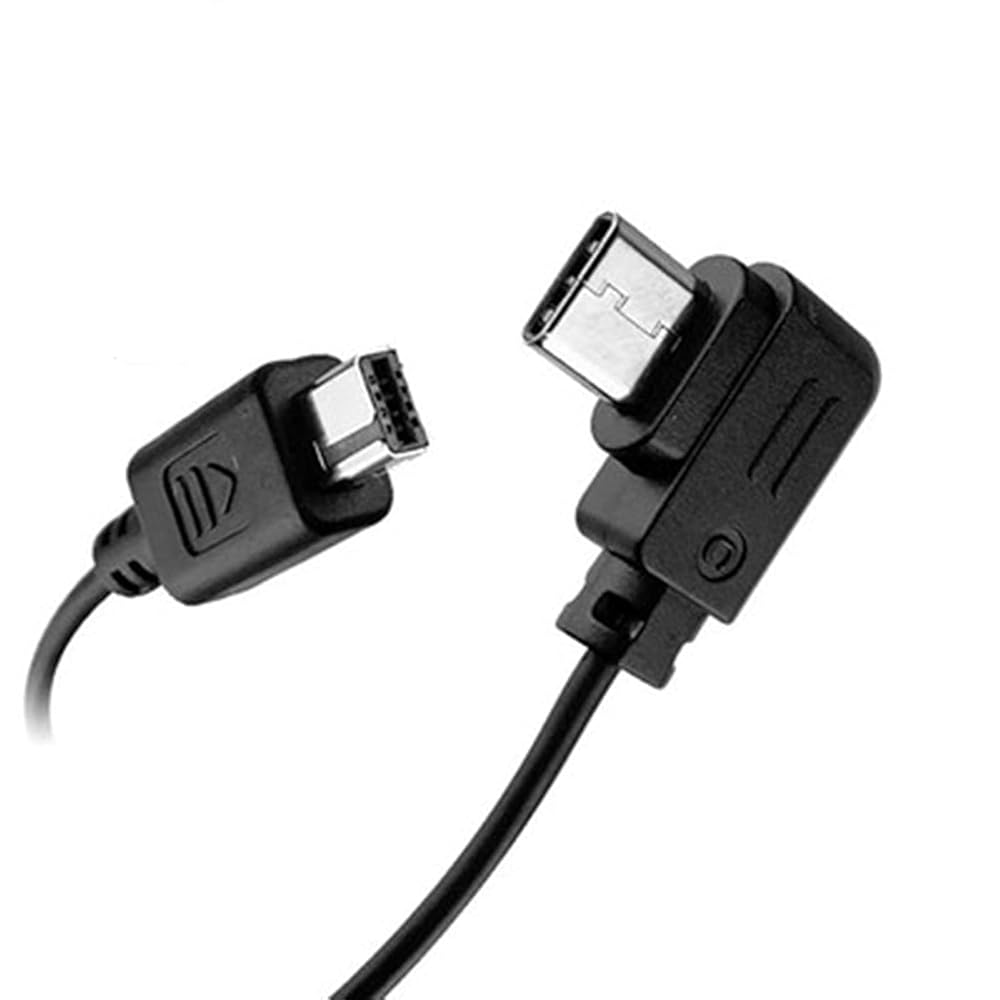
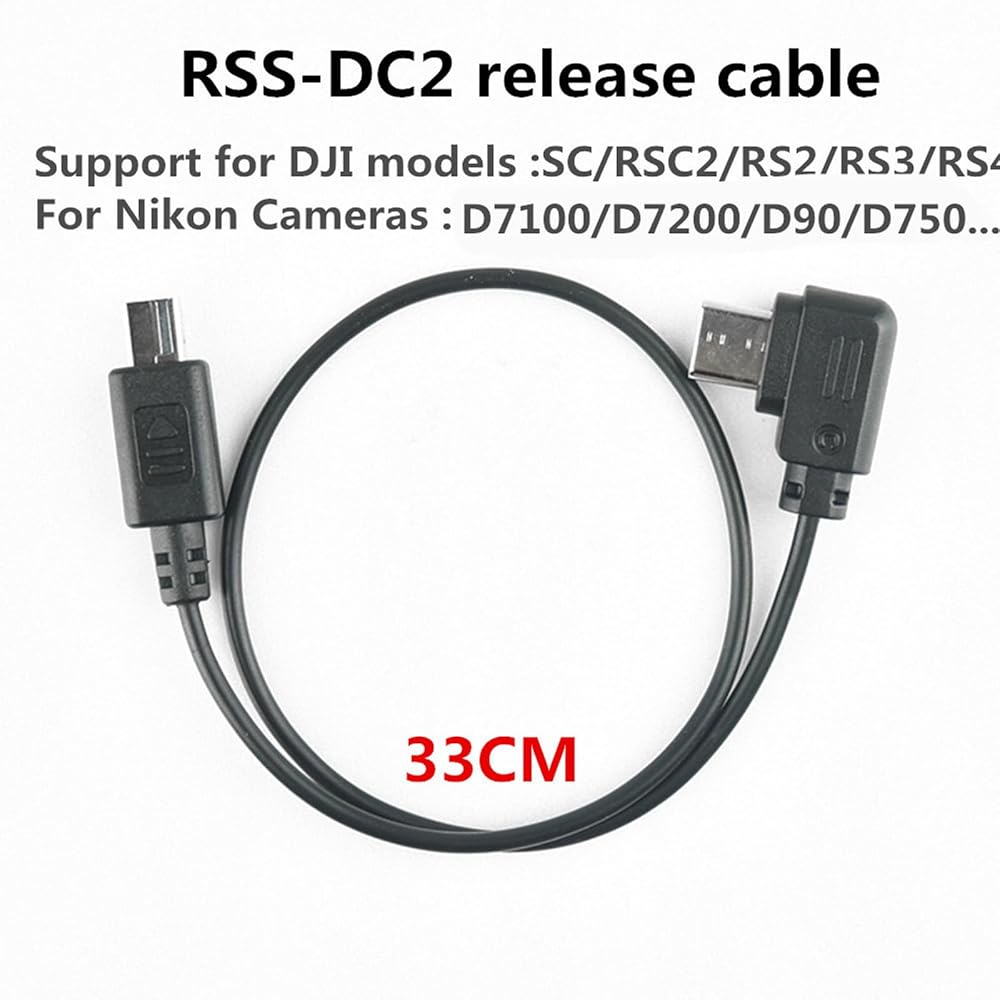
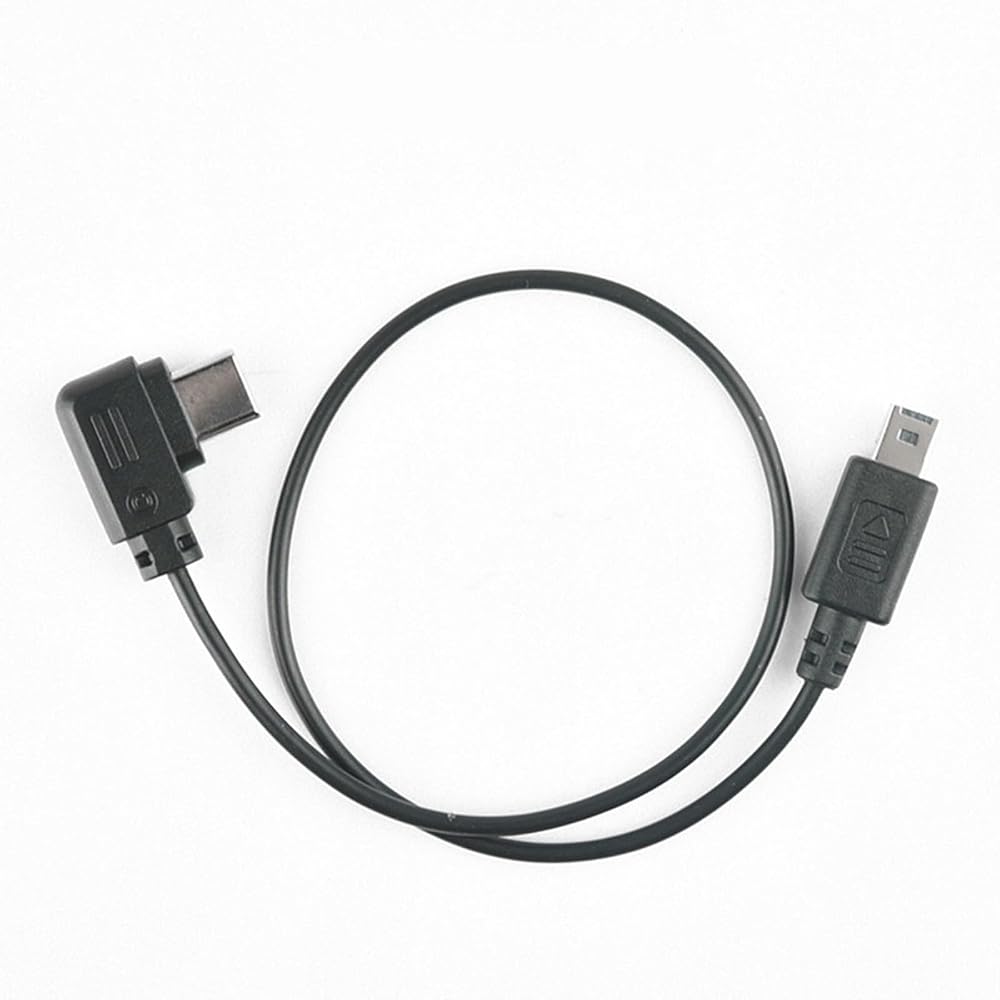
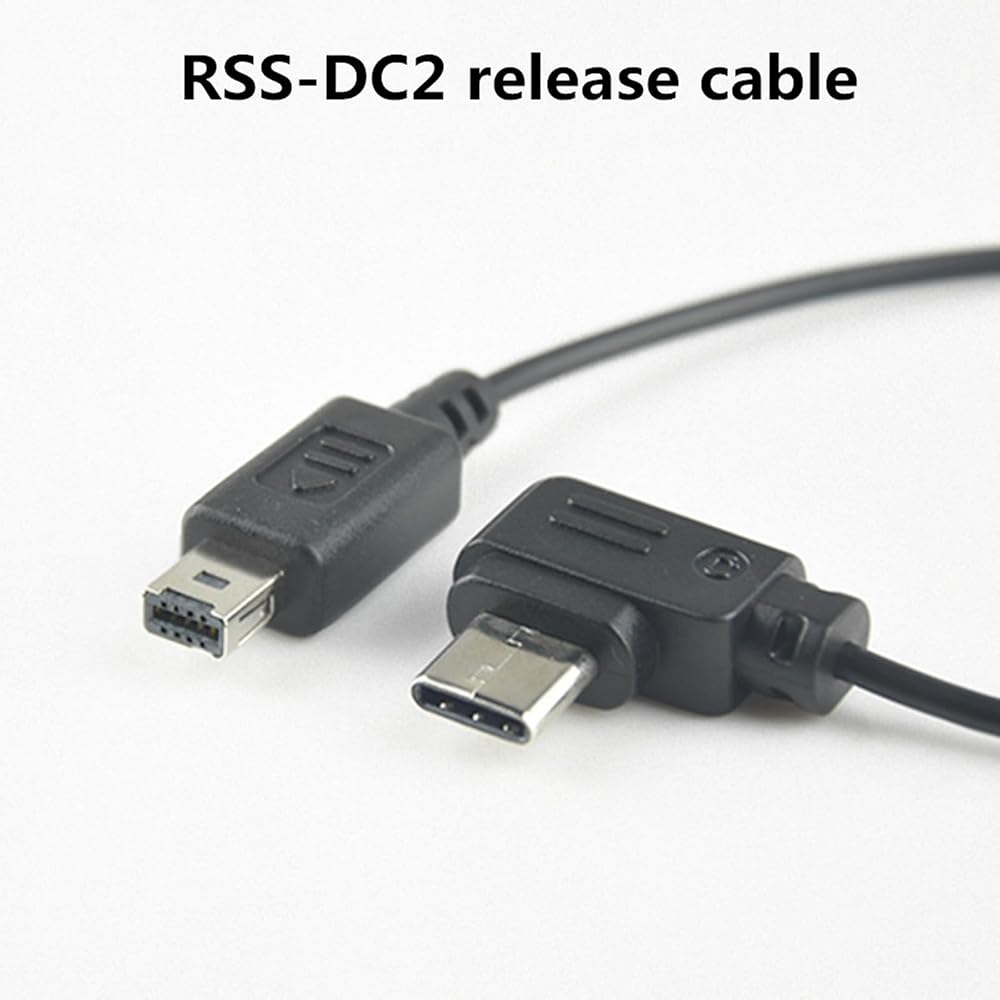
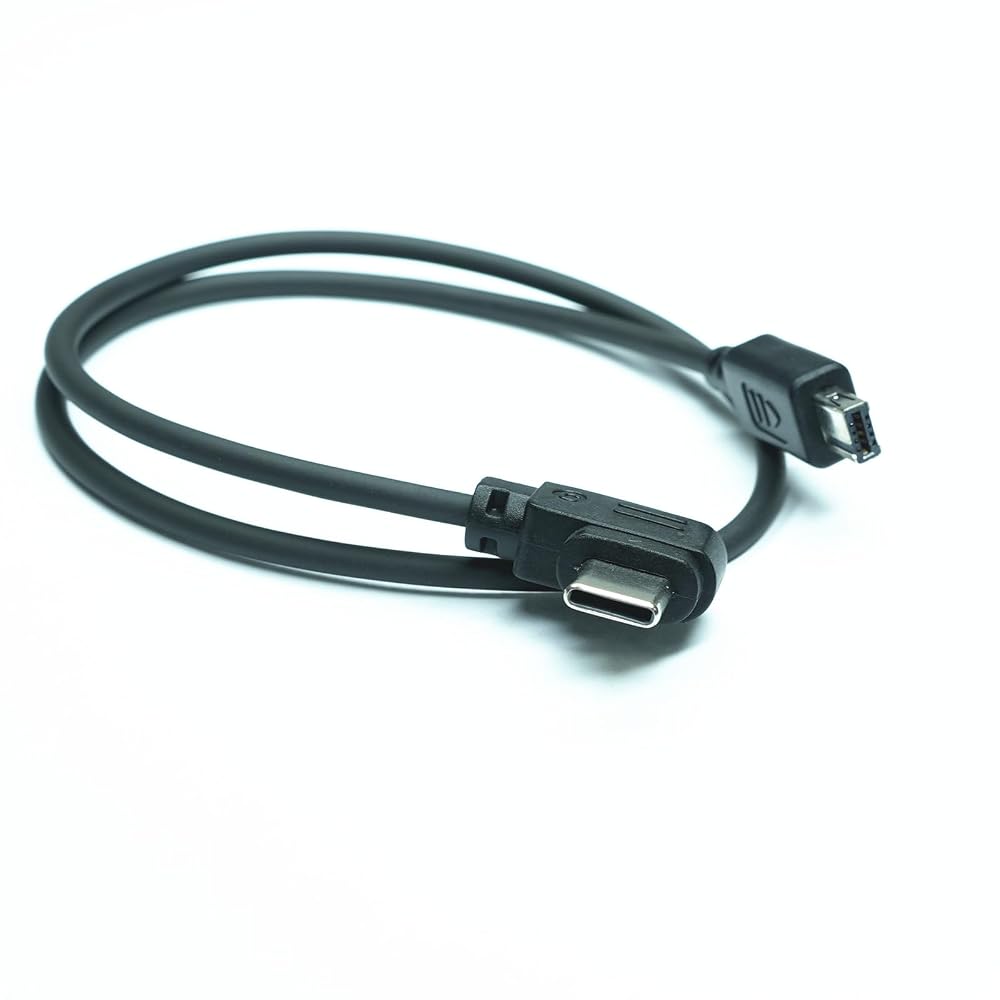
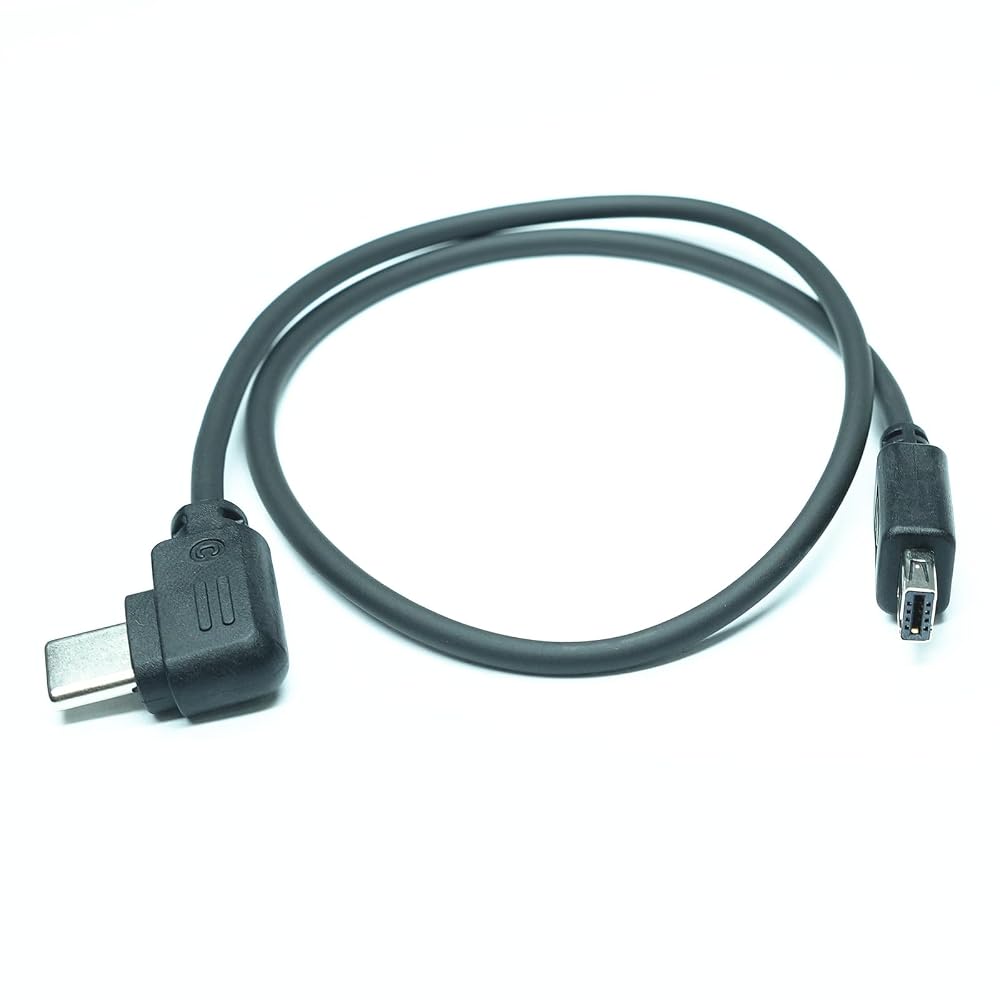
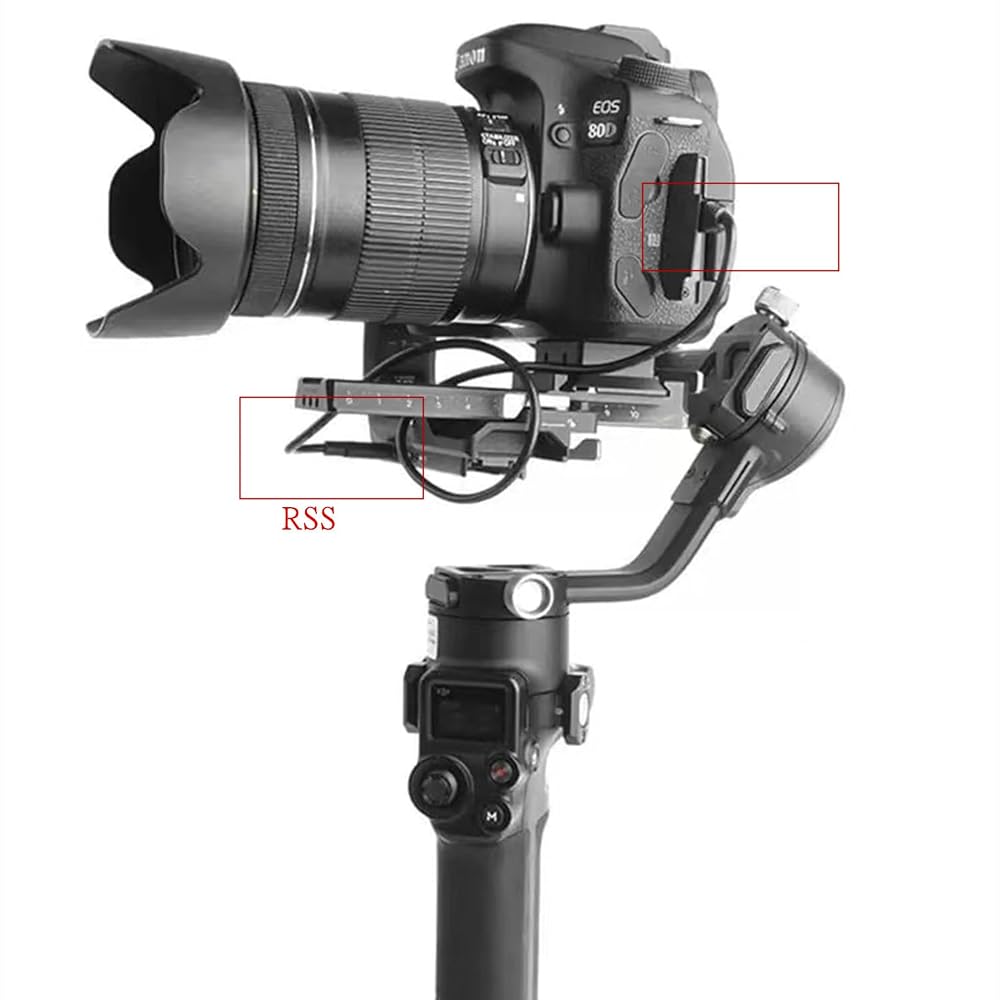
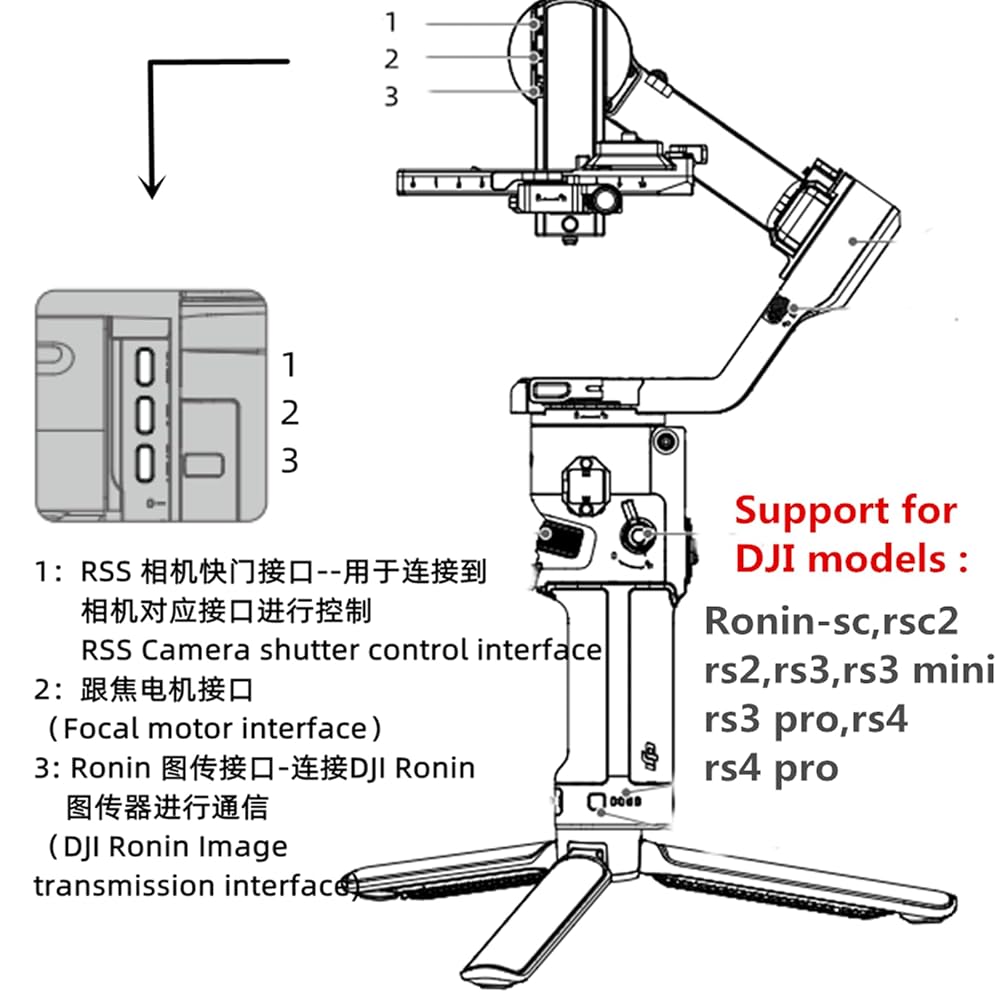
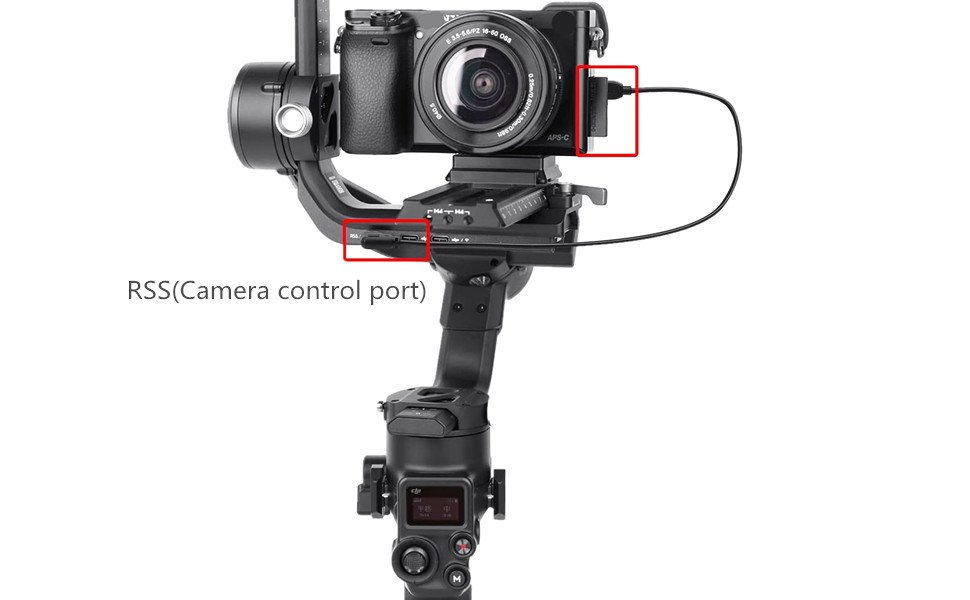
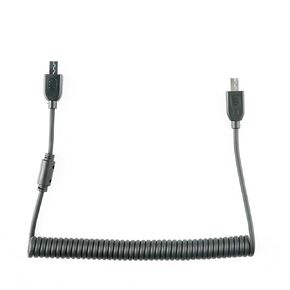
ronin R Cable for nikon d750 d7200 Camera Shutter Release for stabilizer Control Cable Support Ronin - sc/rsc2 rs2 / rs3 / rs4 / Focus pro Handheld Camera stabilizer d7000 D7500 (RSS-DC2)
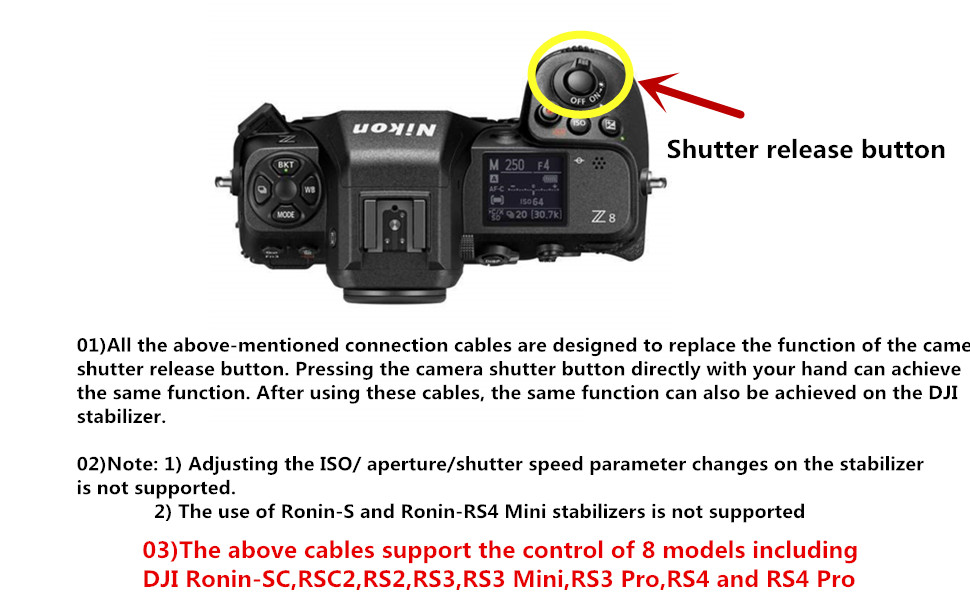
How to operate: Tap (half press) the red button on the dji for 3 seconds to control the camera shooting. Attention! Not to the bottom. If the camera does not respond, adjust the camera lens to MF/M and try again manually.
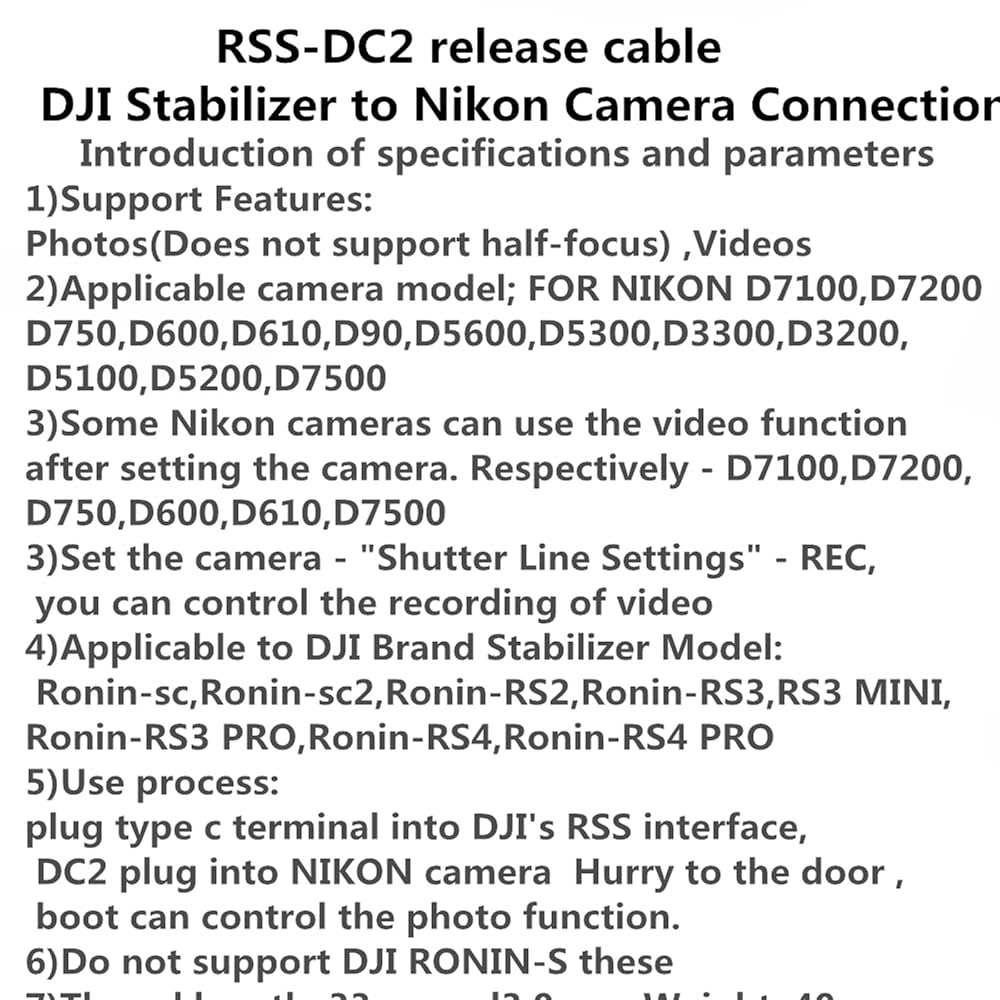
It can only support control photography, not half press focus (some camera models need to be set to record). After the cable is plugged in, the stabilizer is turned on to directly control the photo without setting it up.
When using D750, please push the plug to the end, otherwise it will have bad contact and no reaction.
Pull the "LV" in the lower right corner of the camera to the video symbol, and then enter the menu (MENU)"Custom Settings Menu" -f Control - Select the "Camera" icon - Shutter Release button - Record video
Some Nikon cameras can use the video function after setting the camera. Respectively - D7100,D7200,D750,D600,D610,D7500 Set the camera - "Shutter Line Settings" - REC, you can control the recording of video
 VMC-MM2 Shutter Release Cable Two Cameras in sync for RX0 RX0 m2 Replaces for Sony Multi Terminal Connection Cable Synchronous Release Connector for A7II A7III RII RIII RIV A6500 A6600
KWD 16.500
VMC-MM2 Shutter Release Cable Two Cameras in sync for RX0 RX0 m2 Replaces for Sony Multi Terminal Connection Cable Synchronous Release Connector for A7II A7III RII RIII RIV A6500 A6600
KWD 16.500
 VMC-MM1 to LANC 2.5mm 5m Multi Terminal Connection Cable Replaces Sony VMC-MM1 Cable,for Camera Accessories RM-VPR1 Remote/VCT-VPR1/10 Tripod Handle Release Cable (VMC-LANC/2.5 5M)
KWD 8.500
VMC-MM1 to LANC 2.5mm 5m Multi Terminal Connection Cable Replaces Sony VMC-MM1 Cable,for Camera Accessories RM-VPR1 Remote/VCT-VPR1/10 Tripod Handle Release Cable (VMC-LANC/2.5 5M)
KWD 8.500
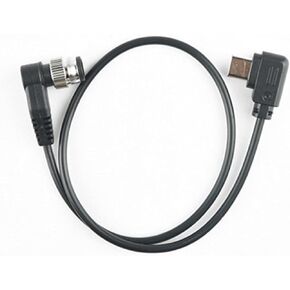 RSS-P for DJI Ronin stabilizer Connected to GH Remote Shutter Cable Camera and Video Shutter Release Control Cable s5 s5m2x gh4 gh5 g85 g9 gh6 Connected to sc rs2 rs3/Mini/pro rs4/pro
KWD 7.500
RSS-P for DJI Ronin stabilizer Connected to GH Remote Shutter Cable Camera and Video Shutter Release Control Cable s5 s5m2x gh4 gh5 g85 g9 gh6 Connected to sc rs2 rs3/Mini/pro rs4/pro
KWD 7.500
 RC-101 S2 Shutter Release Remote Control for Sony a7/a7ii/a7iii/r2/r3/a6500 1/4 Stabilizer Extension Photo Key Accessories. Small Size Remote Control
KWD 14.500
RC-101 S2 Shutter Release Remote Control for Sony a7/a7ii/a7iii/r2/r3/a6500 1/4 Stabilizer Extension Photo Key Accessories. Small Size Remote Control
KWD 14.500

 Kuwait