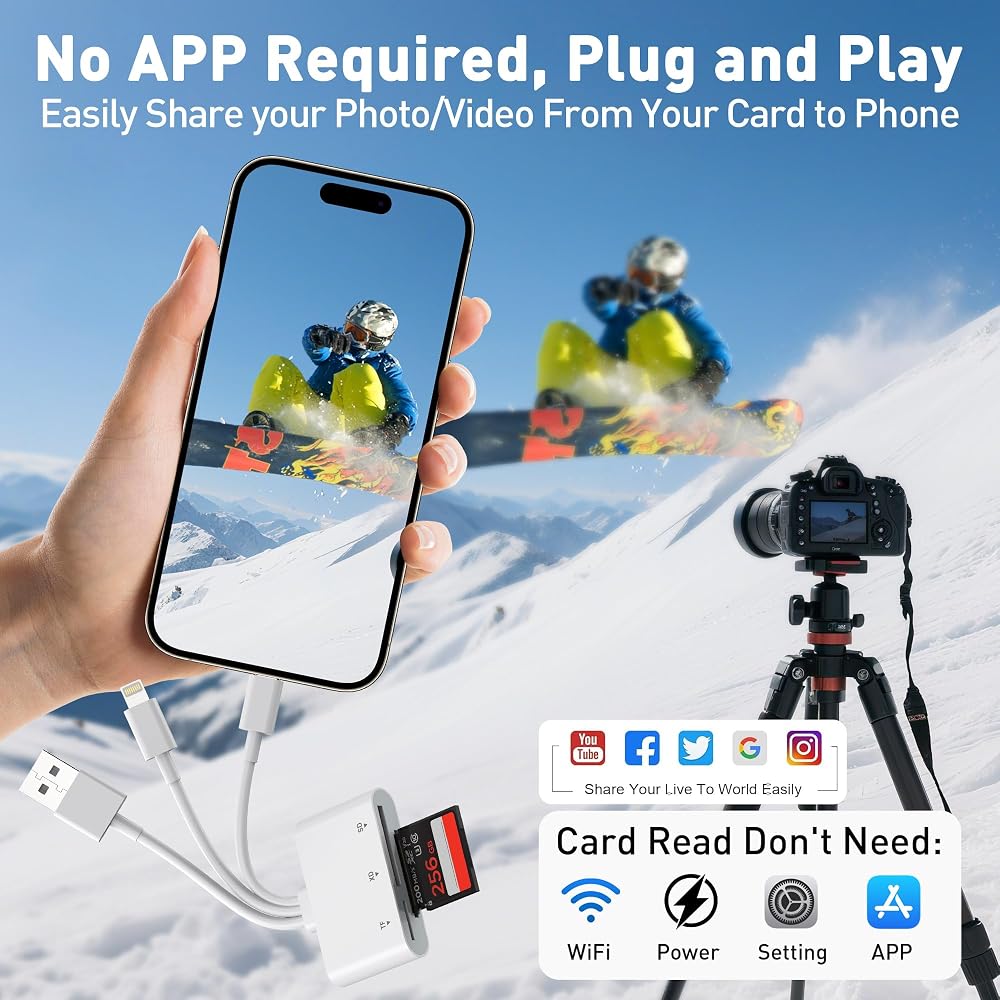
SD Card Reader for iPhone with Lightning/USB-C/USB-A, 3-in-1 SD/TF/XD Card Reader, 480Mbps iPhone Memory Card Reader for iPhone 17/16/15/14/13, i-Phone Flash Drive for Photos and Videos White
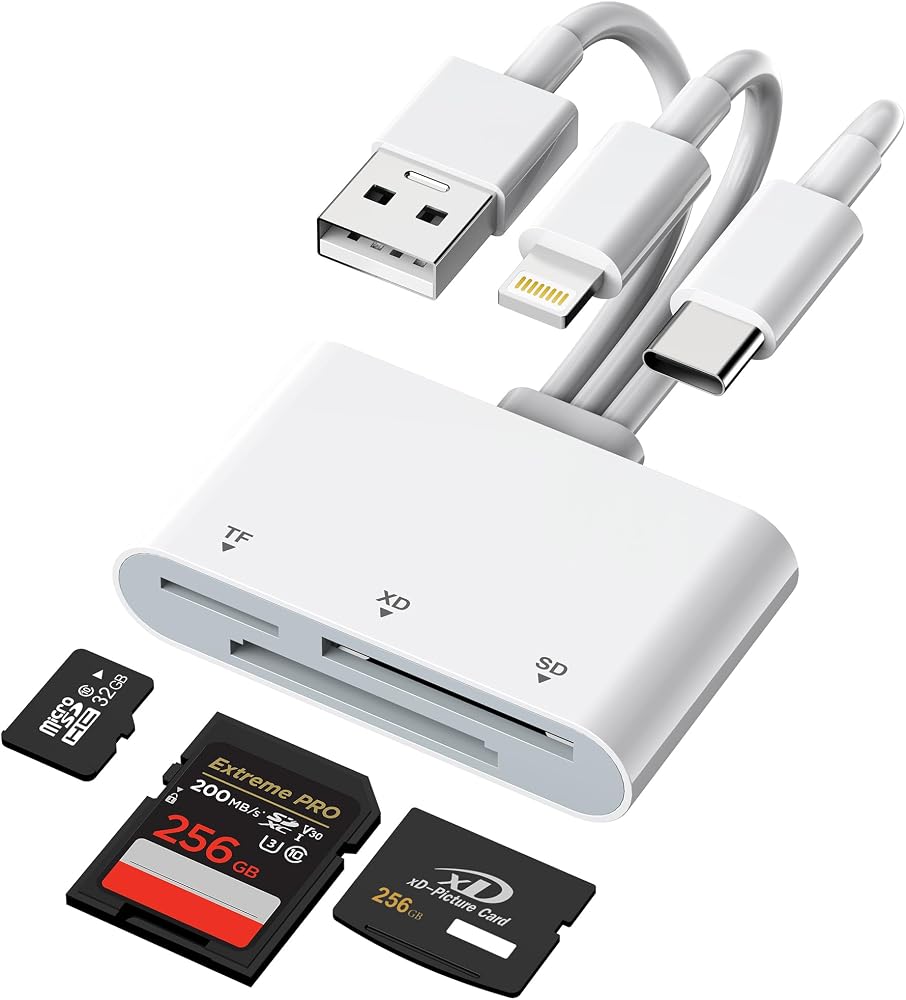
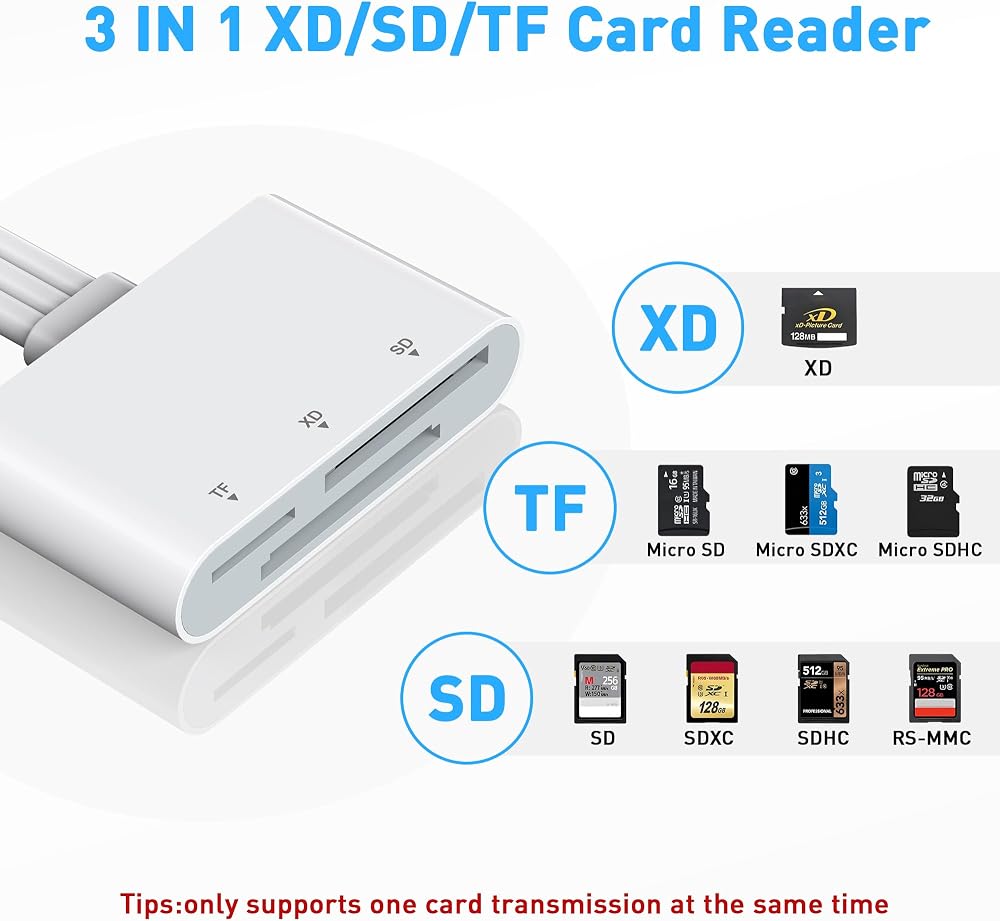
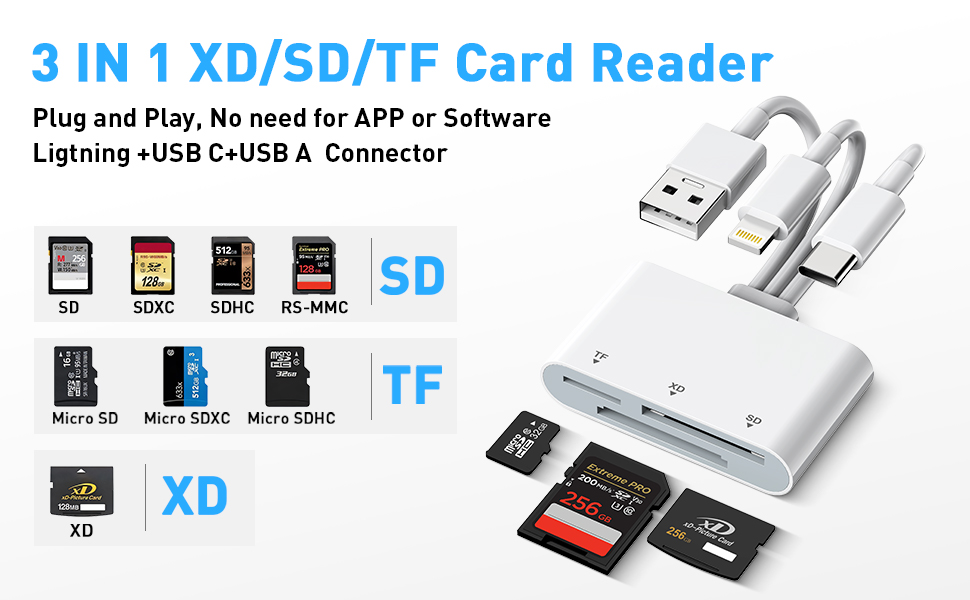
Triple Card Slots (SD/TF/XD) - iPhone sd card reader is fully Compatible: Supports SD, SDHC, SDXC, MicroSD, MicroSDHC, MicroSDXC, and XD picture cards, making it a versatile all-in-one solution. Computer memory card readers 's triple card slot design is more efficient and convenient, allowing you to read multiple memory cards without carrying multiple card readers.
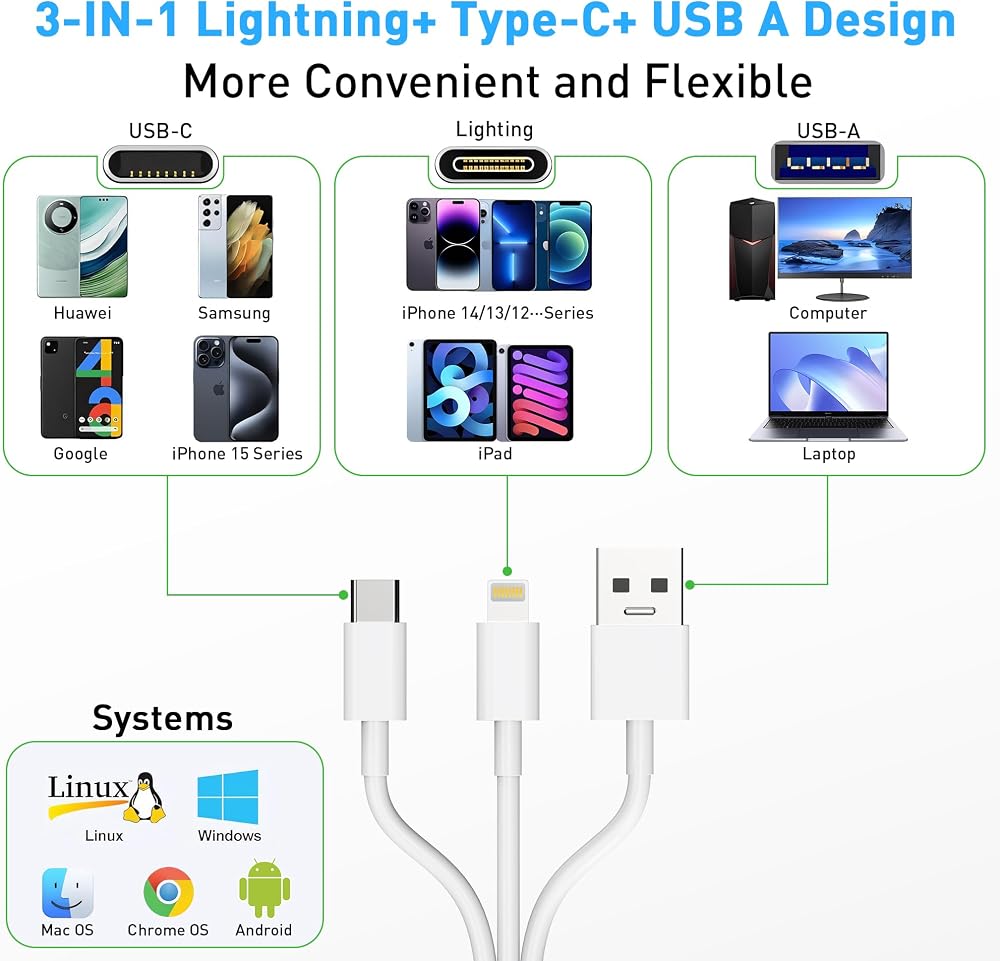
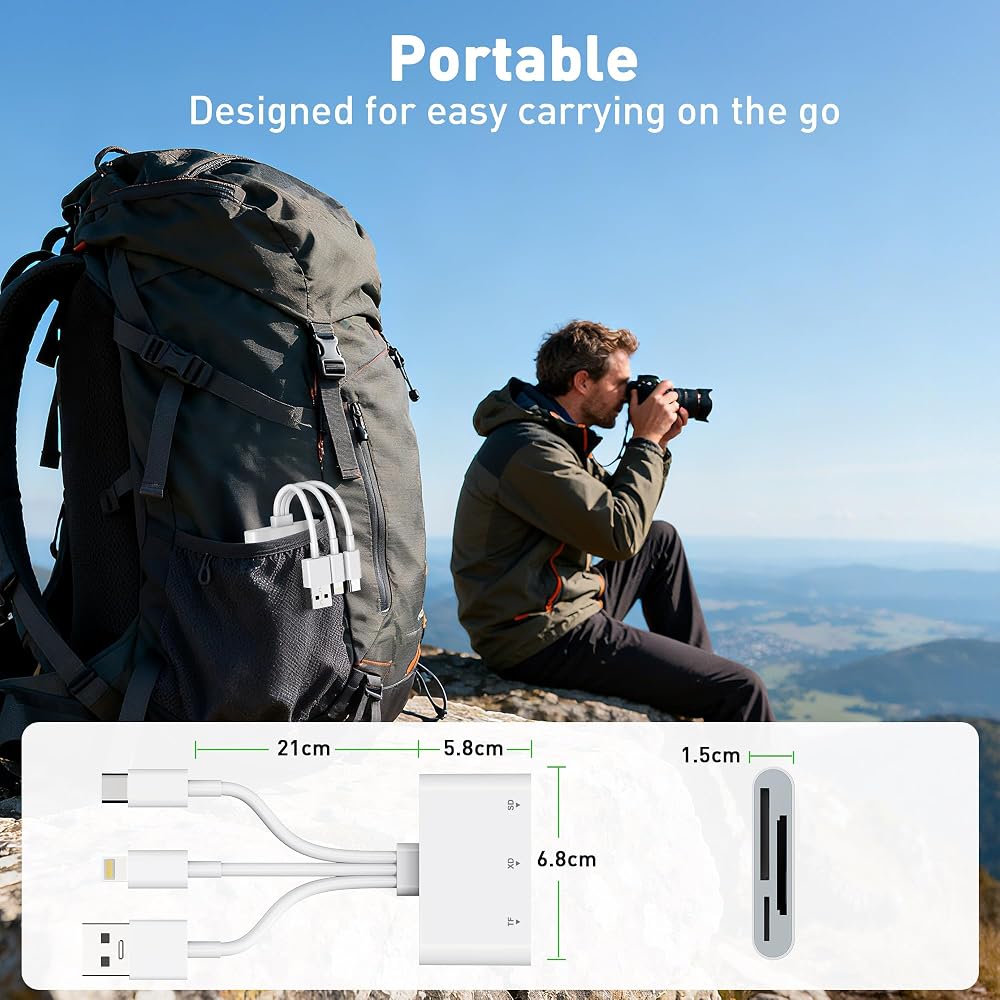
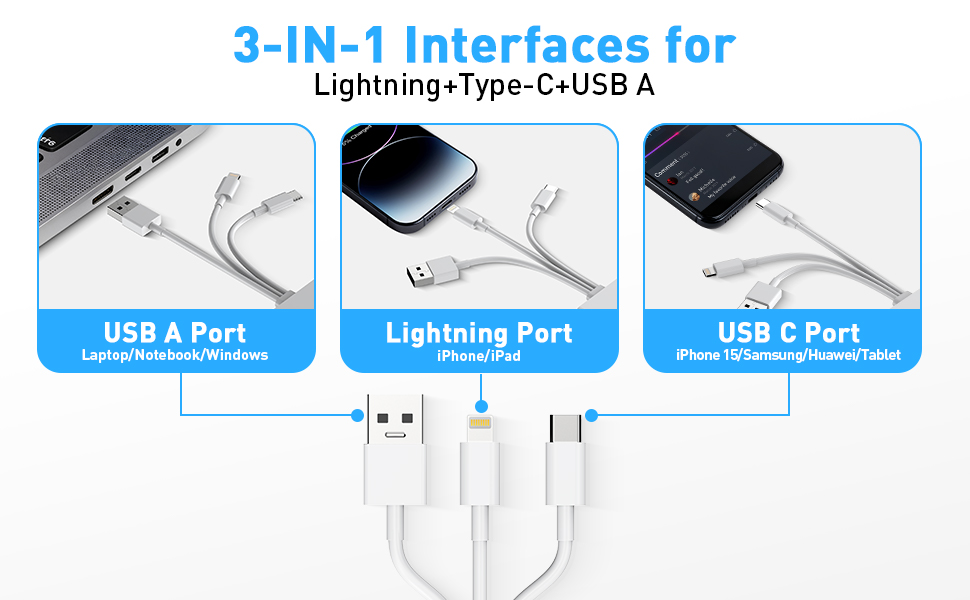
3-in-1 Port (Lightning + USB C + USB A) - Fully Compatible: This iphone sd card adapter features Lightning, USB-C, and USB-A ports, working seamlessly with iPhone, iPad, computers, and Android devices. Solve all your port compatibility issues!
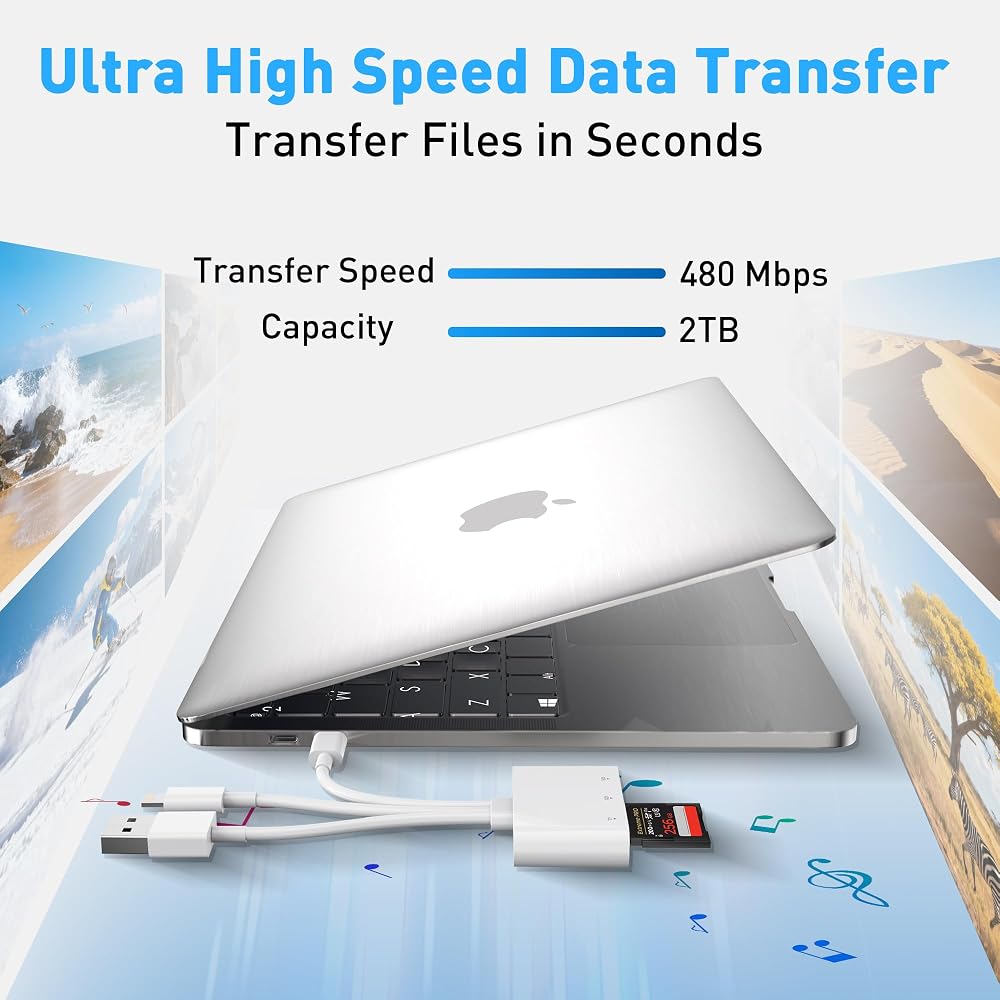
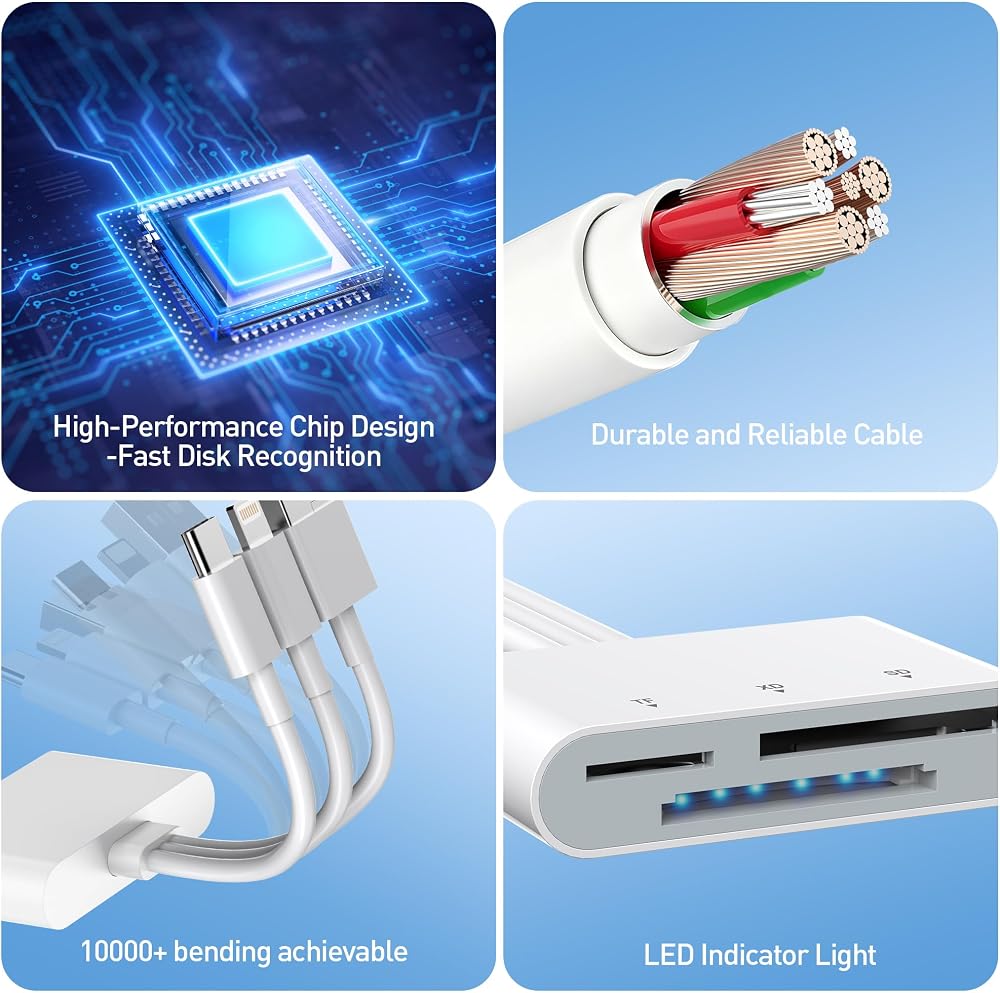
480Mbps Fast Data Transfer - The camera adapter to iphone data transfer speeds of up to 480Mbps. Whether you're transferring photos, videos, or other large files, you'll enjoy blazing-fast transfers. usb c camera adapter supports standard photo formats, JPEG, RAW, and SD/HD video formats, including H.264 and MPEG-4 (exFAT is supported, NTFS is not). Plus, its unique smart chip design eliminates stuttering and lag. It's perfect for photographers, editors, filmmakers, and anyone else who needs to transfer large files quickly!
Massive Storage Support and Broad Device Compatibility - This adapter for digital camera to phone supports memory cards up to 2TB, making it ideal for use with cameras, GoPros, drones, dashcams, smartphones, and surveillance systems. Whether you're a photographer or a tech enthusiast, this card reader delivers powerful performance across devices.
Important Notes - 1) Make sure the memory card is formatted with a supported file system (e.g., exFAT). NTFS is not supported. 2) Due to system limitations, the card reader can only read one card at a time. Do not insert two cards at the same time. 3) For Android devices, insert the memory card into the card reader first, then connect the card reader to the device. When replacing the memory card, unplug the card reader, insert the new card, and then reconnect it to avoid recognition issues.
 128MB CF Card SDCFB-128 SDCFJ-128 (CAV) CF Camera Digital Memory Card
KWD 5.500
128MB CF Card SDCFB-128 SDCFJ-128 (CAV) CF Camera Digital Memory Card
KWD 5.500
 Vidpro Super Rugged Memory Card Case Holds 3 XQD, 3 CF, 12 SD & 6 MicroSD
KWD 5.500
Vidpro Super Rugged Memory Card Case Holds 3 XQD, 3 CF, 12 SD & 6 MicroSD
KWD 5.500
 USB3.1 Type-C to CF Express Extension Card Reader for CFE Type-B Support R5 Z6 Z7 Memory Card
KWD 12.500
USB3.1 Type-C to CF Express Extension Card Reader for CFE Type-B Support R5 Z6 Z7 Memory Card
KWD 12.500
 Sonilco SD SDHC Memory Card to 3.5" 40 Pin IDE Hard Disk Drive Adapter Secure Digital Converter
KWD 5.500
Sonilco SD SDHC Memory Card to 3.5" 40 Pin IDE Hard Disk Drive Adapter Secure Digital Converter
KWD 5.500

 Kuwait