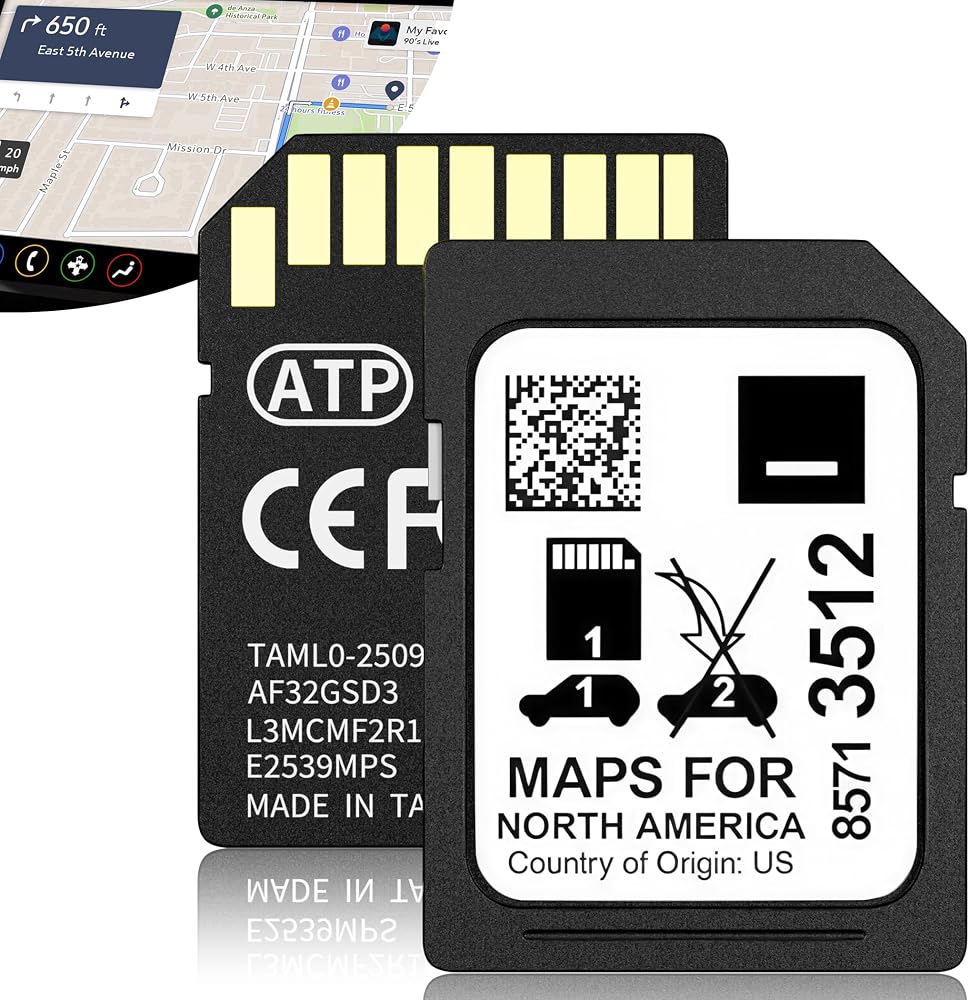
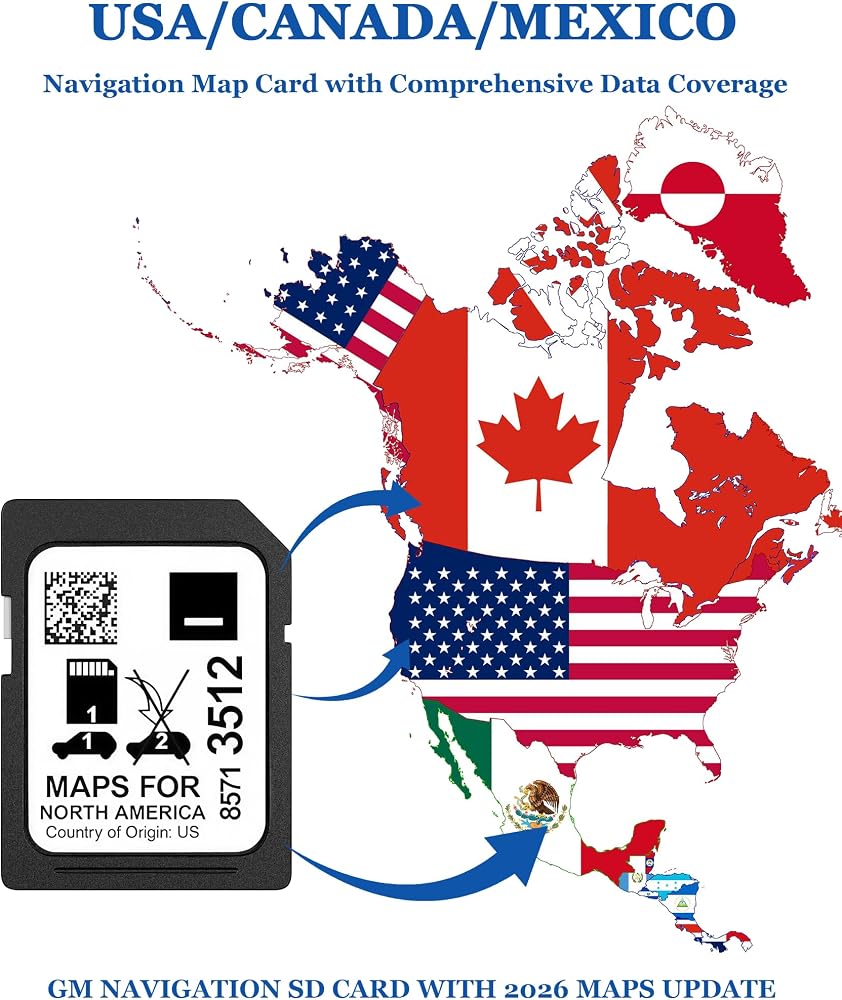
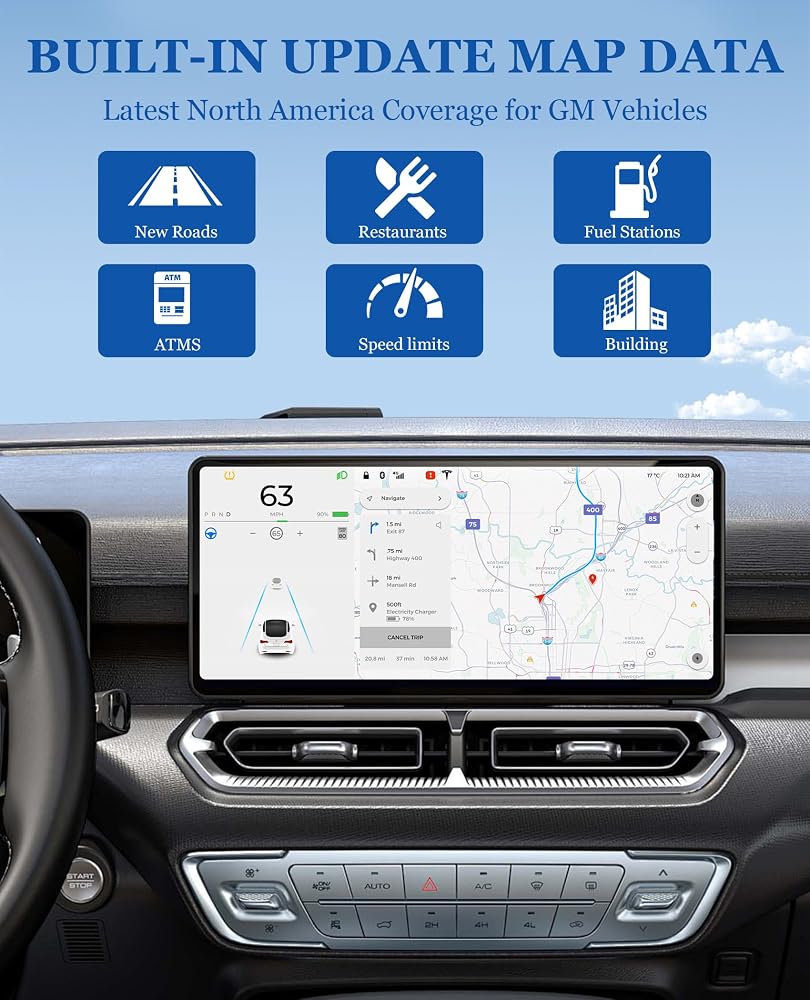
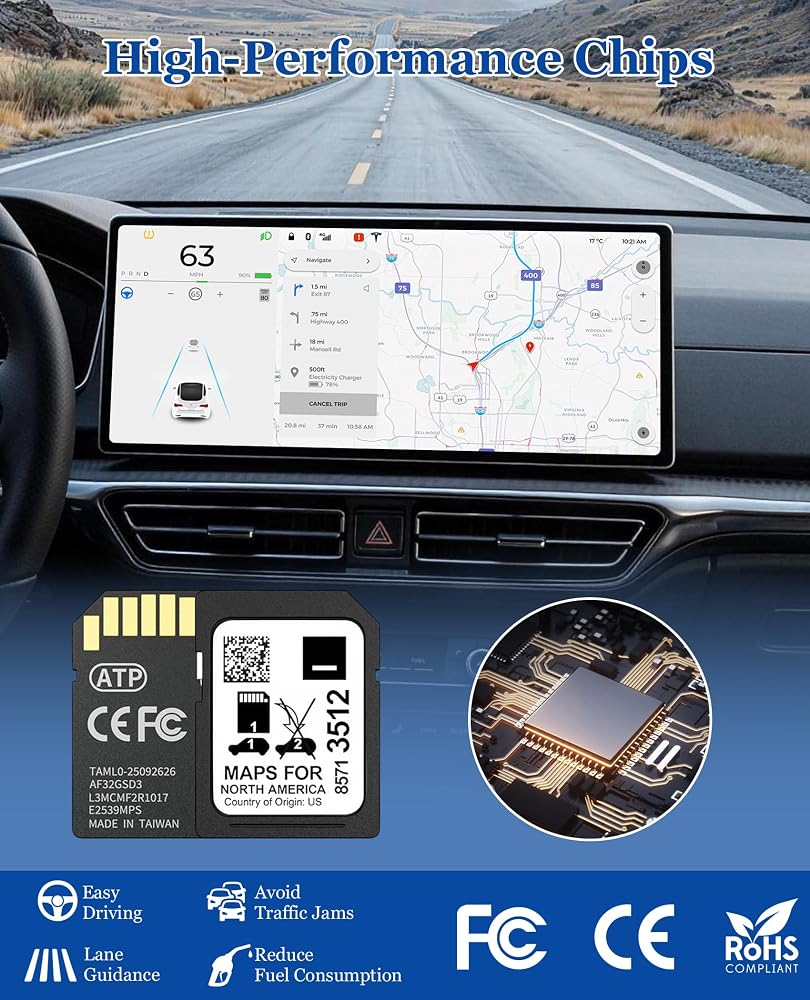
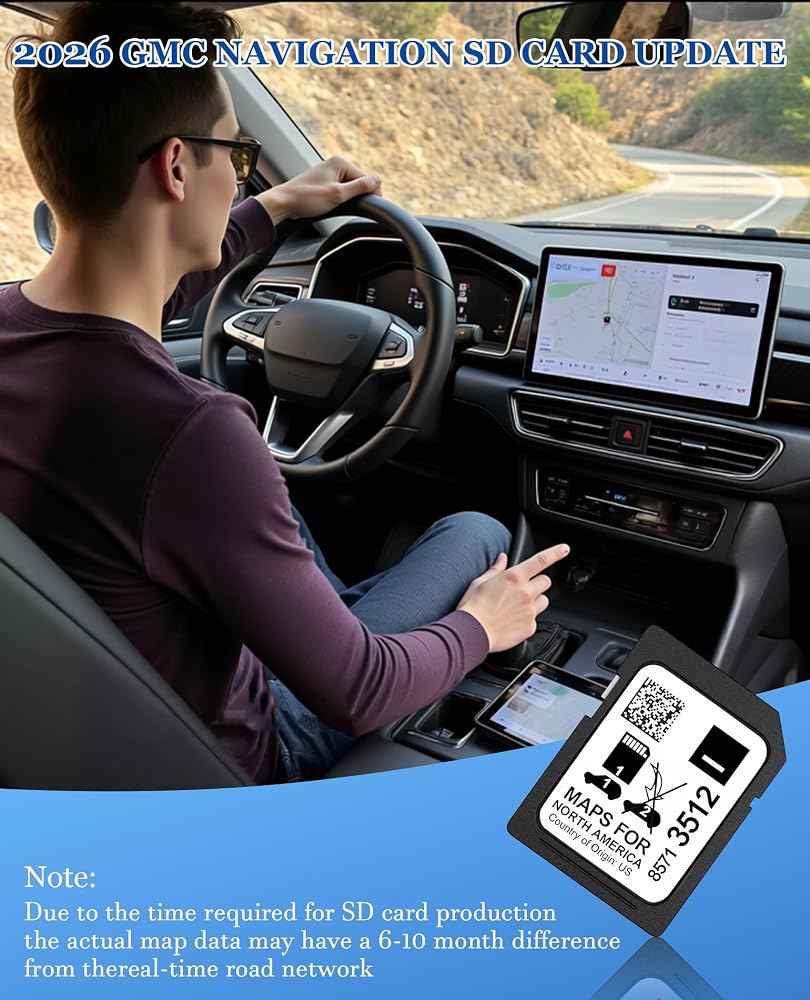
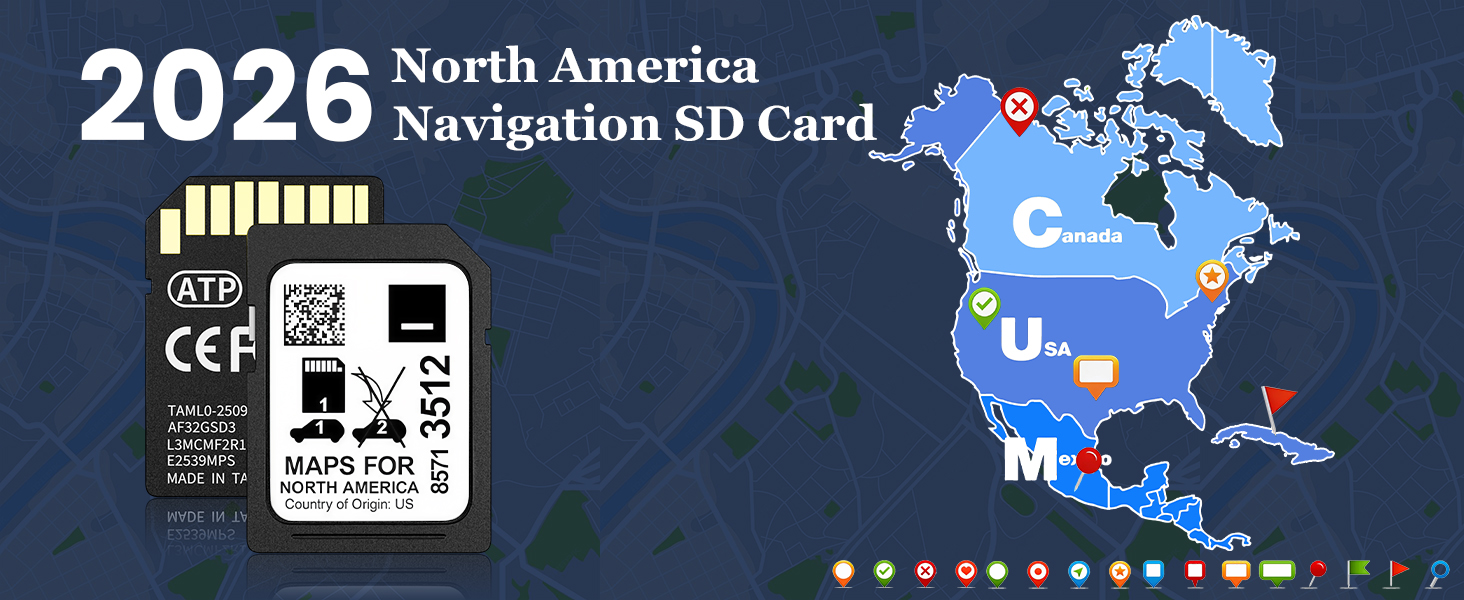
2026 Latest GM Navigation Map Update: Stay on track with the most current gm navigation sd card featuring comprehensive road data for the United States, Canada, and Mexico. This gmc navigation sd card includes millions of updated points of interest – gas stations, restaurants, hotels, and newly added highways – ensuring accurate turn-by-turn directions whether you're navigating busy cities or embarking on cross-country road trips. Note: Map data may lag 6-10 months behind real-time road conditions due to production cycles.
Reliable Offline GPS Navigation: Unlike smartphone apps that rely on data, this car navigation sd card stores all map data directly onboard. Enjoy uninterrupted gm GPS sd card performance even in remote mountains, deserts, or areas with no internet connection. Perfect for long road trips across North America – no data usage, no roaming charges, and no signal anxiety. This gm map sd card ensures you always find your way.
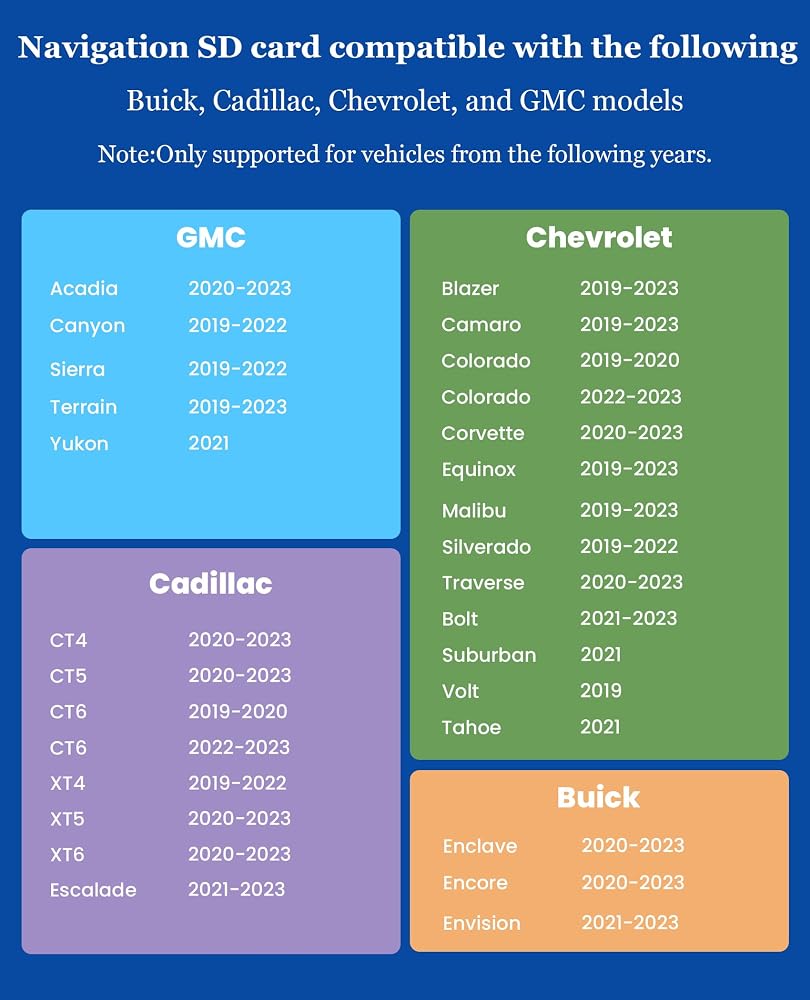
Wide Compatibility: This gm navigation disc replacement is designed for a broad range of 2019-2023 GM vehicles: GMC: Acadia (2020-2023), Canyon (2019-2022), Sierra (2019-2022), Terrain (2019-2023), Yukon (2021); Cadillac: CT4 (2020-2023), CT5 (2020-2023), CT6 (2019-2020; 2022-2023), Escalade (2021-2023), XT4 (2019-2023), XT5 (2020-2023), XT6 (2020-2023); Buick: Enclave (2020-2023), Encore (2020-2023), Envision (2021-2023); Chevrolet: Blazer (2019-2023), Bolt (2021-2023), Camaro (2019-2023), Colorado (2019-2020; 2022-2023), Corvette (2020-2023), Equinox (2019-2023), Malibu (2019-2023), Traverse (2020-2023), Silverado (2019-2022), Suburban (2021), Tahoe (2021), Volt (2019).
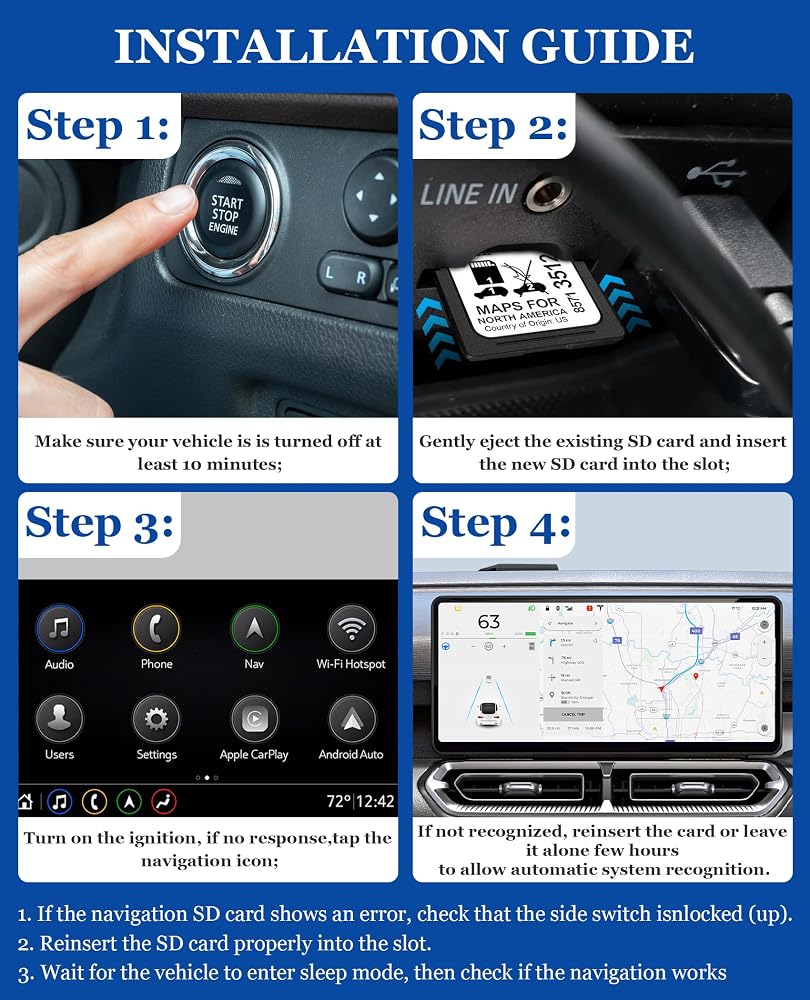
Plug-and-Play Installation: Installing your navigation sd card gmc takes 30 minutes. Power off your vehicle for 10+ minutes, locate the SD card slot (usually in the center console or glove box), insert the new sd card for chevy blazer or other GM vehicle, start the engine, and tap "Confirm" on the screen. Allow 15-20 minutes for background data loading. If you see an "Invalid SD card" error, first check the gm map SD card installation and vehicle compatibility, then restart your vehicle's infotainment system.
VIN-Locked Authenticity & Important Notes: This gmc accessories sd card will be permanently locked to your vehicle's VIN upon first use and cannot be transferred to another car. Important: Always use the "Eject" option in your vehicle's touchscreen menu before removing any SD card – improper removal can corrupt your navigation system. Do not insert this navigation sd card into non-vehicle devices (phones, laptops, computers), as this may damage the map data.
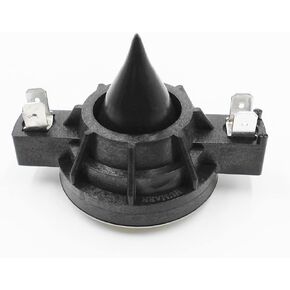 Tweeter Diaphragm, 8 Ohm Compatible with Electro‑Voice DH3 Driver
KWD 10.500
Tweeter Diaphragm, 8 Ohm Compatible with Electro‑Voice DH3 Driver
KWD 10.500
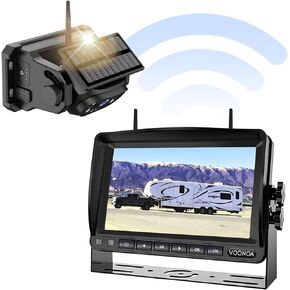 Wireless Magnetic Backup Camera, 15000mAh Battery Powered Rechargeable Waterproof HD Solar Back Up Rear View Bluetooth Hitch Camera with 7 Inch 1080P Monitor System for Car Truck Trailer RV VN003
KWD 66
Wireless Magnetic Backup Camera, 15000mAh Battery Powered Rechargeable Waterproof HD Solar Back Up Rear View Bluetooth Hitch Camera with 7 Inch 1080P Monitor System for Car Truck Trailer RV VN003
KWD 66
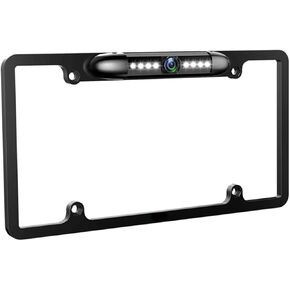 License Plate Backup Camera HD Night Vision Rear View Camera with 8 LEDs 170° Viewing Angle Waterproof Backup Rear Camera for Cars
KWD 13
License Plate Backup Camera HD Night Vision Rear View Camera with 8 LEDs 170° Viewing Angle Waterproof Backup Rear Camera for Cars
KWD 13
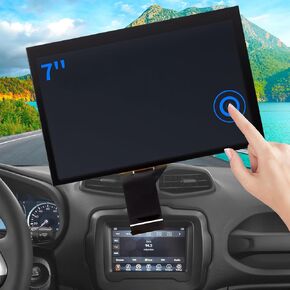 7" Uconnect Screen Replacement Fit 2017-2020 Jeep Compass Radio Touch Screen, LCD Display and Digitizer for Jeep Renegade Touchscreen Navigation TDO-WXGA0700K00033-V2 TDO-WXGA0700K00057-V1
KWD 29
7" Uconnect Screen Replacement Fit 2017-2020 Jeep Compass Radio Touch Screen, LCD Display and Digitizer for Jeep Renegade Touchscreen Navigation TDO-WXGA0700K00033-V2 TDO-WXGA0700K00057-V1
KWD 29

 Kuwait