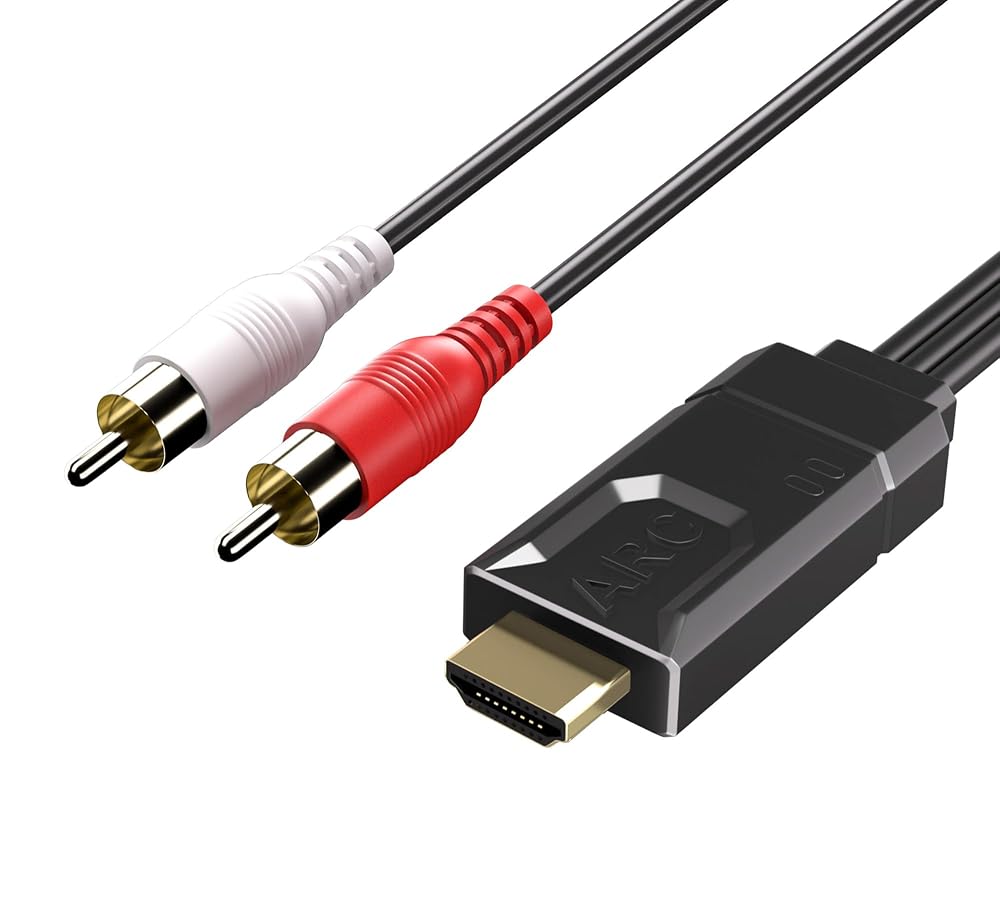
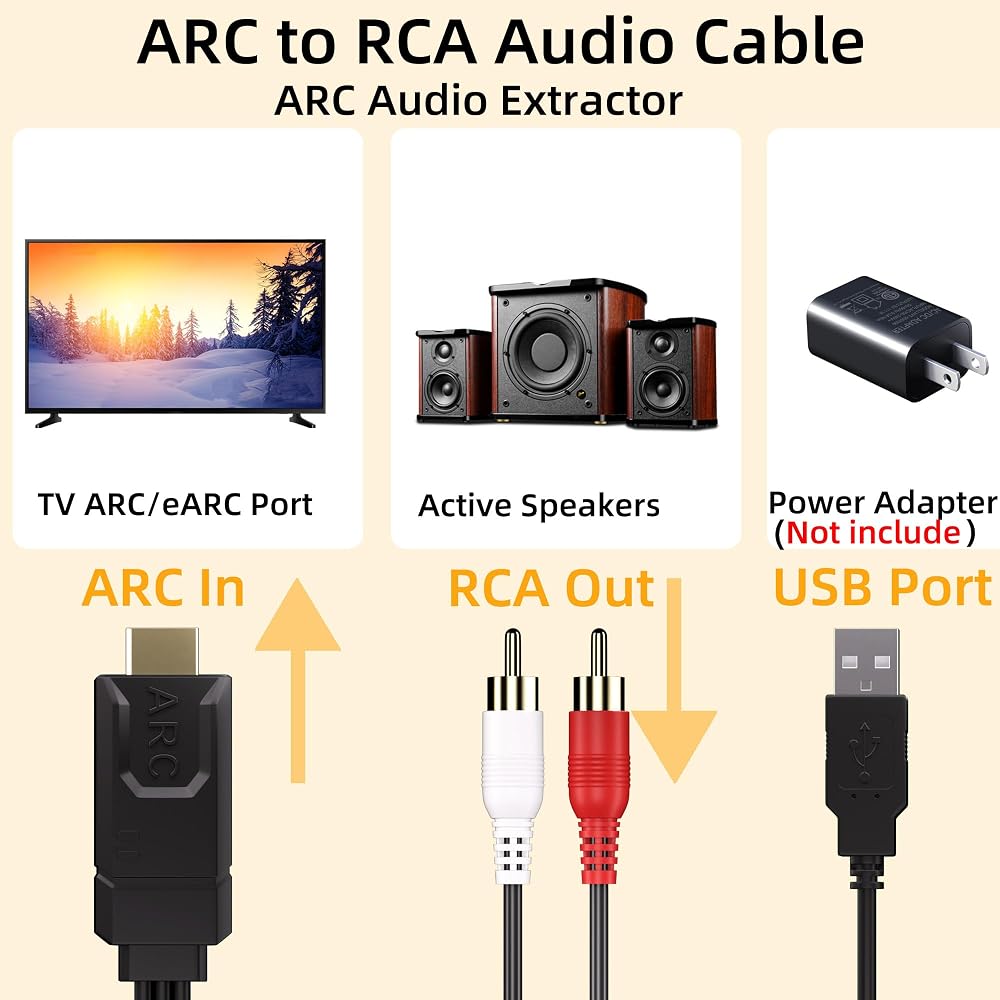
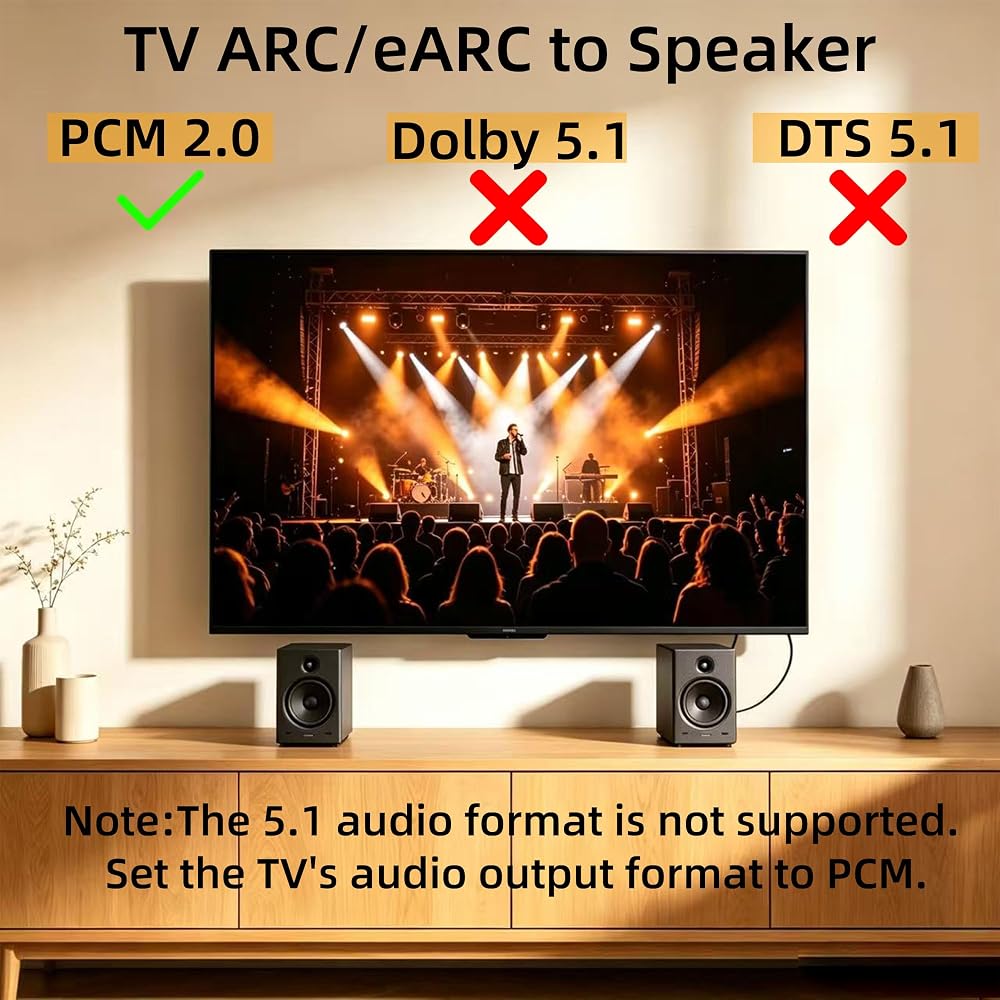
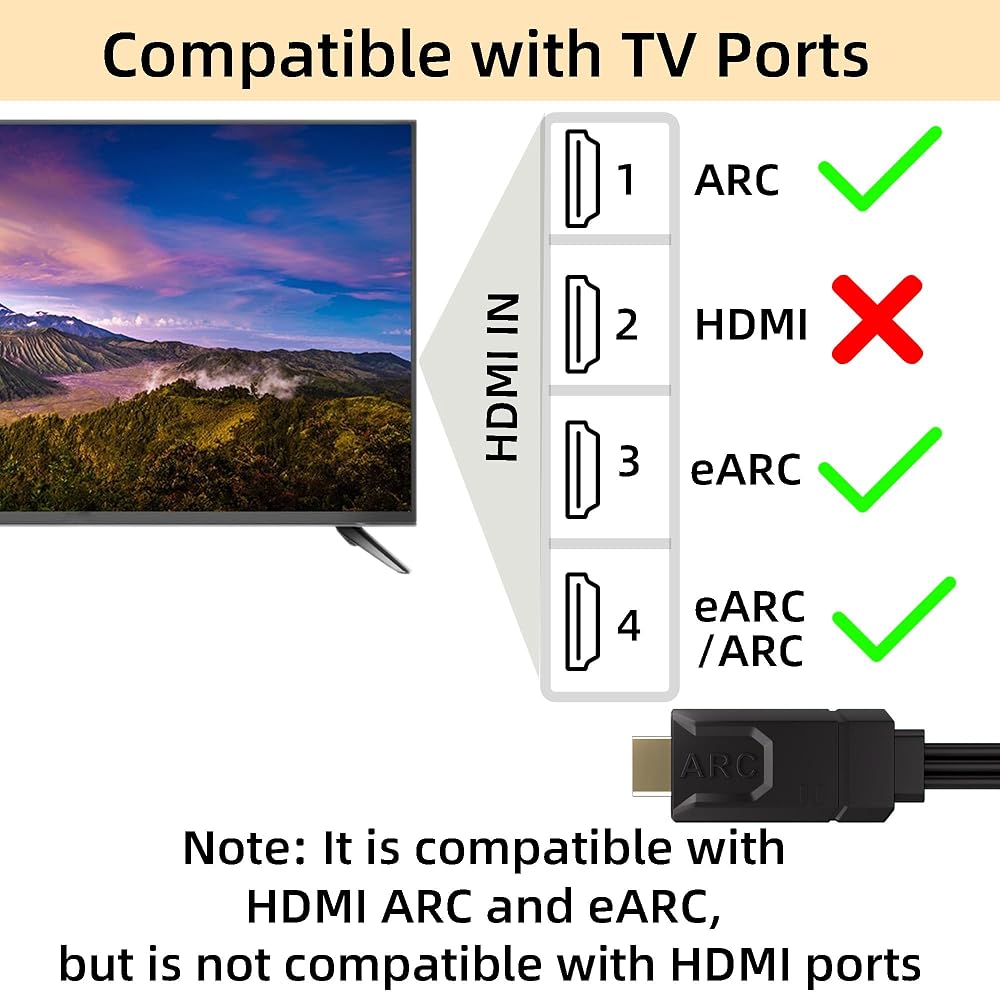
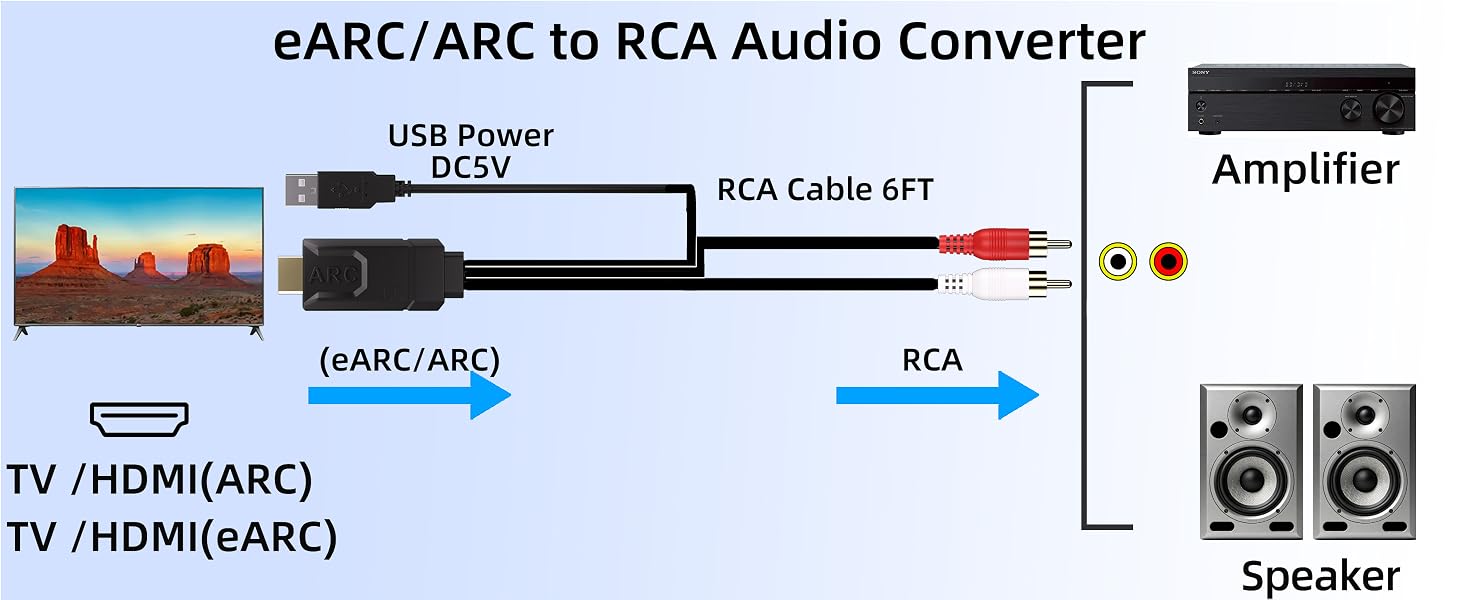
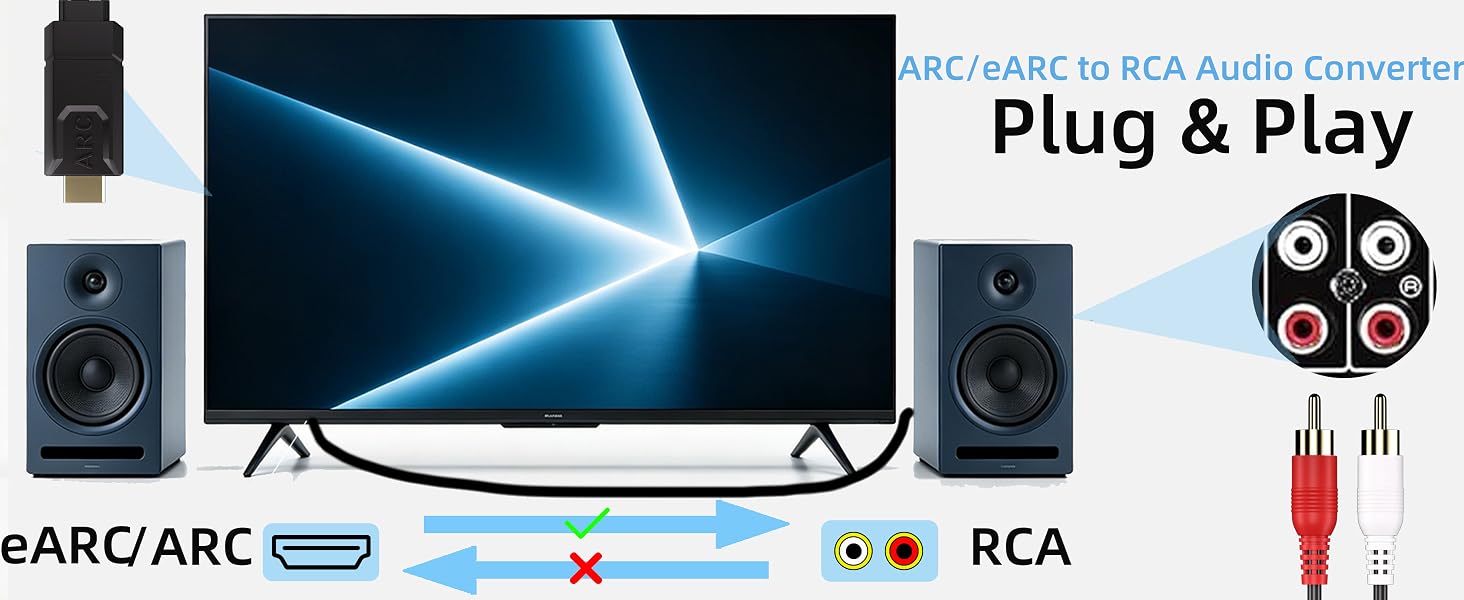
eARC/ARC to RCA Audio Extractor: eARC to RCA Audio Extractor can extract audio signals via the TV's eARC channel and transmit them as analog stereo to speaker/amplifiers.Compatible only with HDTV ARC/eARC ports; other HDMI ports are not supported
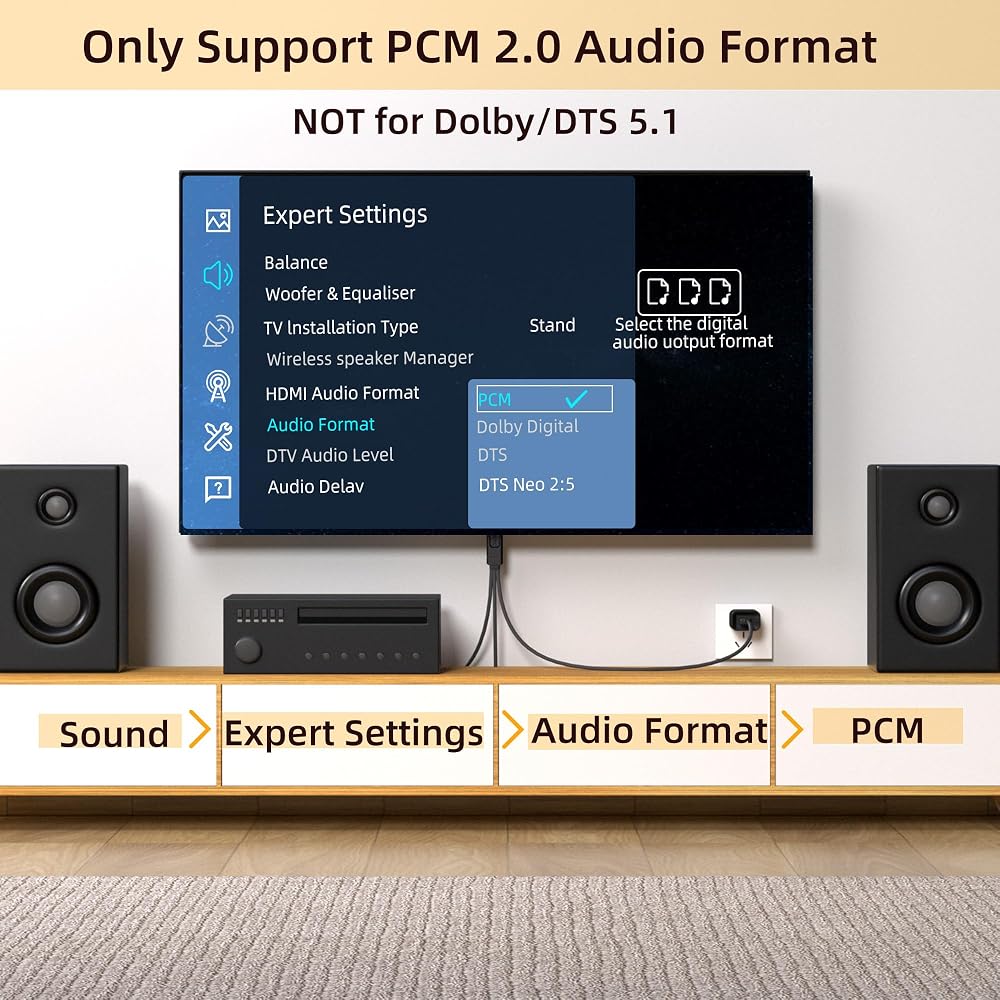
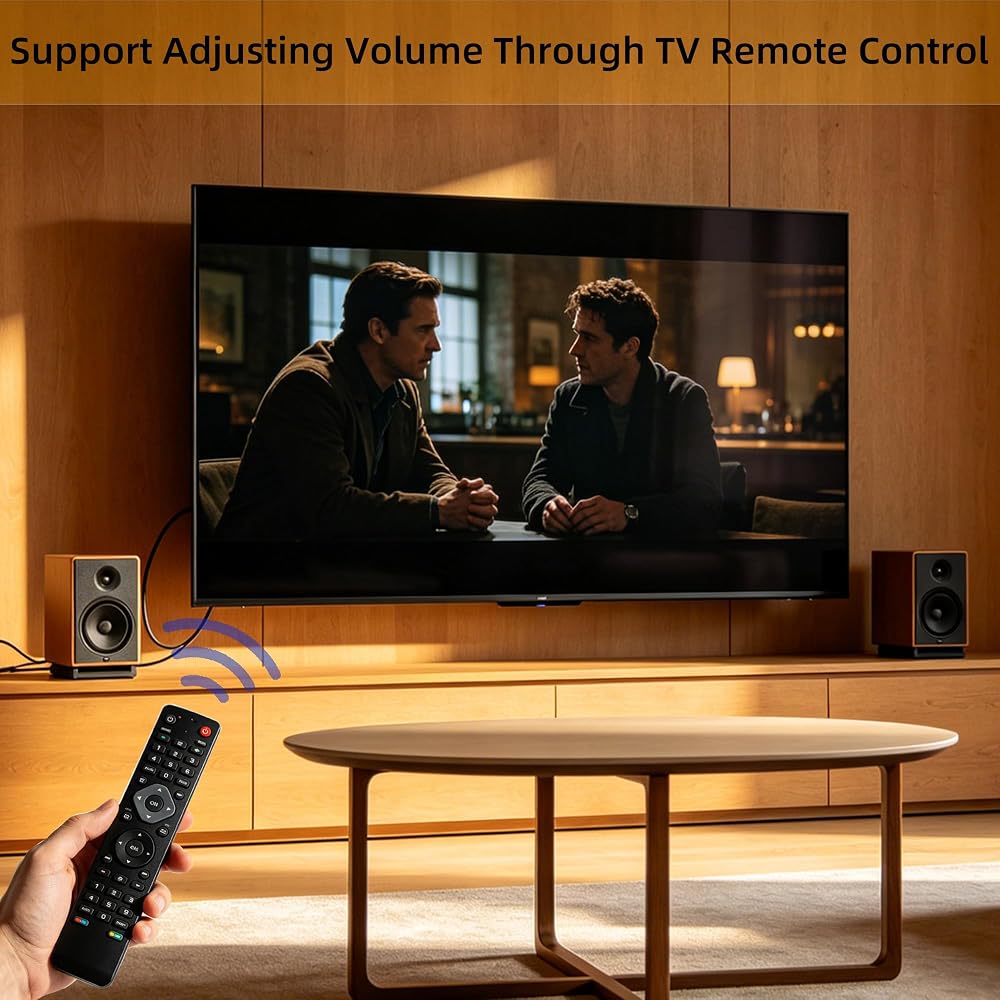
CEC Volume Control: Set the TV's audio format to PCM. (Not compatible with Dolby 5.1/DTS 5.1.) You can easily control the TV's volume using the TV remote control without having to get up to adjust it manually
Wide compatibility: Works with most TV brands that support ARC/eARC, such as Samsung, LG, and Sony. The RCA ports are compatible with amplifiers, powered speakers
TV Settings 1. Enable the TV's CEC feature. 2. Enable eARC (if your TV only supports ARC, skip this step). 3. Set the TV's audio output to ARC device. 4. Set the audio format to PCM
Plug and Play:No complicated driver installation required. Simply connect the converter's USB to the TV's USB port or power adapter
 192KHz eARC/ARC to Optical Coaxial SPDIF Audio Converter for TV to Soundbar,eARC to Optical Converter with CEC Volume Control, Supports PCM2.0/Dolby5.1/DTS 5.1, 5 Ft Cable
KWD 12.500
192KHz eARC/ARC to Optical Coaxial SPDIF Audio Converter for TV to Soundbar,eARC to Optical Converter with CEC Volume Control, Supports PCM2.0/Dolby5.1/DTS 5.1, 5 Ft Cable
KWD 12.500
 192KHz eARC/ARC to Optical Coaxial SPDIF Audio Converter for TV to Speaker- Supports PCM2.0/Dolby5.1/DTS 5.1 Input,CEC Volume Control & 5 Ft Cable
KWD 12.500
192KHz eARC/ARC to Optical Coaxial SPDIF Audio Converter for TV to Speaker- Supports PCM2.0/Dolby5.1/DTS 5.1 Input,CEC Volume Control & 5 Ft Cable
KWD 12.500
 -13%
192KHz eARC ARC to Optical SPDIF Coaxial Audio Converter for TV,ARC to Optical Audio Extactor Cable,CEC Volume Control,Support PCM2.0/Dolby5.1/DTS 5.1, 4.9 Ft
KWD 14
-13%
192KHz eARC ARC to Optical SPDIF Coaxial Audio Converter for TV,ARC to Optical Audio Extactor Cable,CEC Volume Control,Support PCM2.0/Dolby5.1/DTS 5.1, 4.9 Ft
KWD 14
 -36%
2.4GHz Wireless Audio Transmitter Receiver for TV,18ms Low Latency 164Ft/ Long Range ,(ARC/Optical/3.5mm /RCA Input/Output, Built-in Bluetooth 5.3 Receiver Suitable for Home Theater (Audio Only)
KWD 53.500
-36%
2.4GHz Wireless Audio Transmitter Receiver for TV,18ms Low Latency 164Ft/ Long Range ,(ARC/Optical/3.5mm /RCA Input/Output, Built-in Bluetooth 5.3 Receiver Suitable for Home Theater (Audio Only)
KWD 53.500