- Shopping, made easy.
- /
- Get the app!

Upgraded Wireless Gaming Adapter for Xbox One Controllers - Connect to Windows PC, Laptop, or Tablet
Key Features:
Broad Windows System Support: Connects your controller to computers running for Windows 10, 8.1, 8, or 7 via a USB 2.0 or 3.0 port, transforming your PC into a versatile gaming platform.
Multiplayer & Communication Ready: Enables local multiplayer sessions by supporting connections for up to 8 controllers. Use a standard wired headset plugged into your controller for in-game chat and high-quality stereo audio (full headset features require for Windows 10).
Straightforward Setup: Enjoy a simple pairing process. Plug the adapter into your PC, press the pairing button, then press the Guide button on your controller. Note: First-time users on certain Windows versions may need to manually install a driver for initial setup.
Important Compatibility Guidelines: This adapter is designed specifically for use with official for Microsoft for Xbox One Wireless Controllers. It is not compatible with Xbox 360 controllers, unofficial third-party gamepads, or any wireless headsets.
Package Includes:
1 x Wireless USB Adapter
1 x User Manual
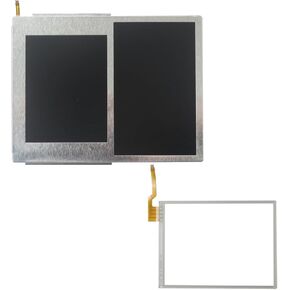 2025 New for Nintendo 2DS LCD Screen Display Top + Bottom + Touch Digitizer
KWD 20.500
2025 New for Nintendo 2DS LCD Screen Display Top + Bottom + Touch Digitizer
KWD 20.500
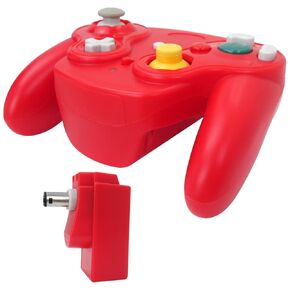 Icelily Upgrade Wireless Game Controller with Adapter Compatible for Gamecube Retro Classic GC NGC - Purple
KWD 12.500
Icelily Upgrade Wireless Game Controller with Adapter Compatible for Gamecube Retro Classic GC NGC - Purple
KWD 12.500
 Upgrade Icelily Door Lock Button Compatible with Mercedes Benz Door Lock Switch Unlock Button for B W246, C-Class W204, ML W166, CLA W117, GLK X204, GL X166, CLS, 2010-2015 E Class W212
KWD 15
Upgrade Icelily Door Lock Button Compatible with Mercedes Benz Door Lock Switch Unlock Button for B W246, C-Class W204, ML W166, CLA W117, GLK X204, GL X166, CLS, 2010-2015 E Class W212
KWD 15
 Upgrade Icelily Door Lock Button Compatible with Mercedes Benz Door Lock Switch Unlock Button for B W246, C-Class W204, E-Class W212, ML W166, CLA W117, GLK X204, GL X166, CLS 2013-2018 G Class W463
KWD 15
Upgrade Icelily Door Lock Button Compatible with Mercedes Benz Door Lock Switch Unlock Button for B W246, C-Class W204, E-Class W212, ML W166, CLA W117, GLK X204, GL X166, CLS 2013-2018 G Class W463
KWD 15

