- Shopping, made easy.
- /
- Get the app!
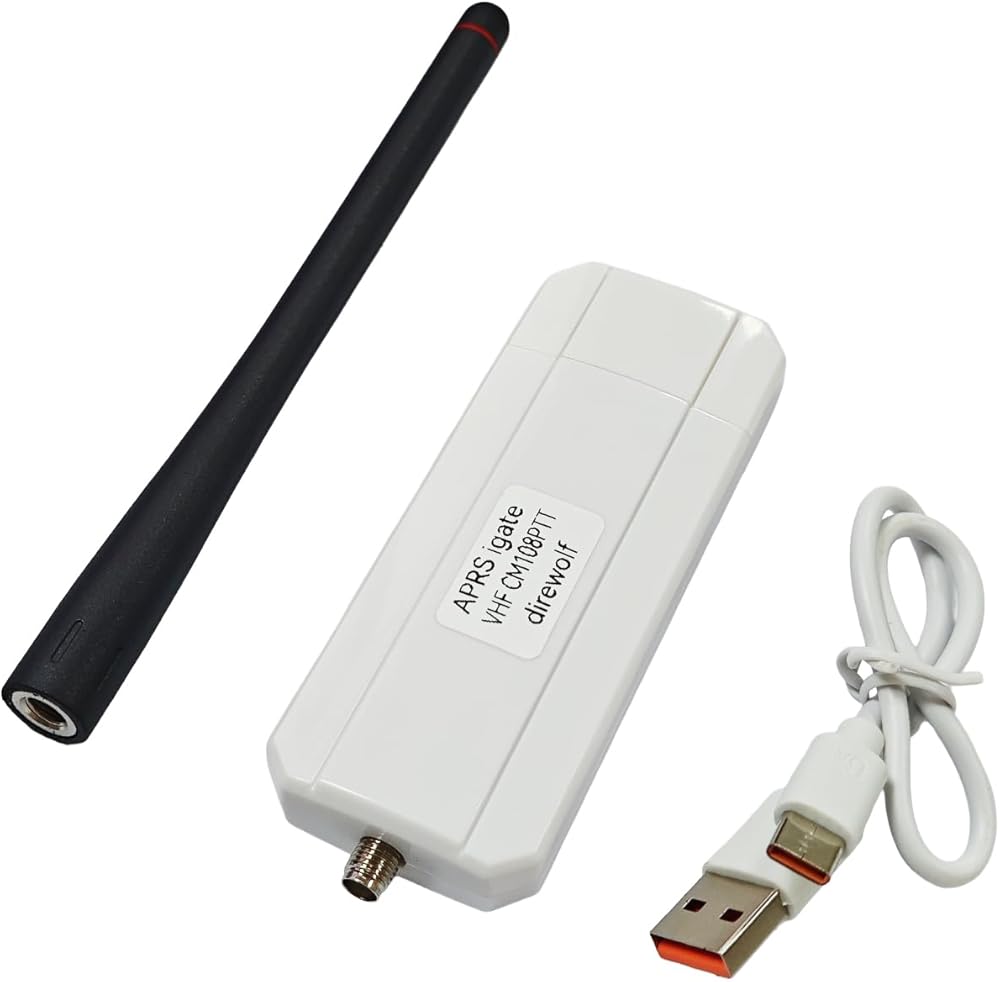
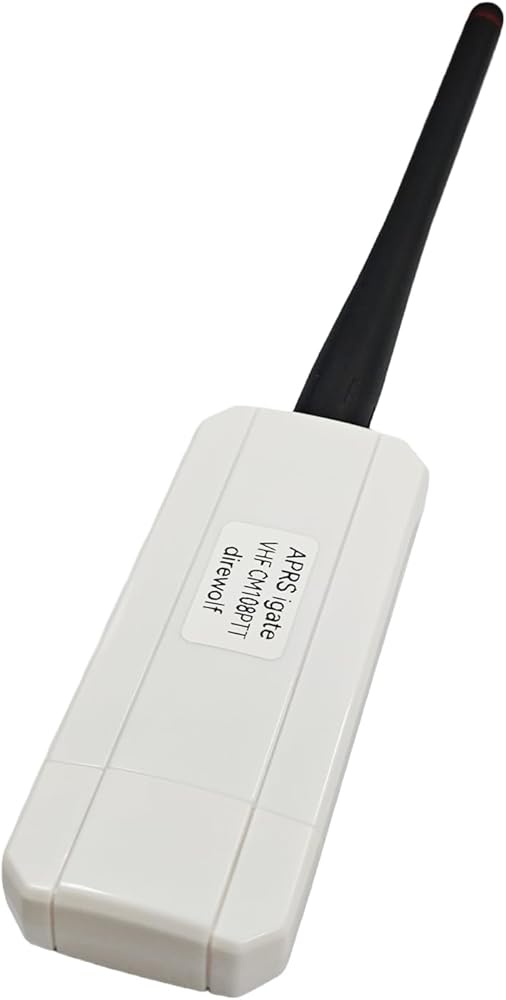
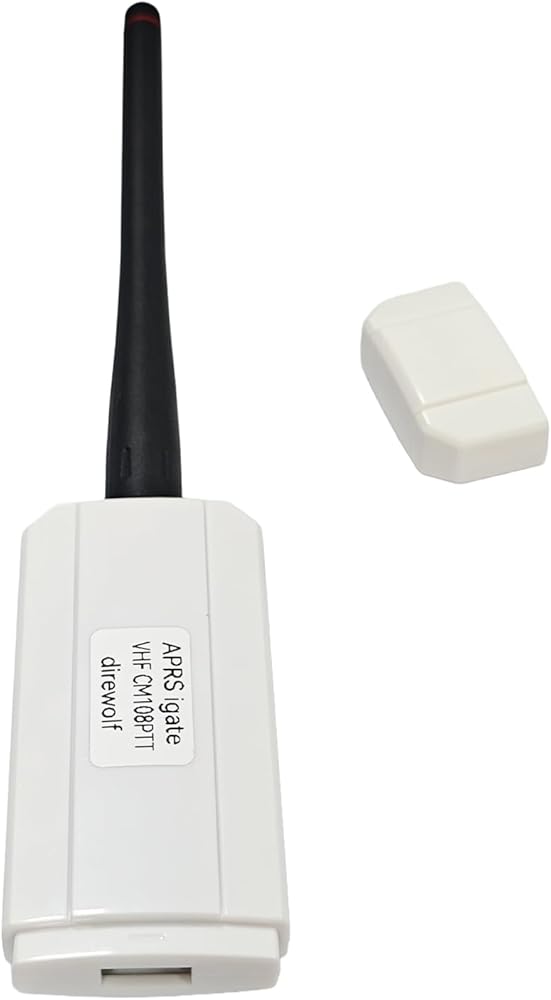
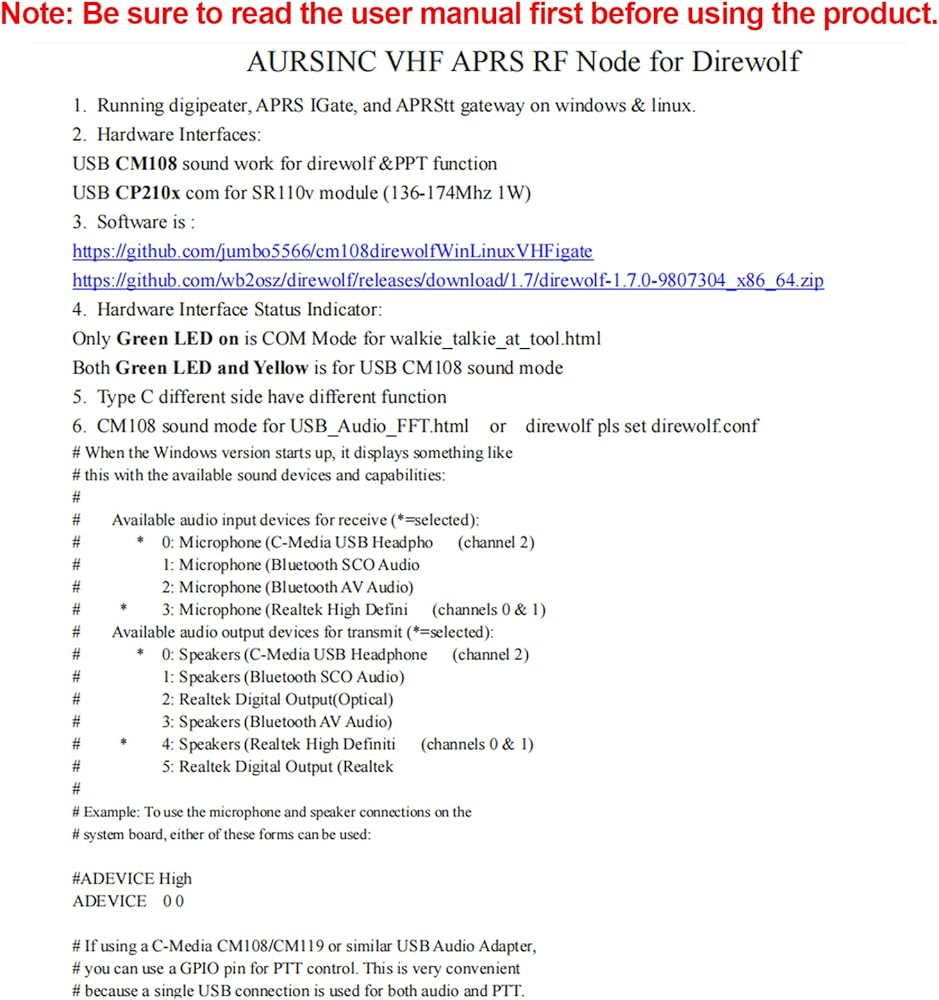
AURSINC VHF APRS RF Node for direwolf
Running digipeater, APRS IGate, and APRStt gateway on windows & linux.
Hardware Interfaces:
USB CM108 sound work for direwolf &PPT function
USB CP210x com for SR110v module (136-174Mhz 1W)
Software is :
github .com/jumbo5566/cm108direwolfWinLinuxVHFigate
github .com/wb2osz/direwolf/releases/download/1.7/direwolf-1.7.0-9807304_x86_64.zip
Hardware Interface Status Indicator:
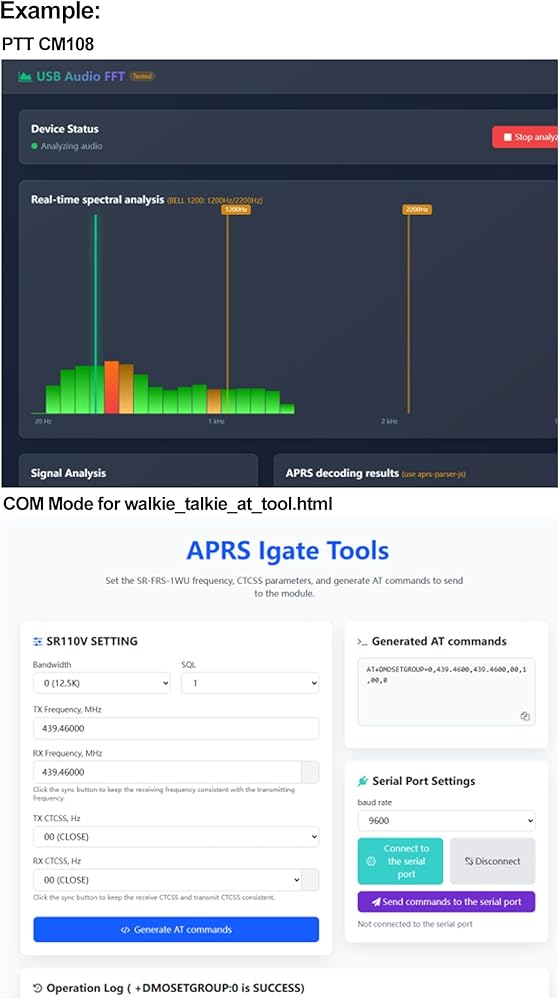
Only Green LED on is COM Mode for walkie_talkie_at_tool.html
Both Green LED and Yellow is for USB CM108 sound mode
Typec different side have different function
CM108 sound mode for USB_Audio_FFT.html or direwolf pls set direwolf.conf
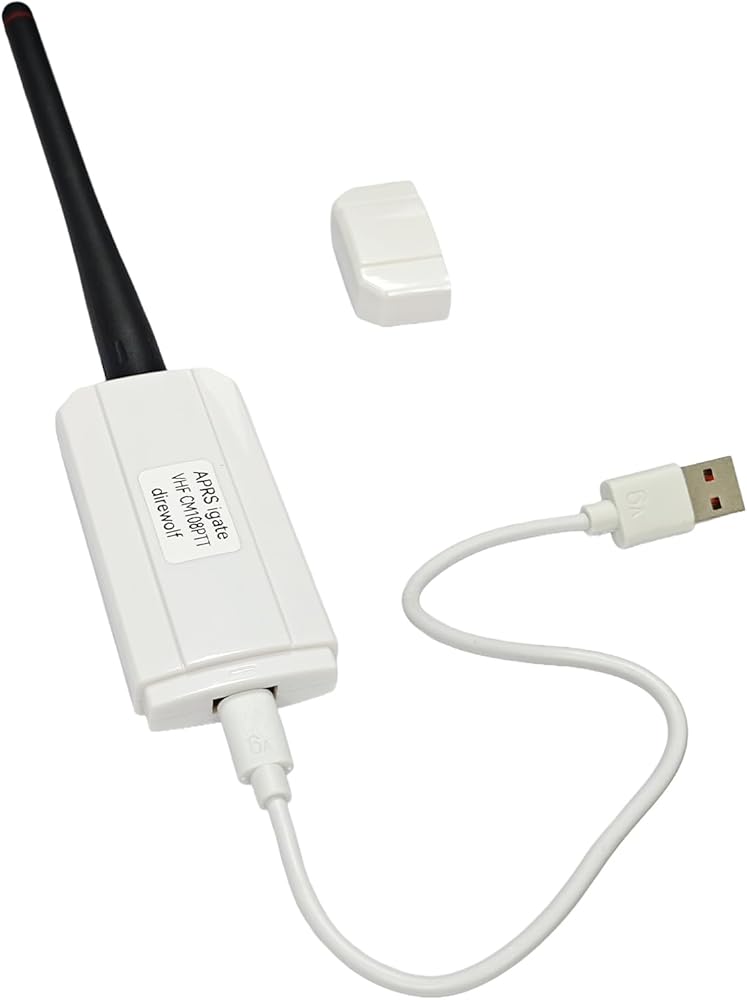
The USB-C plug that comes with this device can be oriented two different ways: one way for running Direwolf/Allstar, and the other for programming the SR110V radio module.
With the embossed text on the USB-C plug facing away from the "APRS igate" label, this device presents itself to the operating system as a CM108 sound card with a GPIO PTT port. This is how you use it with Direwolf/Allstar.
Oriented the other way, it presents a serial device. This is for programming the radio module. Using the open-source "SRFRS" tool, you can change the RX/TX frequencies, bandwidth (wide/narrow), and CTCSS tones. That way, you can listen to the International Space Station's (ISS) APRS digipeater on 145.825 MHz
# When the Windows version starts up, it displays something like
# this with the available sound devices and capabilities:
#
# Available audio input devices for receive (*=selected):
# * 0: Microphone (C-Media USB Headpho (channel 2)
# 1: Microphone (Bluetooth SCO Audio
# 2: Microphone (Bluetooth AV Audio)
# * 3: Microphone (Realtek High Defini (channels 0 & 1)
# Available audio output devices for transmit (*=selected):
# * 0: Speakers (C-Media USB Headphone (channel 2)
# 1: Speakers (Bluetooth SCO Audio)
# 2: Realtek Digital Output(Optical)
# 3: Speakers (Bluetooth AV Audio)
# * 4: Speakers (Realtek High Definiti (channels 0 & 1)
# 5: Realtek Digital Output (Realtek
#
# Example: To use the microphone and speaker connections on the
# system board, either of these forms can be used:
#ADEVICE High
ADEVICE 0 0
# If using a C-Media CM108/CM119 or similar USB Audio Adapter,
# you can use a GPIO pin for PTT control. This is very convenient
# because a single USB connection is used for both audio and PTT.
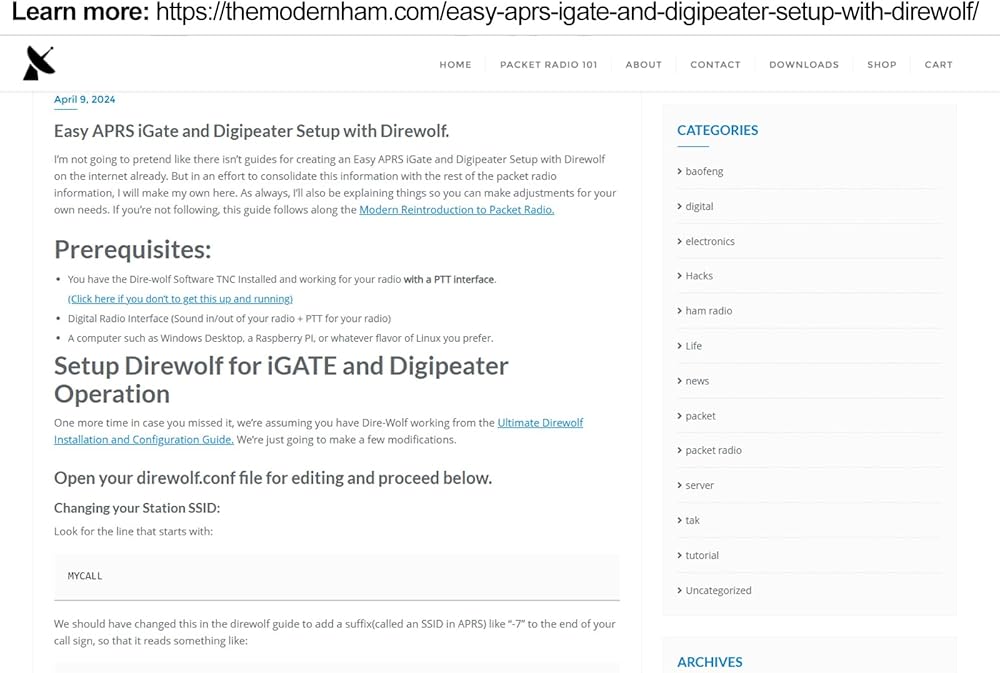
Learn more: themodernham .com/easy-aprs-igate-and-digipeater-setup-with-direwolf/
 AURSINC NanoVNA Vector Network Analyzer 10KHz -1.5GHz HW V3.5 HF VHF UHF Antenna Analyzer Measuring S Parameters, Voltage Standing Wave Ratio, Phase, Delay, Smith Chart with 2.8'' Touchscreen
KWD 37
AURSINC NanoVNA Vector Network Analyzer 10KHz -1.5GHz HW V3.5 HF VHF UHF Antenna Analyzer Measuring S Parameters, Voltage Standing Wave Ratio, Phase, Delay, Smith Chart with 2.8'' Touchscreen
KWD 37
 AURSINC NanoVNA Network Analyzer SMA Calibration Kit for Antenna Analyzer | RF Coaxial Test Connector Short/Load/Open/Thru Type 5 pcs/Set
KWD 6
AURSINC NanoVNA Network Analyzer SMA Calibration Kit for Antenna Analyzer | RF Coaxial Test Connector Short/Load/Open/Thru Type 5 pcs/Set
KWD 6
 Portable tinysa Spectrum Analyzer - AURSINC V0.3.1 Hand Held Frequency Analyzer | 100kHz to 960MHz MF/HF/VHF UHF Input | ESD Protected Function & 2.8 inch Touchscreen | Signal Generator
KWD 26
Portable tinysa Spectrum Analyzer - AURSINC V0.3.1 Hand Held Frequency Analyzer | 100kHz to 960MHz MF/HF/VHF UHF Input | ESD Protected Function & 2.8 inch Touchscreen | Signal Generator
KWD 26
 -5%
AURSINC Allstar RF Node UHF SR-FRS Radio Programming Module Pi-hat for Allstar, Echolink, APRS, Digital Modes Compatible for Raspberry Pi 2/3/4 | Pin to Pin Replace SA-818 Module| UHF Freq 400-470
KWD 27.500
-5%
AURSINC Allstar RF Node UHF SR-FRS Radio Programming Module Pi-hat for Allstar, Echolink, APRS, Digital Modes Compatible for Raspberry Pi 2/3/4 | Pin to Pin Replace SA-818 Module| UHF Freq 400-470
KWD 27.500

 Kuwait