USB C to USB C/HDMI Dual-Display Adapter,4K 144Hz,Built-in Fan,Power&Charge | Fits Xreal/Viture/RayNeo AR Glasses and HDMI/USB-C Monitors Connecting Steam Deck,ROG Ally,Switch 2,iPhone 17-15
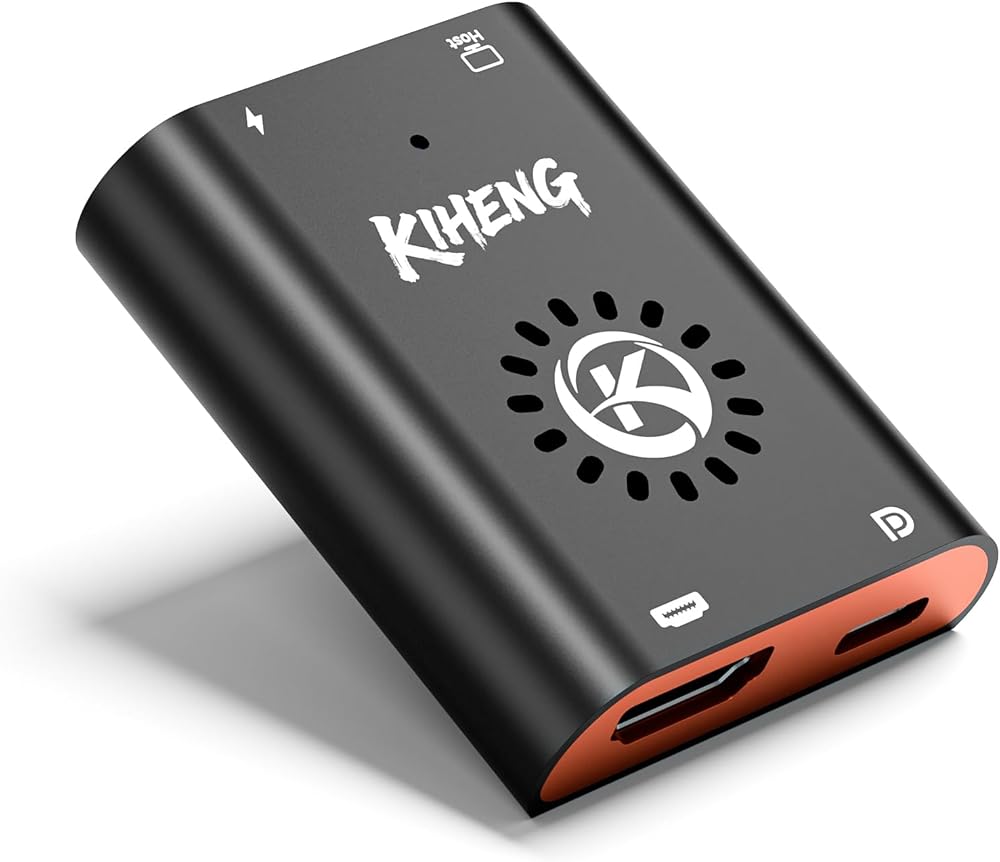
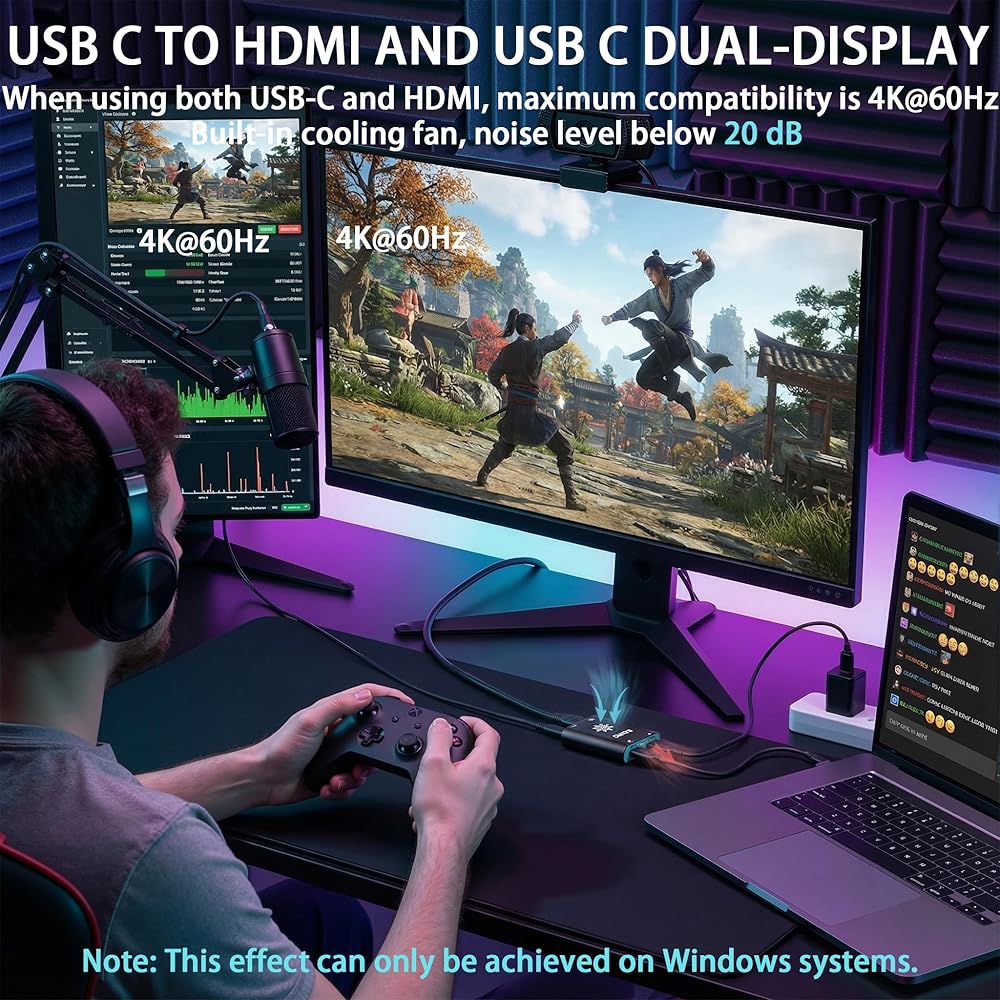
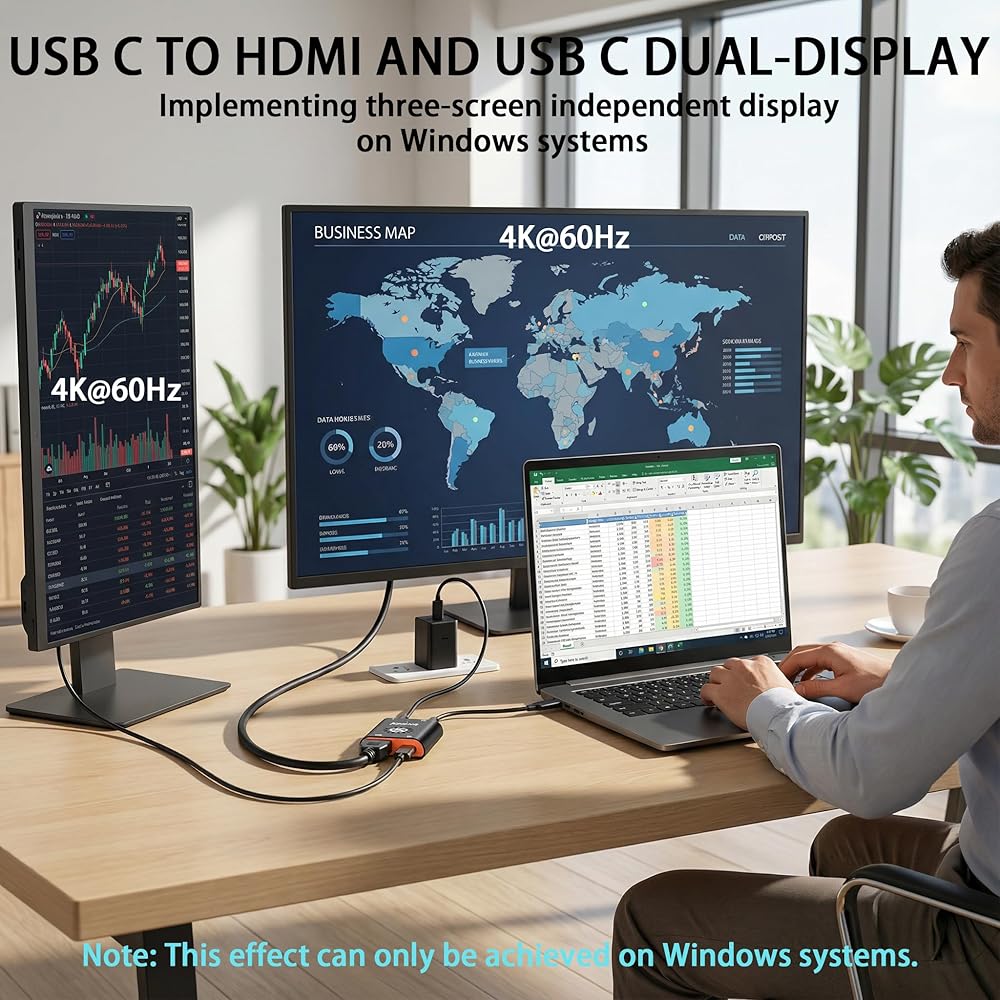
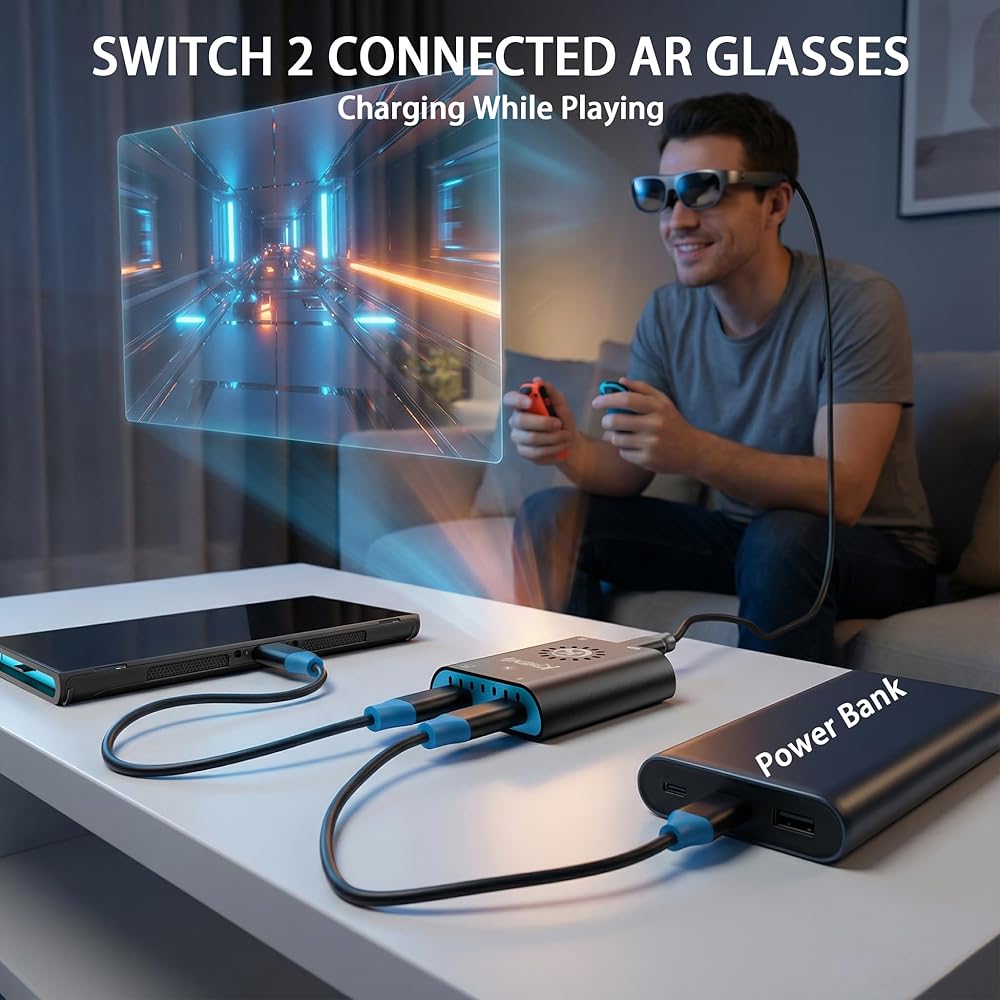
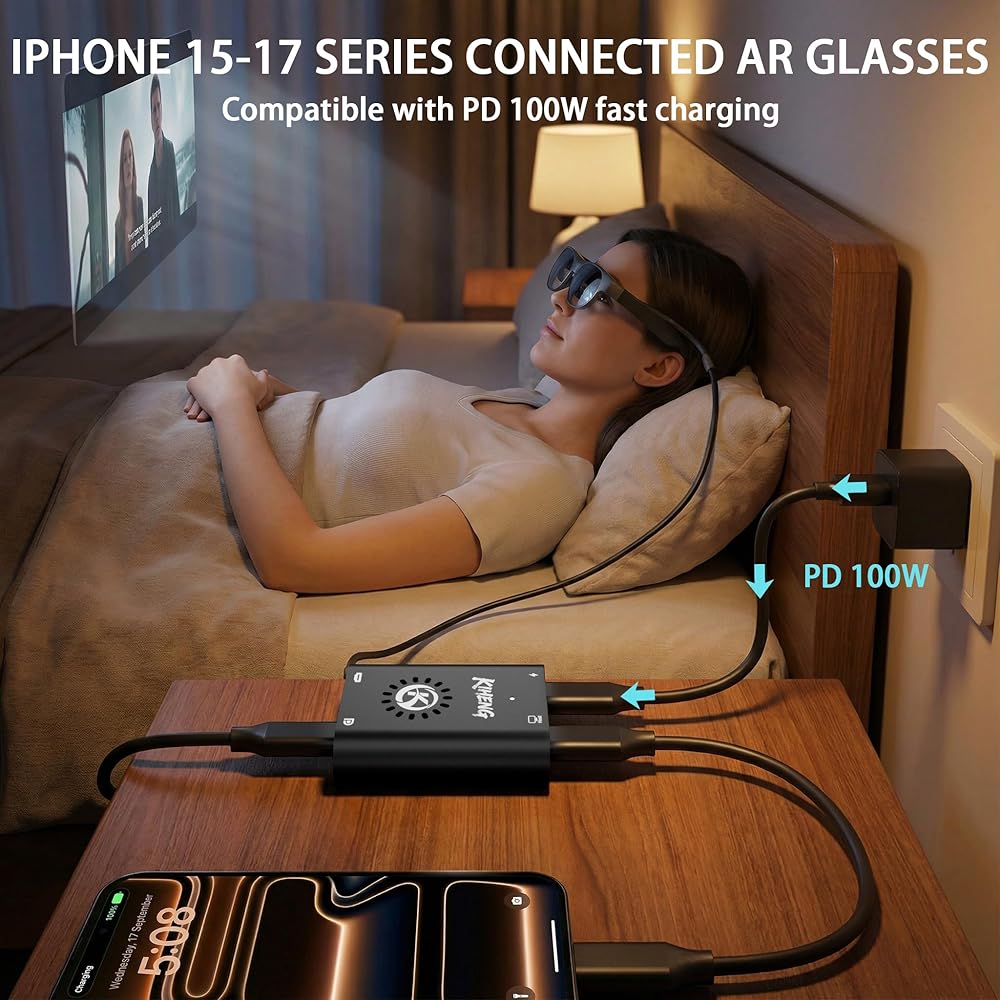
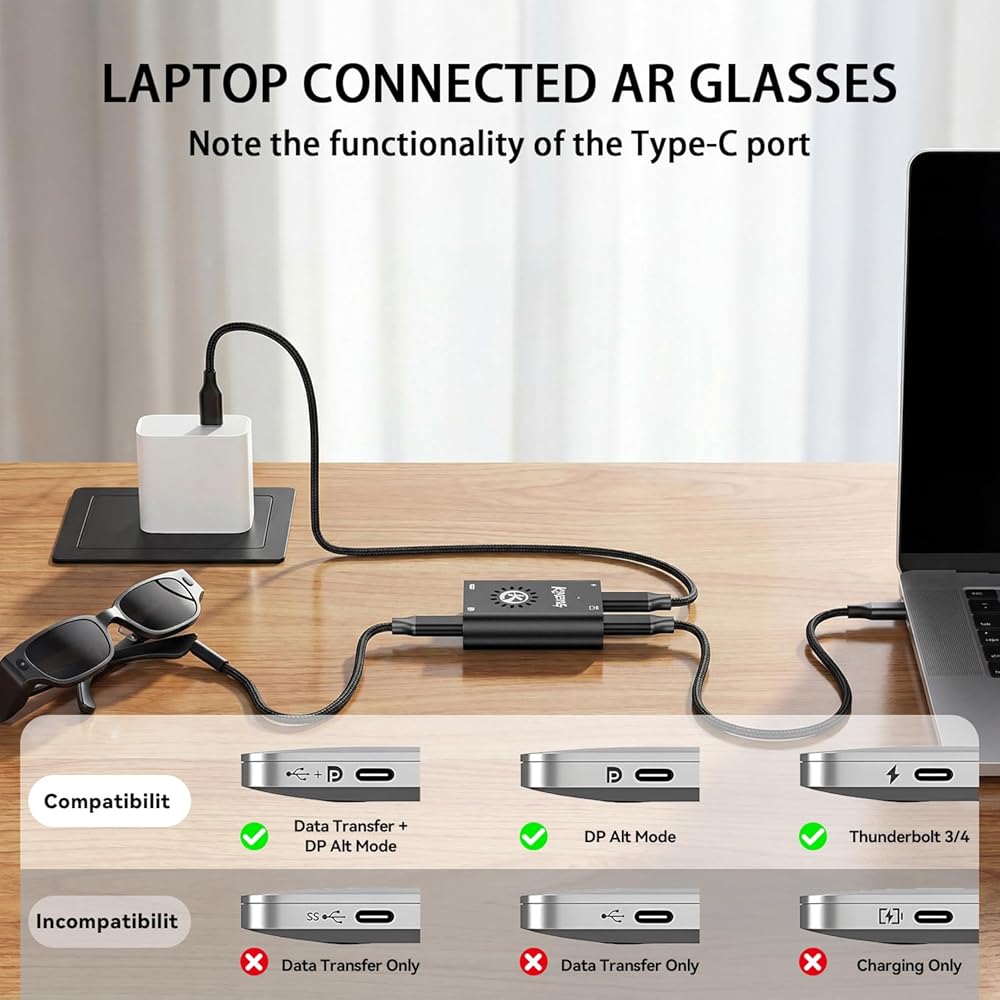
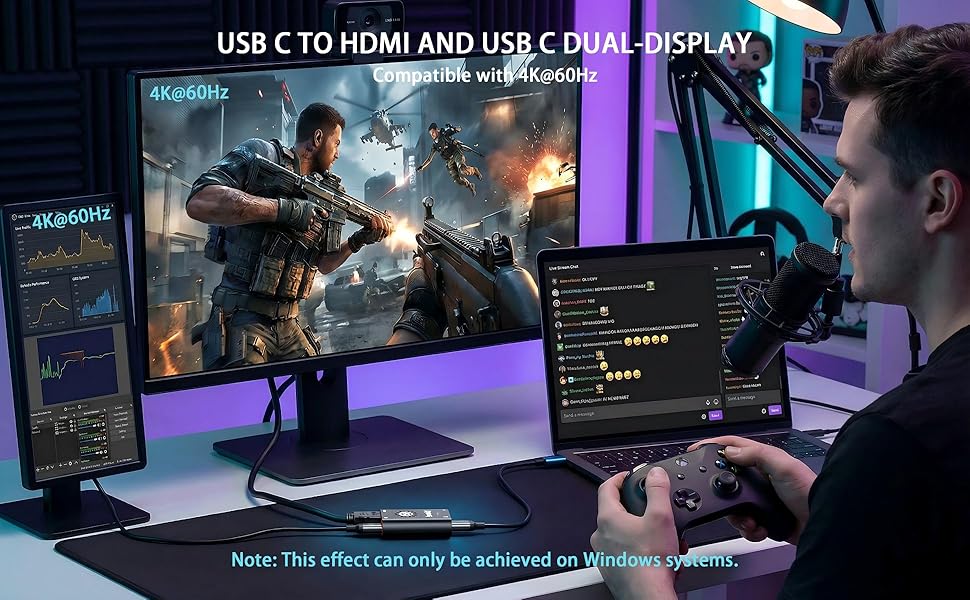
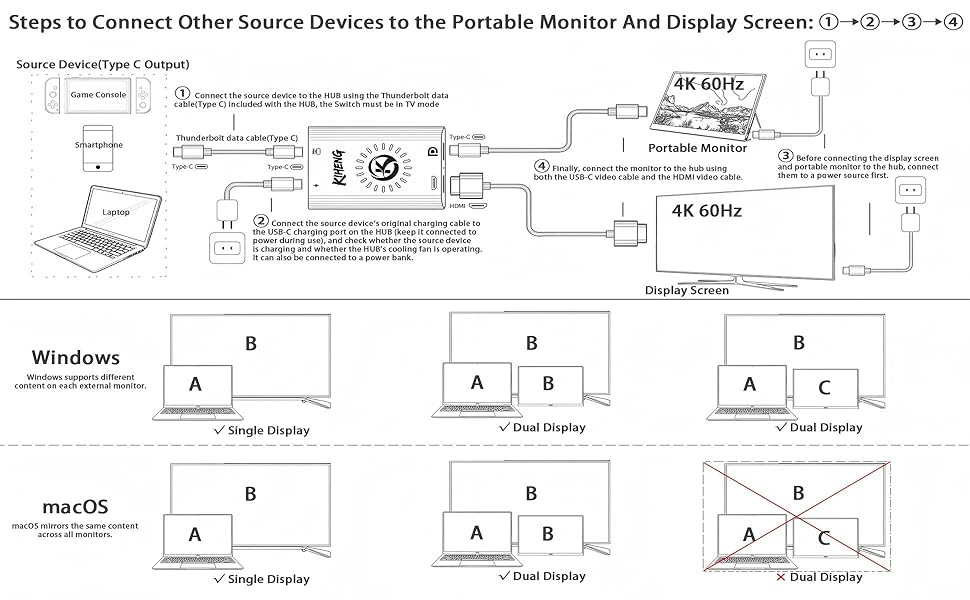
USB C to HDMI and USB C: This USB-C hub provides a solution for users with two monitors featuring different video inputs—one with Type-C and the other with HDMI—enabling either dual-display mirroring or dual-display with separate content. This adapter uses the latest chip that can power AR glasses while charging to Switch 2. This HUB can charge your Switch/Switch OLED/Switch 2, Steam Deck, Rog Ally, iPhone 17/16/15, ect devices, when using AR glasses or Type C/HDMI displays. It enhances compatibility between different display devices and reduces your budget for monitor equipment needed for live streaming or other professional tasks.
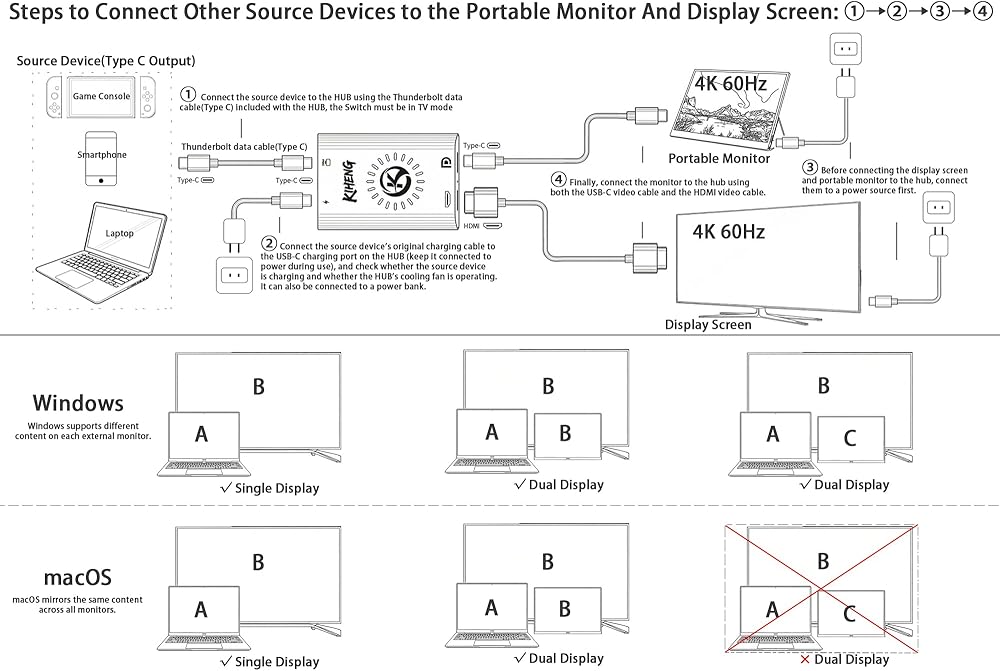
4K 60Hz: When using both the USB-C (DP) and HDMI video outputs of the HUB simultaneously for either mirrored or dual-display configurations, the maximum compatible video quality for both outputs is 4K@60Hz. Note that this is compatibility, not enhancement—your source device and display must support such high-quality output and display capabilities
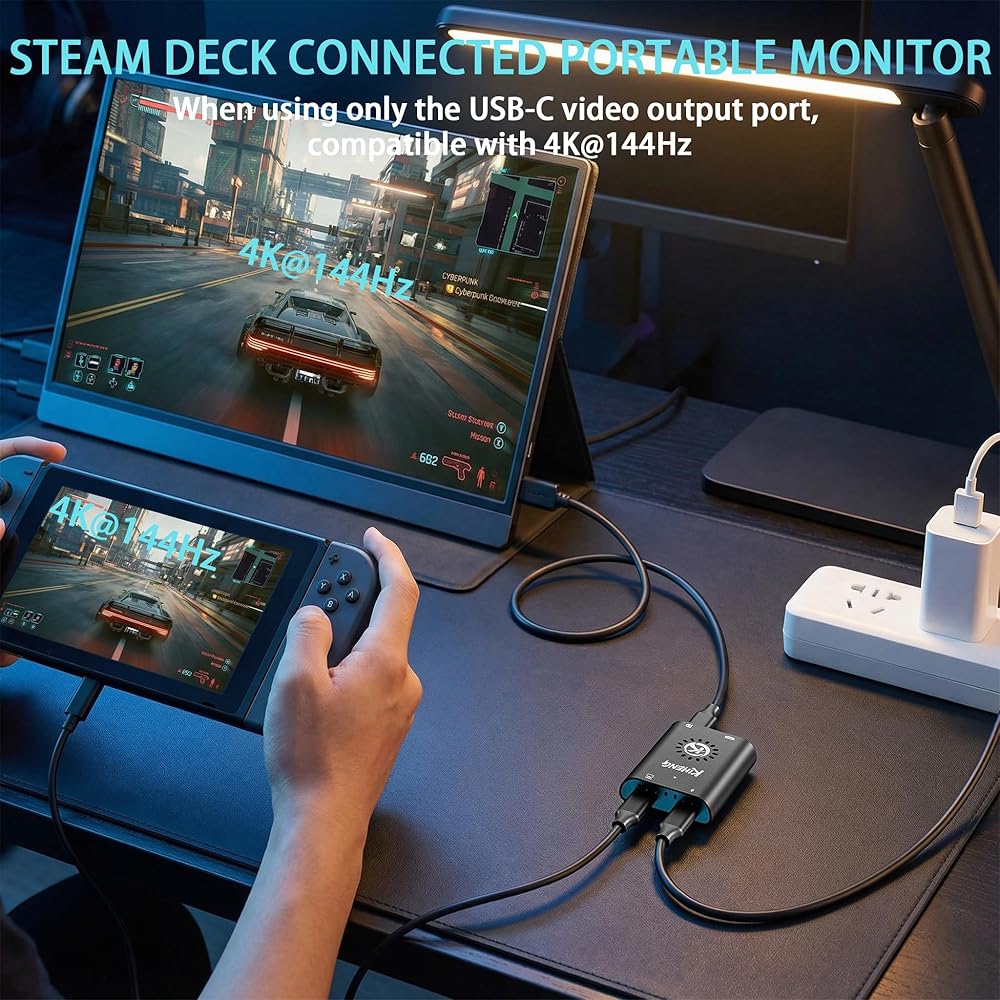
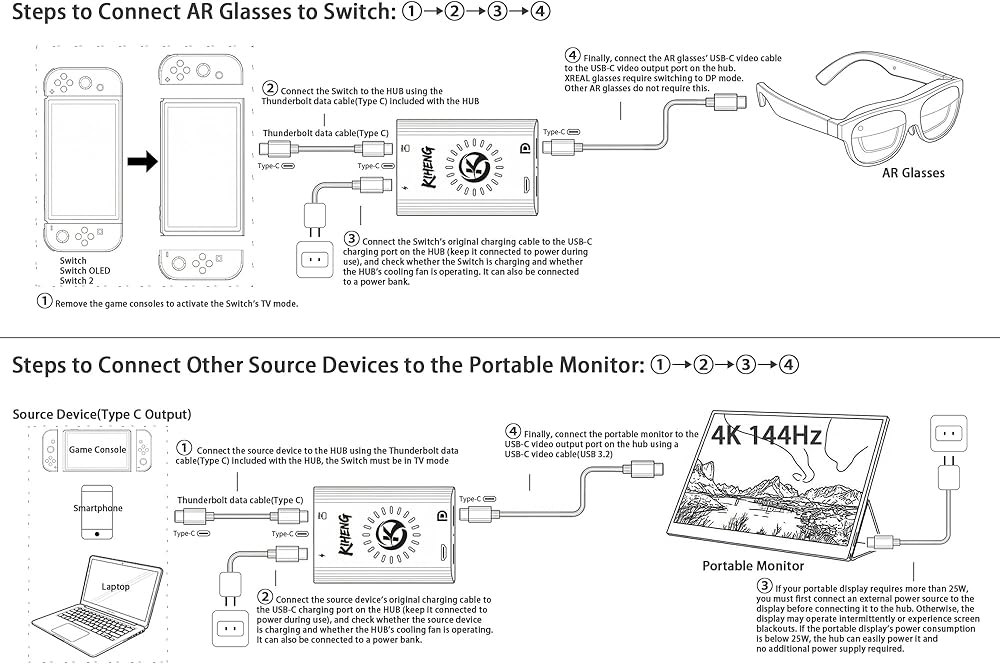
4K 144Hz: When using only the USB-C (DP) video output port on the HUB (with no devices or cables connected to the HDMI output port), such as for connecting source devices for AR glasses or portable displays, the USB-C (DP) output port supports a maximum video resolution of 4K@144Hz. Note that this is compatibility, not enhancement. Your source device and display must support such high-resolution output and display capabilities
Built-in cooling fan: This hub features an integrated fan design that effectively reduces surface temperature during full-power operation to 33°C~38°C. This significantly extends the hub's lifespan and enhances performance. The fan operates nearly silently, with noise levels below 20dB
PD 100W Fast Charging for Source Devices: This usb-c charging hub adapter delivers compatible 100W of power via the PD port to fast-charge upstream devices like laptops, smartphones, or gaming consoles. But Switch/ROG/Steam Deck‘s internal hardware will trigger a protection mechanism to limit the charging power if it is too high. Therefore, please use the original charger to connect to our HUB (Switch /OLED: 15W, Switch 2: 60W, ROG: 65W, Steam Deck: 45W). Finally, keep the HUB's charging port continuously connected to a power source or portable charger during use to ensure all functions operate properly
DP Protocol Video Output: Xreal AR glasses connect correct to the HUB but there is no sound or not video on glasses, you need to switch the Xreal AR glasses to DP Mode(𝐃𝐢𝐬𝐩𝐥𝐚𝐲𝐏𝐨𝐫𝐭 𝐀𝐥𝐭 𝐌𝐨𝐝𝐞) according to the AR glasses manual. Except for Xreal AR glasses, which require switching to glasses mode, AR glasses from other brands do not require this
Attention: You can connect a Portable Charger to the HUB to keep it working properly, thereby solving the problem of inconvenient charging while traveling. If a display malfunction occurs, please unplug and replug the cables to ensure each connection is secure and free from looseness.
Adapter Type-C: If your device only supports HDMI but not Type-C, please choose HDMI to USB-C hub. This is very important, because of PS4/PS5, Xbox cannot use this USB-C to USB-C hub. Of course, we also sell HDMI to USB-C hub, search 𝐀𝐒𝐈𝐍 B0DSZXZSTX (𝐜𝐨𝐦𝐩𝐚𝐭𝐢𝐛𝐥𝐞 𝐰𝐢𝐭𝐡 𝐍𝐢𝐧𝐭𝐞𝐧𝐝𝐨 𝐒𝐰𝐢𝐭𝐜𝐡 𝟐, 𝐏𝐒𝟒/𝐏𝐒𝟓, 𝐗𝐛𝐨𝐱) on Amazon. However, do not use these two HUBs together at the same time.
Friendly Service: Product includes: Hub x1, Thunderbolt cable (Type-C)20cm x1. The interface of the HUB is designed to be compact, this is to prevent the interface from shaking during use. If you have any questions, please leave a message through the manual or Amozon seller KIHENG. We will actively help you to solve the problem
 USB-C to AR Glasses Adapter Mini,100W PD,4K 60Hz,Charge&Video Sync
KWD 12
USB-C to AR Glasses Adapter Mini,100W PD,4K 60Hz,Charge&Video Sync
KWD 12
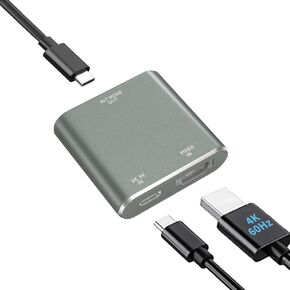 HDMI to USB-C AR Glasses Adapter, 4K 60Hz, for HDMI Source Devices | Fits XREAL One/Viture/RayNeo Air/Rokid AR Glasses and USB C Portable Monitor Connecting Switch 2, PS4/5, Xbox, Laptops(HDMI)
KWD 10.500
HDMI to USB-C AR Glasses Adapter, 4K 60Hz, for HDMI Source Devices | Fits XREAL One/Viture/RayNeo Air/Rokid AR Glasses and USB C Portable Monitor Connecting Switch 2, PS4/5, Xbox, Laptops(HDMI)
KWD 10.500
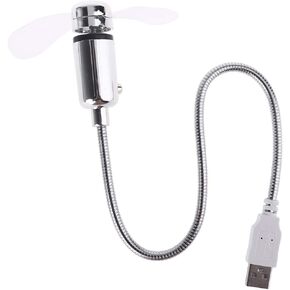 Energy Saving Flexible USB Cooling Fan with Switch for Notebook Laptop Computer
KWD 3.500
Energy Saving Flexible USB Cooling Fan with Switch for Notebook Laptop Computer
KWD 3.500
 -21%
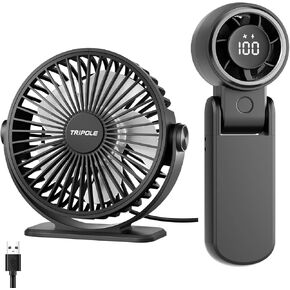
TriPole Portable Handhel Fan with LED Display and USB Powered Small Desk Fan Bundle, Speed Adjustable Personal Cooling Fans for Table Office Outdoor Travel
KWD 9.500
-21%
TriPole Portable Handhel Fan with LED Display and USB Powered Small Desk Fan Bundle, Speed Adjustable Personal Cooling Fans for Table Office Outdoor Travel
KWD 9.500

 Kuwait