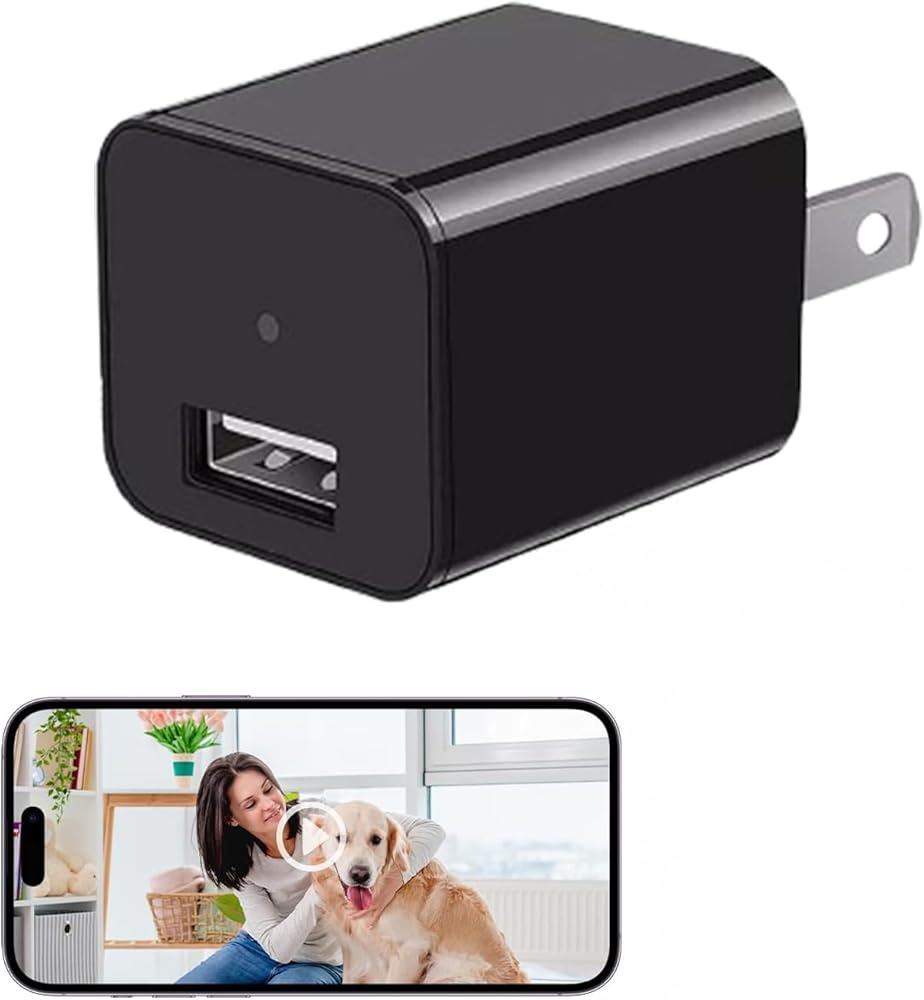
ULar Plug-in Security Camera, 4K UHD Small Nanny Pet Mini WiFi Cam, One Free 16GB SD Card Included Remotely APP View, Motion Detection for Indoor Smart Surveillance-No Audio
All electronics ship with US style plugs.You may need a voltage converter or a plug adapter.
Special Features
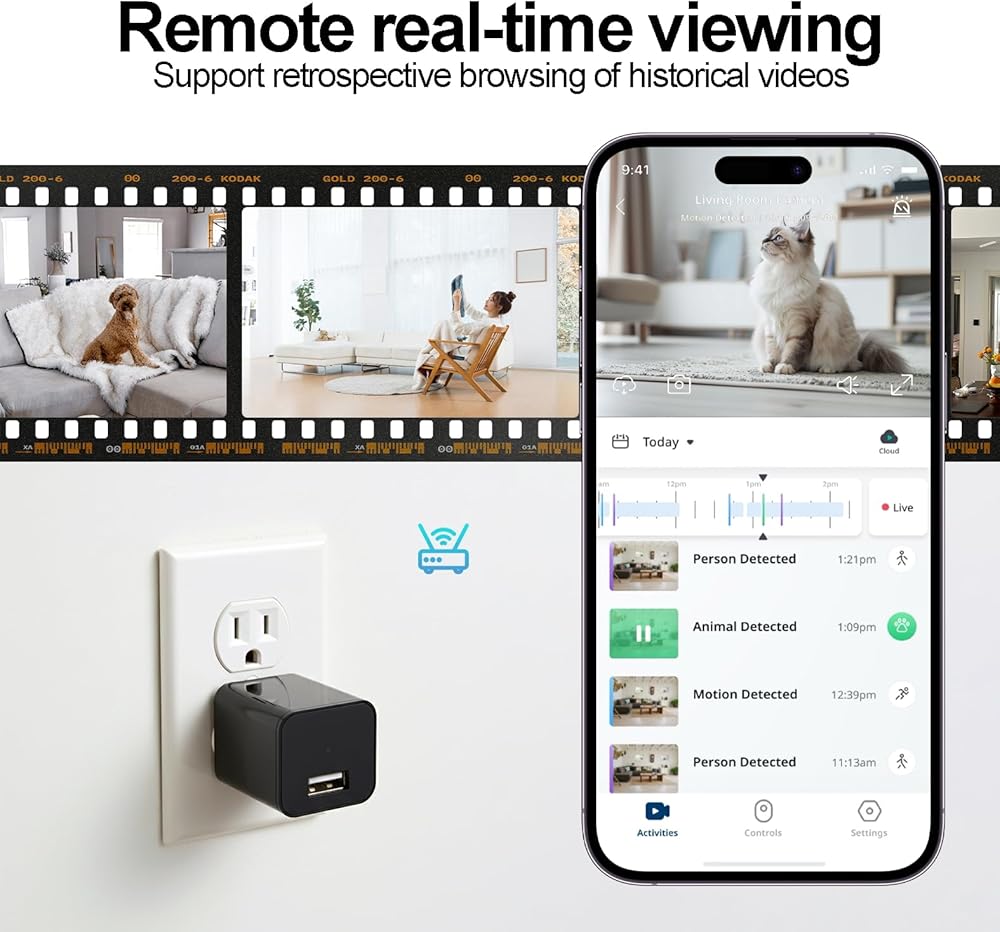
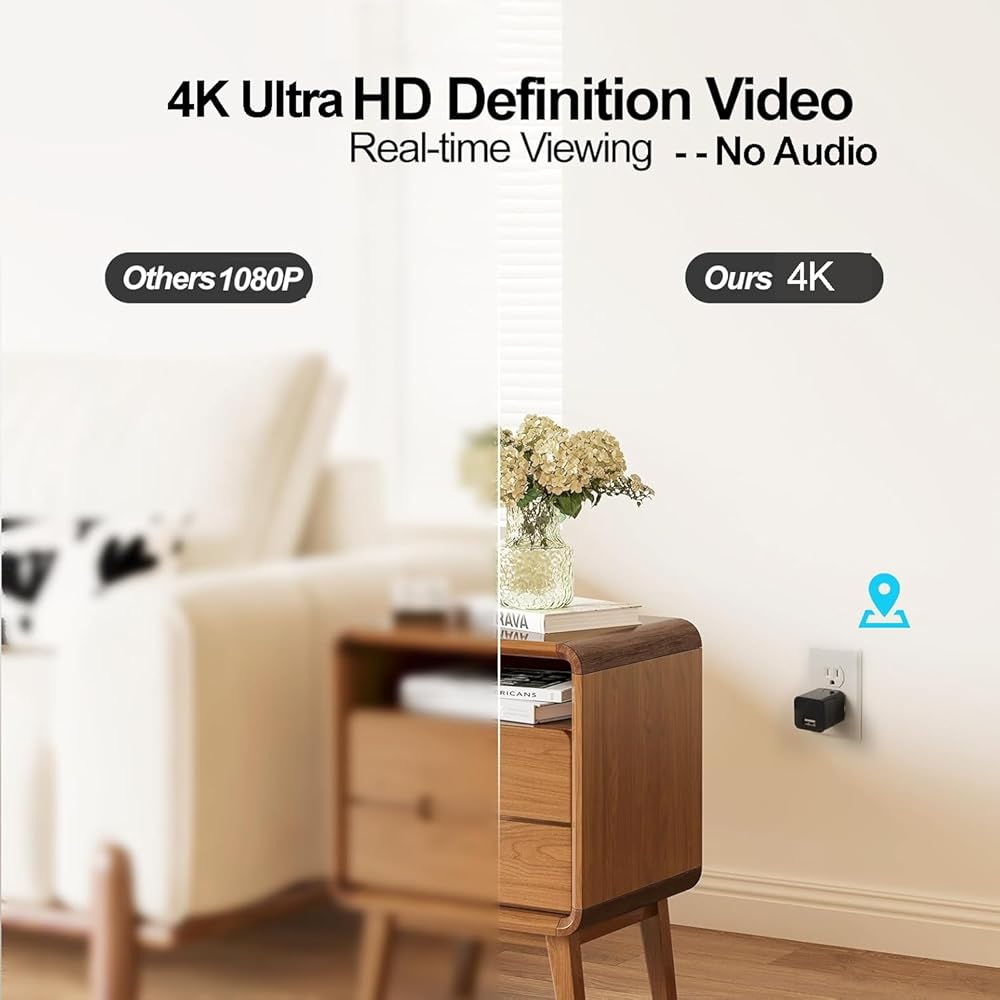
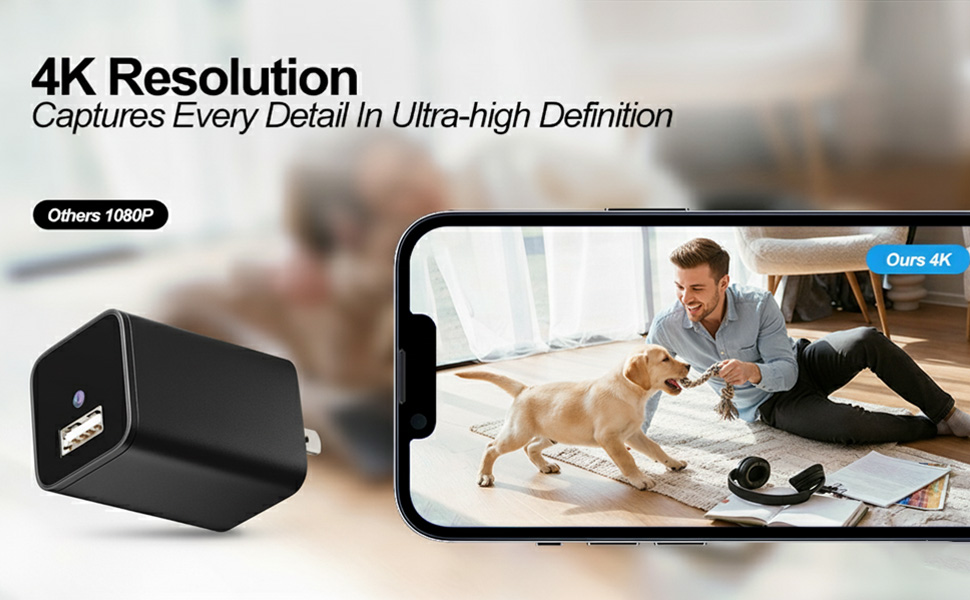
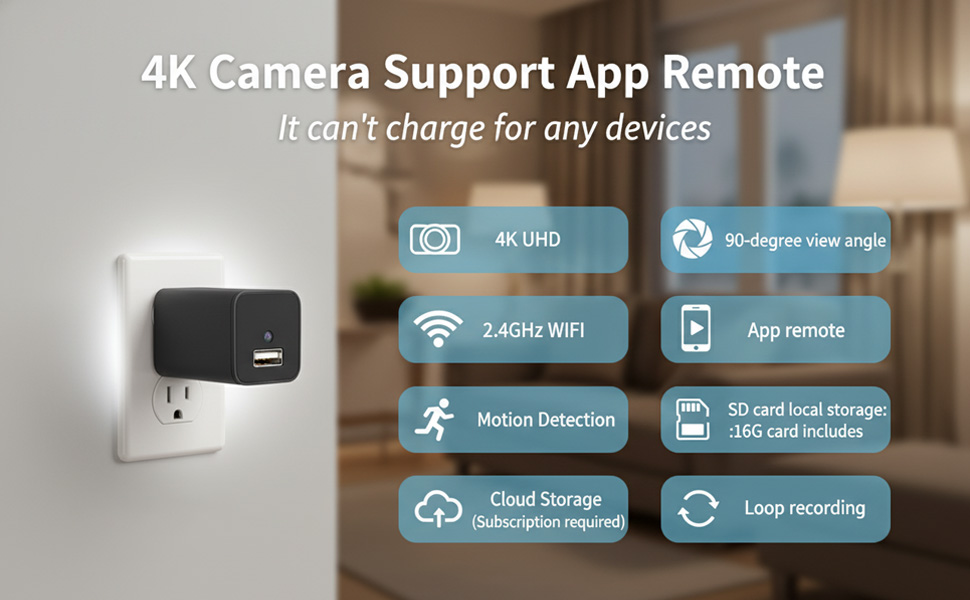
4K UHD Clear Images | Real-Time Monitoring Captures without blurring or lag.No Audio. The device can't charge for your phones.
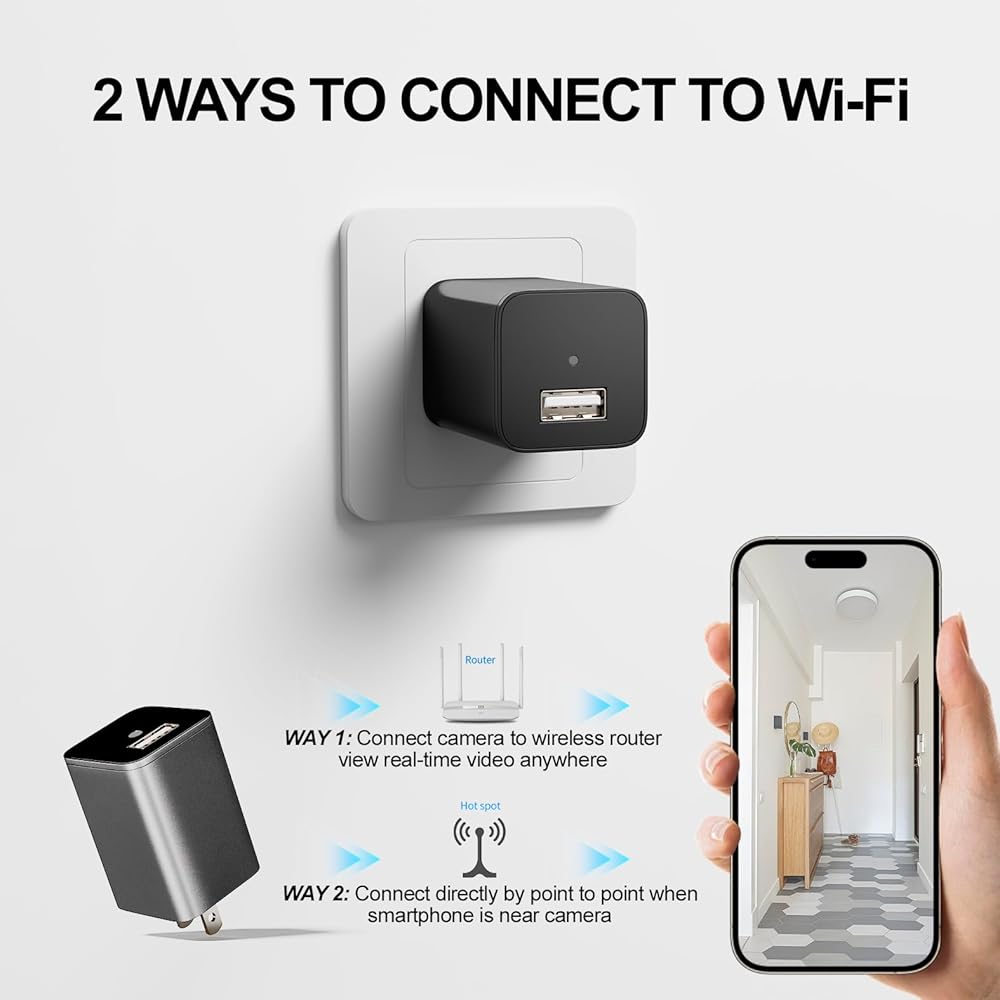
WiFi Stable Connection + AP Hotspot Mode | Network/No-Network Scenarios Remotely watch via phone when connected to WiFi; Point-to-point connection without a router, avoiding disconnection for multi-scene use.
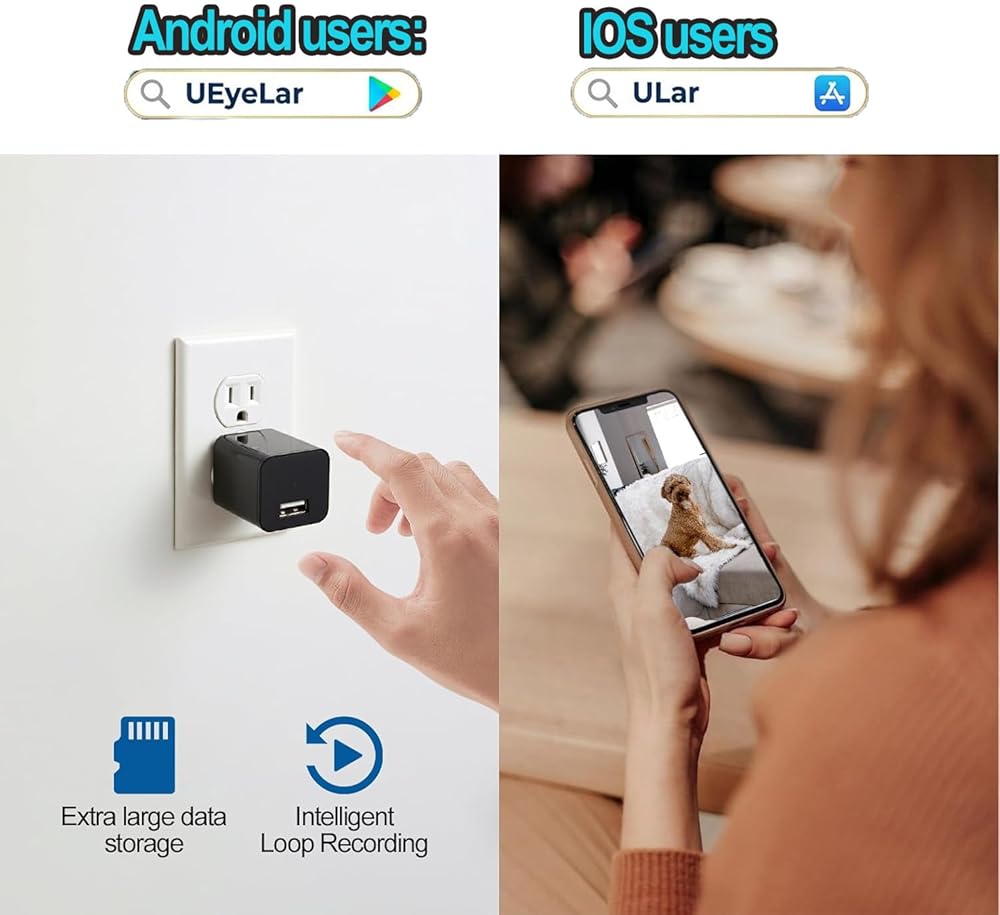
One Free 16GB SD Card | Long-Term Local Storage Needs Higher compression efficiency allows 3x more content on the same SD card, no frequent card replacement; optional cloud storage for dual data protection.
Multi-Level Motion Detection Sensitivity | False Alarm Reduction Instant alerts and clips sent to your phone. (Please note that iOS users should download the "ULar" application from the App Store, while Android users are required to download the "UEyeLar" application from Google Play.)
How to Connect: Step1. Insert the 16GB card in card slot. Plug in the camera and the indicator light is always on, you need to wait a few seconds it will turn to red&blue blinking. Step2.Turn on your phone's WiFi also connect it with your home WiFi. Then turn on our App to 'add camera', please notes select the mode 1 'smart scan' and view the correct camera model you have. Step3. Confirm the WiFi again, There will be a code on your App, you need use the usb charger camera to scan this code, when the indicator light blinking blue first then keep blue on, it says recognized. After this, you can set your camera password and remote the camera.
 San Jamar BD106 1qt Dome and Mini Dome Standard Chillable Tray (Pack of 6)
KWD 18
San Jamar BD106 1qt Dome and Mini Dome Standard Chillable Tray (Pack of 6)
KWD 18
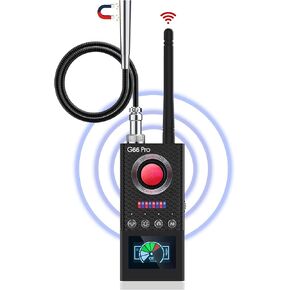 G66 Pro Hidden Camera Detector with AI Auto Scan, Magnetic GPS Tracker (M)
KWD 47
G66 Pro Hidden Camera Detector with AI Auto Scan, Magnetic GPS Tracker (M)
KWD 47
 -10%
WiFi Wiring Smoke Video Detector Real-Time Camera 4K Ultra HD Clarity Small Nanny Cam with Night Vision Clear and Motion Detection Home Surveillance Security No Audio
KWD 27
-10%
WiFi Wiring Smoke Video Detector Real-Time Camera 4K Ultra HD Clarity Small Nanny Cam with Night Vision Clear and Motion Detection Home Surveillance Security No Audio
KWD 27
 4K HD Indoor Camera Wall Charger Security Cameras-WiFi Camer with Motion Alerts, H.265+ Compression, Dual USB/Type-C Ports for Home-Office-pet cam
KWD 30
4K HD Indoor Camera Wall Charger Security Cameras-WiFi Camer with Motion Alerts, H.265+ Compression, Dual USB/Type-C Ports for Home-Office-pet cam
KWD 30

 Kuwait