- Shopping, made easy.
- /
- Get the app!
Laptop Screw Kit Full Set Replacement for HP Victus Gaming 15-FA 15-FB series , p/n:N13333-001
15-FA0032DX
15-FA0031DX
15-FA1093DX
15-FA1010NR
15-FA0033DX
15-FA1040NR
15-FA1030NR
15-FB0028NR
15-FB1013DX
Installation Precautions
Diagonal step-by-step fixing: tighten the screws step-by-step in diagonal order to avoid uneven stress on the bottom shell resulting in gaps or deformation.
Stage-by-stage tightening: screw all the screws in gently first (without tightening), make sure the bottom shell is aligned and then gradually reinforce it.
Strength control: Screws can be tightened until they stop naturally, do not use excessive force to avoid slipping or damaging the threads.
Checking the closure: After installation, gently press around the bottom shell to make sure there is no warping or gap. If there is any abnormality, re-check the screws to make sure they are aligned.
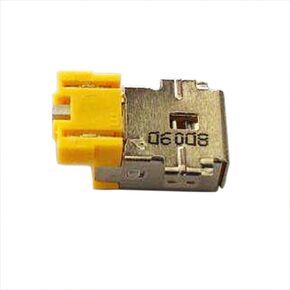 DC Power Jack Charging Port Socket Plug Replacement for Acer Aspire 3 A315-44P A315-59 N22C6 /SF313-51 SF313-52 SP111-31N SP111-32N SP111-33N Laptop Power Jack Charging Port Connector Plug
KWD 4.500
DC Power Jack Charging Port Socket Plug Replacement for Acer Aspire 3 A315-44P A315-59 N22C6 /SF313-51 SF313-52 SP111-31N SP111-32N SP111-33N Laptop Power Jack Charging Port Connector Plug
KWD 4.500
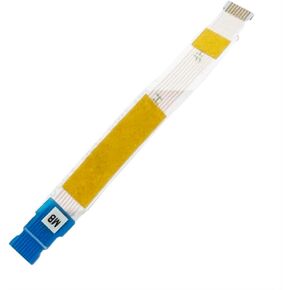 Touchpad Trackpad Board Cable Flex Replacement for Lenovo IdeaPad 1-14IJL7 82LV IdeaPad 1 14IAU7 82QC IdeaPad 1 14ALC7 82R3 IdeaPad 1 14IGL7 82V6 JS470 5C10S30338 NBX0001ZU00 NBX0001ZU20
KWD 4.500
Touchpad Trackpad Board Cable Flex Replacement for Lenovo IdeaPad 1-14IJL7 82LV IdeaPad 1 14IAU7 82QC IdeaPad 1 14ALC7 82R3 IdeaPad 1 14IGL7 82V6 JS470 5C10S30338 NBX0001ZU00 NBX0001ZU20
KWD 4.500
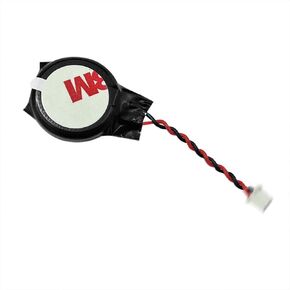 CMOS Batte-ry CR2032 Replacement for Lenovo T15p Gen 3 21DA 21DB 01HY790 04W4118 01HY789 GC02001OD10
KWD 5
CMOS Batte-ry CR2032 Replacement for Lenovo T15p Gen 3 21DA 21DB 01HY790 04W4118 01HY789 GC02001OD10
KWD 5
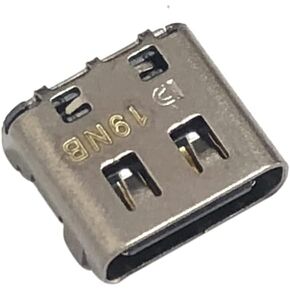 USB Type-C Charging Port Dock DC Jack Connector Replacement for Dell Latitude 7390 P29S002 2-in-1,Latitude 9410 P110G001 2-in-1/XPS 13 9305 P82G004, 9380 P82G002,7390 P82G003
KWD 5
USB Type-C Charging Port Dock DC Jack Connector Replacement for Dell Latitude 7390 P29S002 2-in-1,Latitude 9410 P110G001 2-in-1/XPS 13 9305 P82G004, 9380 P82G002,7390 P82G003
KWD 5




