2. Remove the temperature & humidity& pressure sensor that needs to be replaced.
3. Replace it with a new temperature & humidity& pressure sensor. When inserting align the notch with the protrusion. Make sure that the sensor is tightly fastened in place.
4. Install the protection filter for the temperature & humidity& pressure sensor, and close the plastic cover.
5. Please upgrade the firmware to V1.4.8 and above to enable the new sensor.
 Spy Optics Logan Sunglasses Shiny Black-Happy Gray Green Polarized
KWD 62.500
Spy Optics Logan Sunglasses Shiny Black-Happy Gray Green Polarized
KWD 62.500
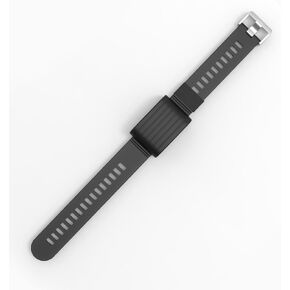 Adjustable And Comfortable Replacement Strap Compatible with Whoop 4.0 and Whoop 3.0 Heart Rate Monitor
KWD 4.500
Adjustable And Comfortable Replacement Strap Compatible with Whoop 4.0 and Whoop 3.0 Heart Rate Monitor
KWD 4.500
 Airboat 2PCS Silicone Water Bottle Boot for Owala 24oz 32oz 40oz, Protective Bottom Bumper Anti-Slip Sleeve for FreeSip, Twist, and Flip Stainless Steel Bottles, Dishwasher Safe and BPA Free
KWD 3
Airboat 2PCS Silicone Water Bottle Boot for Owala 24oz 32oz 40oz, Protective Bottom Bumper Anti-Slip Sleeve for FreeSip, Twist, and Flip Stainless Steel Bottles, Dishwasher Safe and BPA Free
KWD 3
 CREATCABIN Running Medal Hanger Display Sports Medal Holder Over 60+ Medals Award Iron Holder Rack Frame Wall Mounted Hanging for Medalist Runner Gymnastics Marathon Athlete Gift 15.7 x 5.9 Inch
KWD 8
CREATCABIN Running Medal Hanger Display Sports Medal Holder Over 60+ Medals Award Iron Holder Rack Frame Wall Mounted Hanging for Medalist Runner Gymnastics Marathon Athlete Gift 15.7 x 5.9 Inch
KWD 8




